Getting started with Haptic
 HapticGuide
Welcome to Haptic! Your first server was created while you signed up, so the fun part starts right away: power it up, copy your server address, and share…
Welcome to Haptic! Your first server was created while you signed up, so the fun part starts right away: power it up, copy your server address, and share it with your friends. This article is a quick tour of everything you can do from your dashboard.
Your first server
When you signed up, you picked a game, a server location, and how much memory your plan includes. That server is already waiting for you on My Servers in your dashboard.
The dashboard is a website, not an app you install, so you can set up and manage your server from any phone, tablet, or computer browser. If you play on a console, that is where the setup happens: open the dashboard in a browser on whatever device you have handy.
Open My Servers.
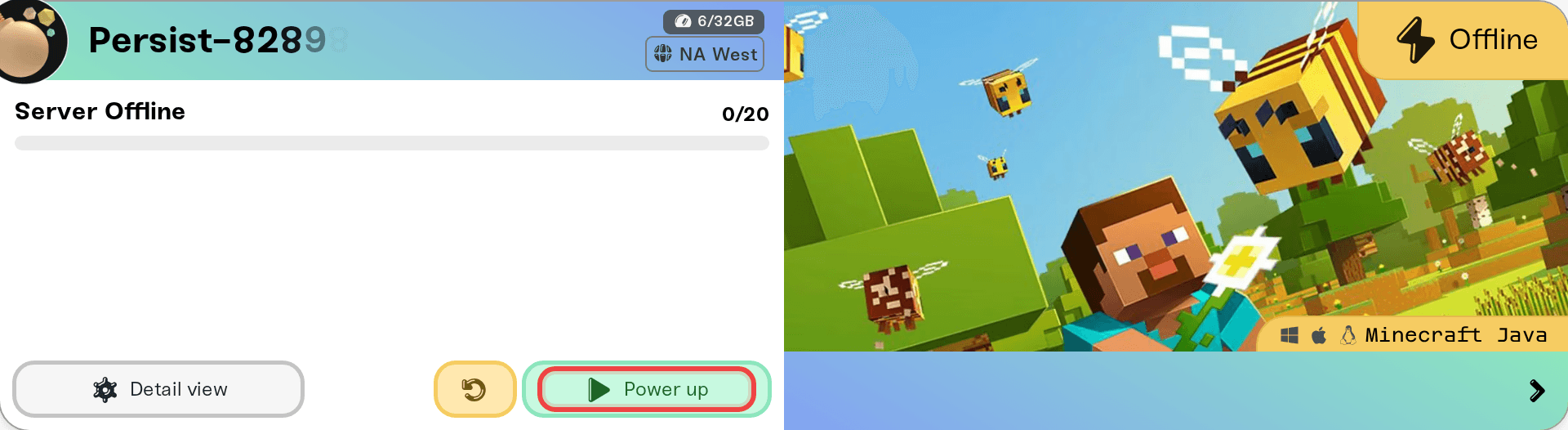
Press the power button on your server. Wake & Play servers say Wake up, Always On servers say Power up.
Watch the status change from Starting to Online. The first start takes a little longer than usual while your world is created.
Copy the server address shown on your server card and paste it into the game's multiplayer or direct connect screen.
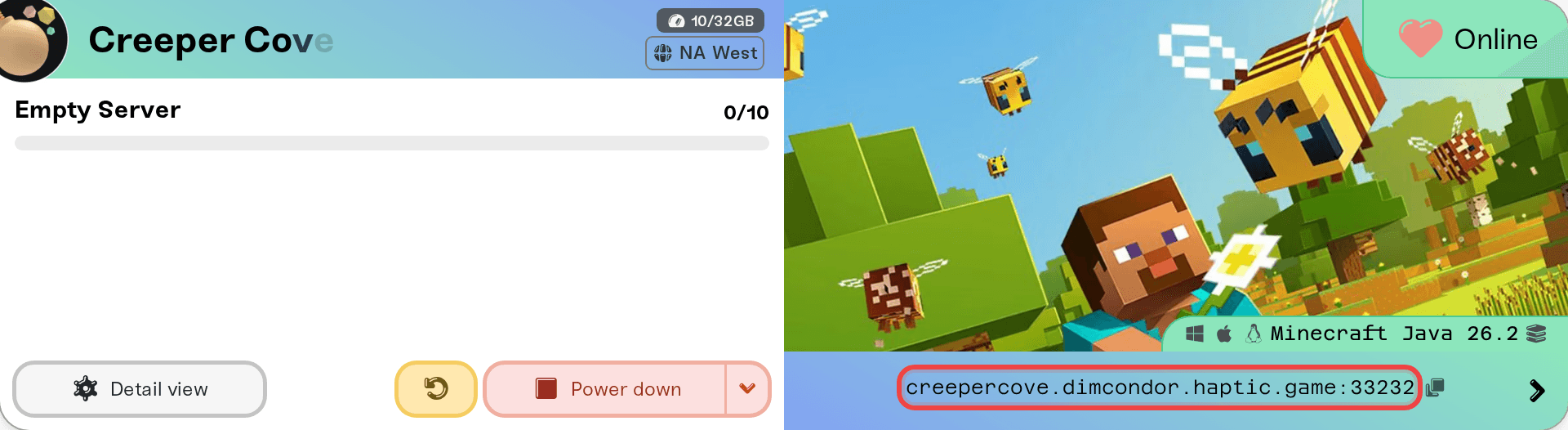
Share that same address with friends and they can join too. If anything refuses to connect, our guide I can't connect to my server walks through the usual causes.
Your dashboard, at a glance
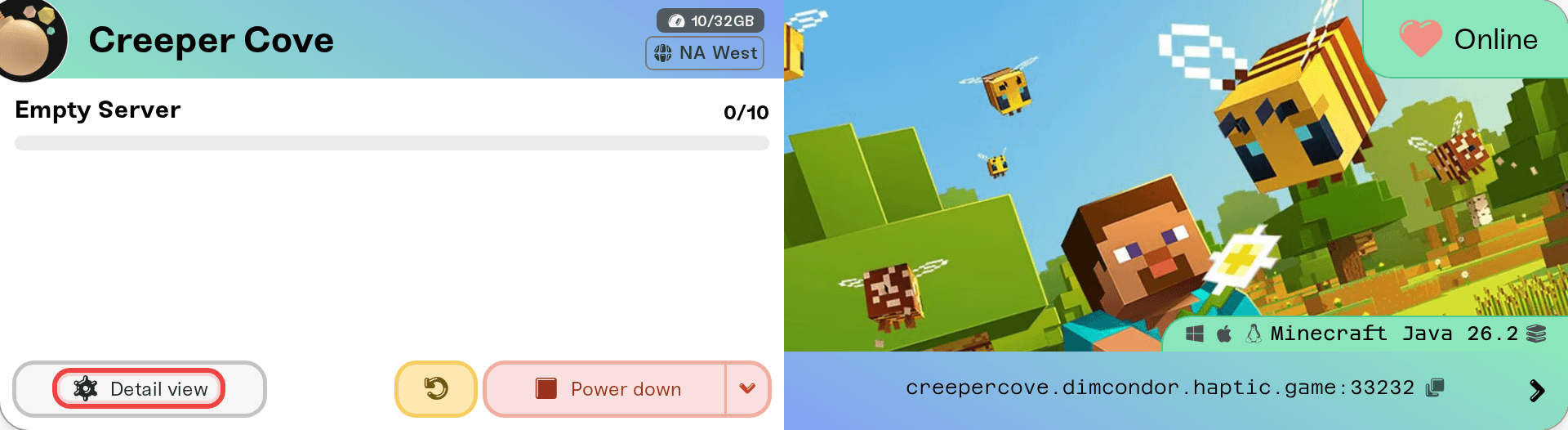
Everything lives on your server card and its settings:
Settings: change game settings like difficulty, max players, passwords, and world options right from the dashboard. No config files needed, though the Files card is there when you want to edit them directly.
Mods: browse and install mods, plugins, and modpacks with one click for the games that support them.
Backups: Haptic backs your world up automatically, and you can create a manual backup any time with New Backup.
Console: watch your server's live console and send commands.
Public page: every server can have its own shareable web page with your server address, who is online, and a wake button for friends.
Wake & Play
Most Haptic servers run on Wake & Play: your server goes to sleep when nobody has been playing for a while, and wakes up when you need it. Your world is backed up on every sleep, and nothing about it changes while the server is off. That is how Haptic keeps hosting affordable without deleting or pausing anything you built.
Read more in What is Wake and Play?
Add more servers, swap games
Your plan is a pool of memory, not a single server. You can create more servers with Add Server, run several at once if your plan has the memory for it, and stash the ones you are not playing right now. Stashed servers keep their worlds and settings and can come back any time.
Haptic hosts a growing list of games, from Minecraft and Palworld to Valheim and Project Zomboid. The full list is on our Games page, and the same games appear when you press Add Server. If the game you want is not there yet, tell us on Discord or at support@haptic.gg which game it is and whether you need mod support. New game requests are noted, but we cannot promise if or when a game will be added.
Bring friends along
Share the address and anyone can play on your server.
Manage Friends (under Account) lets you invite people to help run your servers. They get their own free Haptic account, and you choose exactly which servers they can manage and what they are allowed to do.
Friends can wake your server from its public page using a share password, so nobody has to wait for you to be online.
Need help?
We are real people and we answer fast. Join our Discord or email support@haptic.gg, and check the rest of the support library for game-specific guides.



