

















If you're looking for the best RuneScape: Dragonwilds server provider, we recommend you try Haptic. Our servers have quality Ryzen 9 hardware, DDoS protection, and support in chat on our site or on Discord.
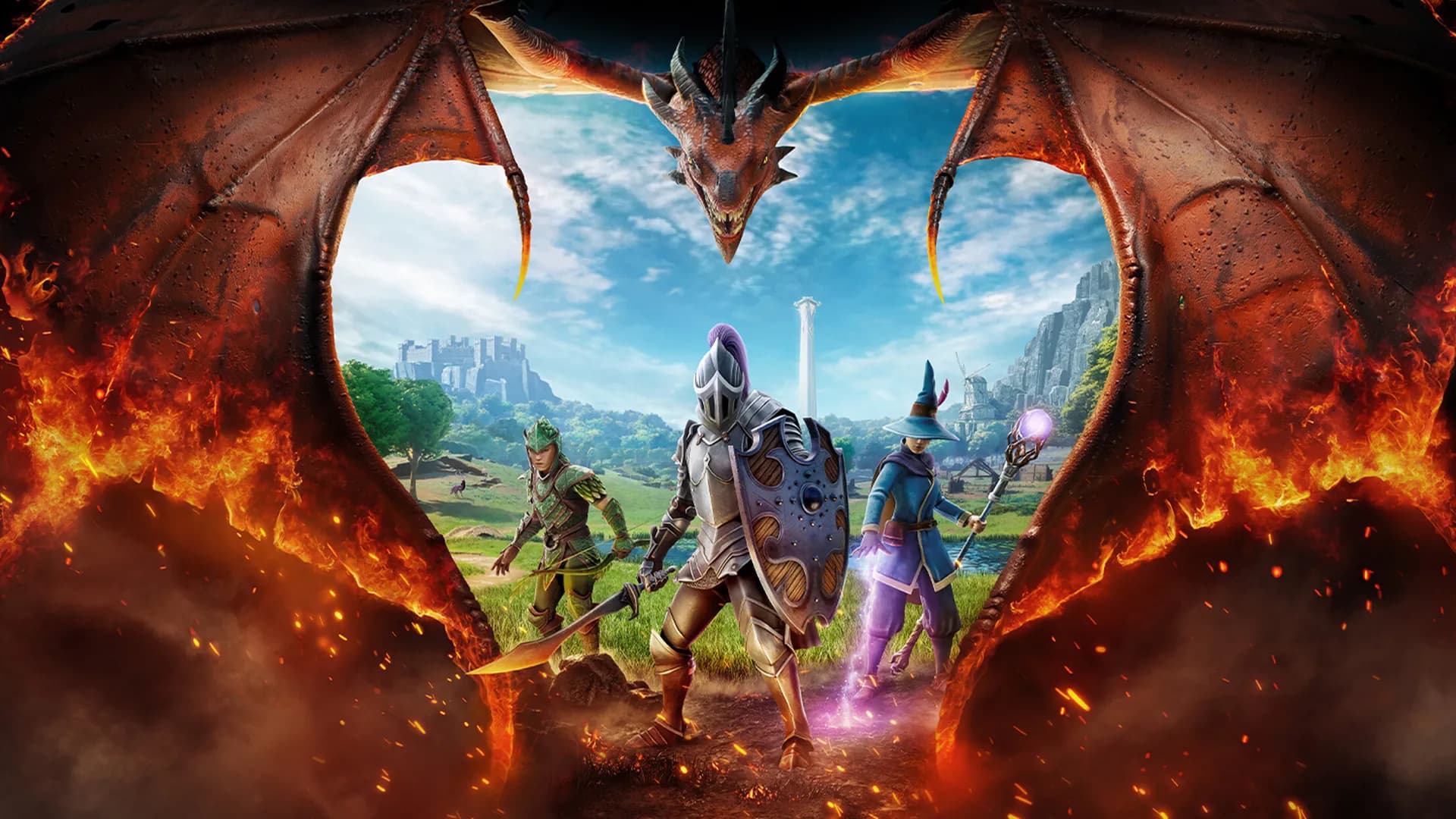
RuneScape: Dragonwilds Server Hosting
From $5.99/mo · set up in seconds
All our servers come with these perks too
- Mod compatible
- Human support
- Lag free
- Easy to use
- Split the cost
- Subusers
- DDoS protection
- Cancel anytime
- 7-day refund policy
RuneScape: Dragonwilds server hosting, done properly
A dedicated Dragonwilds world that is there whenever your group logs in, on PC or console. Friends find it by its world name or invite code inside the game, you keep the owner powers, and we keep the server on the same build as the game so nobody is ever locked out after a patch.
Hardware built for RuneScape: Dragonwilds
RuneScape: Dragonwilds is heavy on single-thread performance, so we run it on top-tier AMD Ryzen 9 processors, including the flagship 9950X, with NVMe storage.
Crossplay across PC, PS5, Xbox, and Switch 2
Dragonwilds 1.0 plays across Steam, Epic, the Jagex Launcher, PlayStation 5, Xbox Series X|S, and Switch 2, and consoles cannot host a dedicated server of their own, so yours is the one world the whole crew shares. Friends search your world name under Public Worlds or type the invite code from your server card, with your world password deciding who gets in.
Your world, your rules
Difficulty, PvP, and the Standard, Custom, or Creative rule set live inside the save file. Set them up in your own game, upload the .sav from the dashboard, and the server loads that world exactly as you built it. Characters are stored separately, so your friends bring their own.
Always on the right build
Dragonwilds only lists servers running the same build as the game, so an out-of-date server simply vanishes from the world browser. We check Steam for a new build every hour, and your server restarts onto it by itself as soon as nobody is playing. Want it now? Restart from the dashboard.
Unlimited backups you can actually restore
Automatic daily backups plus event backups around risky changes, with one-click restore. Bring an existing RuneScape: Dragonwilds save with you: upload your world as the .sav file from your own game and keep playing where you left off.
Full file accessBeta
A real file manager in the browser and SFTP for everything else. Edit configs, drop in mod files, or pull a copy of your save down whenever you want it.
RuneScape: Dragonwilds tonight, something else next week
Your memory is a pool, not a RuneScape: Dragonwilds-only rental. Swap this server to another game whenever you like, or run several games at once. One subscription covers all of it.
Your RuneScape: Dragonwilds server, right where your friends already chat
Add the Haptic bot to your Discord and post a live card for your server.
- Friends wake the server, see who’s on and grab the join code, right in Discord
- A ping in your channel the moment it’s ready to join
- You choose which roles can wake, restart or stop it

HapticAPPjust now
Online
Friday Night Crew · RuneScape: Dragonwilds
Join with the code below.

Join code
JH7S-Y014
Players 3 · Alex, Sam, Riley
RestartStopRefresh
Where your RuneScape: Dragonwilds server runs
- NA WestHillsboro, OR
- NA EastVint Hill, VA · Beauharnois, QC
- EU WestGravelines, FR · Limburg, DE
DDoS protection is on in every region. Pick the closest one when you order; you can move later from the dashboard.
Join the Haptic Discord
HapticPlayers, server owners and the devs
Ask a question, get help with your server, or see what other people are hosting. The people who build Haptic are in there every day.
Join the serverRead what customers say about Haptic on Trustpilot.
Want to start with a different game?
You can switch games anytime from the dashboard. 1.0 Update
Palworld
 Java Edition
Minecraft
 Ashlands Soon
Windrose
 1.0 Deep North
Valheim
 Build 42 Update
Project Zomboid
 1.0 Update
Enshrouded
Hytale

FiveM
7 Days to Die

Astroneer
 New Update
Conan Exiles
Core Keeper
Counter Strike 2
DayZ
Don't Starve Together

Factorio
HumanitZ
Icarus
 Bedrock Edition
Minecraft

RedM
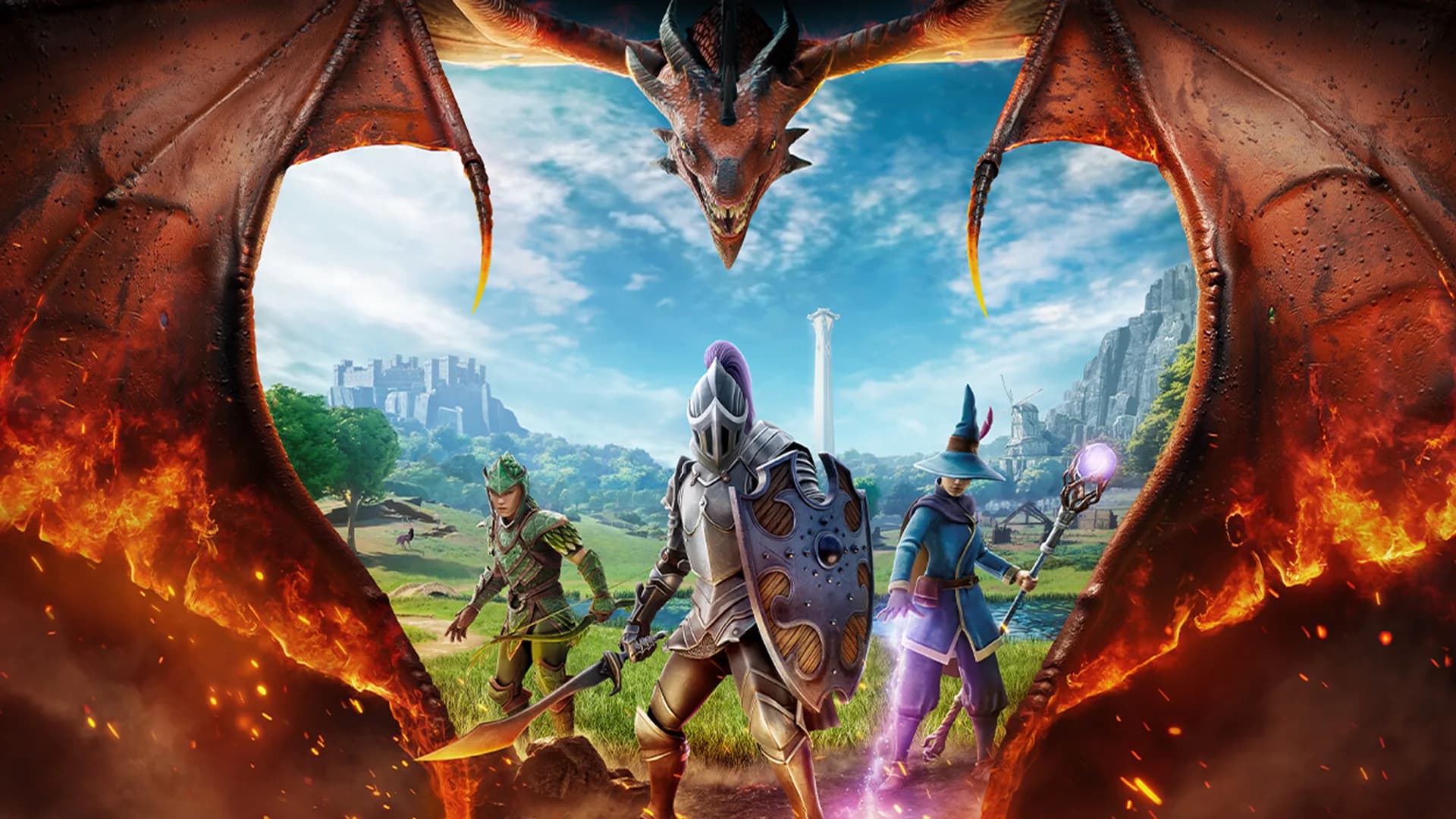
RuneScape: Dragonwilds
Rust
Satisfactory
Terraria
V Rising
1.0 UpdatePalworld
Java EditionMinecraft
Ashlands SoonWindrose
1.0 Deep NorthValheim
Build 42 UpdateProject Zomboid
1.0 UpdateEnshrouded
Hytale
FiveM
7 Days to Die
Astroneer
New UpdateConan Exiles
Core Keeper
Counter Strike 2
DayZ
Don't Starve Together
Factorio
HumanitZ
Icarus
Bedrock EditionMinecraft
RedM
RuneScape: Dragonwilds
Rust
Satisfactory
Terraria
V Rising
Create, play, and explore
across platforms.
Start on your phone. Build on your computer. Level up on your Xbox. Host games across your favorite platforms. And easily switch games from your phone, tablet, and computer, included in every plan. All on demand.
Thoughtfully supported on
Windows
Xbox
Steam
Playstation
Questions? Answers.
Dedicated Dragonwilds servers hold up to 6 players at once. The game fixes that ceiling; no setting, plan, or memory size raises it, though you can lower it with the Max players setting. Six is a full party of you and five friends in one persistent world.
Friends do not need an address. In the game, friends open Public Worlds and search for the exact world name shown on your server card (it is case-sensitive, and it is the world name, not the server name), then enter the world password if you set one. They can also enter the invite code from your card. The game prints a fresh invite code every time the server starts, and your dashboard always shows the current one.
The dedicated server needs to know who owns the world so you get owner powers in game: kicking, banning, and promoting friends to admin from the Server Management screen. In the game, open Settings, scroll to the bottom, copy your Player ID, and paste it into Your Player ID in your server settings. The dashboard holds Start until it is filled in. Friends you want as admins go in the Admins tab the same way, by their Player ID.
Yes. Each Dragonwilds world is a single .sav file named after the world, found on Windows at %LOCALAPPDATA%\RSDragonwilds\Saved\SaveGames. Upload one world at a time from your server card and keep the file name as it is: the server loads the save by name, and your World Name setting is set to match on import. World rules such as difficulty, PvP, and Standard, Custom, or Creative mode travel inside the save.
Yes. Dragonwilds 1.0 supports crossplay across PC (Steam, Epic, and the Jagex Launcher), PlayStation 5, Xbox Series X|S, and Switch 2. Console players can join a dedicated server but cannot host one, so a Haptic server is how a mixed group plays in one world.
Haptic servers autosave every 20 minutes by default (the game itself uses 5), and you can set anything from 1 to 60 minutes. Stopping the server does not trigger an extra save, so have everyone quit to the menu before you stop. With Wake & Play, an empty server waits for its next autosave before it sleeps. Haptic also takes a backup of your world every time the server stops and once a day, and you can restore any of them with one click.
Yes. Your server's Mods card searches CurseForge's Dragonwilds pak mods and installs the one you pick at the next restart, and a mod that isn't listed can be requested there. You can also upload a pak mod's .pak, .utoc and .ucas files into the ~mods folder under RSDragonwilds/Content/Paks with the file manager or SFTP, then restart. Mods survive restarts and game updates, and server-side mods such as stack size changes work for every player with nothing to install. UE4SS and Lua script mods need Windows and do not run on our Linux servers.
The server must run the same build as the game or it silently disappears from the world browser. Haptic checks Steam every hour, and once a new build is out your server restarts onto it by itself as soon as nobody is playing, never while anyone is on. Until then your server card shows New update available, so you can restart right away instead. Your world and backups stay exactly where they were.
Dragonwilds servers on Haptic start at 3GB, which suits a couple of players, and 5GB is the recommended size for a full 6-player world. You can change memory from the dashboard at any time without moving your world.


