Dragonwilds: Saves and Backups
 RuneScape: DragonwildsGuide
RuneScape: Dragonwilds saves the world on a timer, every 20 minutes on Haptic unless you change the Autosave interval setting, and stopping the server does…
RuneScape: Dragonwilds saves the world on a timer, every 20 minutes on Haptic unless you change the Autosave interval setting, and stopping the server does not save. Whatever happened after the last autosave is lost when you stop it, so have everyone quit to the menu before you stop, or lower the interval if you stop often. We take a backup of the world every time the server stops and once a day, and you can restore any of them from the Backups card. Your world is one file, SaveGames/<world name>.sav; never rename it.
How saving works
The dedicated server writes the world to disk on a timer and does not write an extra save when it shuts down, whether you pressed Stop or a restart ran. That is how the game is built. What you can change is the timer: the game's own default is 5 minutes, Haptic sets it to 20 minutes, and the Autosave interval setting takes anything from 1 to 60 minutes. A shorter interval means less can be lost when you stop the server; a longer one means fewer save pauses.
Automatic update restarts only happen once the server is empty, so they never cut anyone off mid-session. With Wake & Play, a server that empties waits for its next autosave before it goes to sleep, so nothing is lost when it sleeps.
In practice: if your group finishes a build and you stop the server right away, everything since the last autosave (up to 20 minutes on the default) can be gone when you start again. Have everyone quit to the menu first, then stop.
To see when the world last saved, open the Console and look for the newest line ending in Save completed SUCCESSFULLY. The server prints one every time it saves, so if that line is recent, stopping now loses little.
The save is rsdw-saved/SaveGames/<world name>.sav, one file per world, named after the world. Next to it the server keeps the previous save as <world name>.sav.backup. You can see both on the Files card or over SFTP.
Characters are not on the server at all. Each player's character (inventory, skills, quests) is saved on their own device, so world backups hold the world only. Restoring a world never rolls back anyone's character, and a player's character goes with them to any world they join.
What we back up, and when
Every time the server stops. A backup is taken as the server goes down, so it captures the last autosave, not the moments after it.
Once a day while the server is running.
On demand. Take one yourself from the Backups card before a risky change, such as uploading a different world or adding a mod.
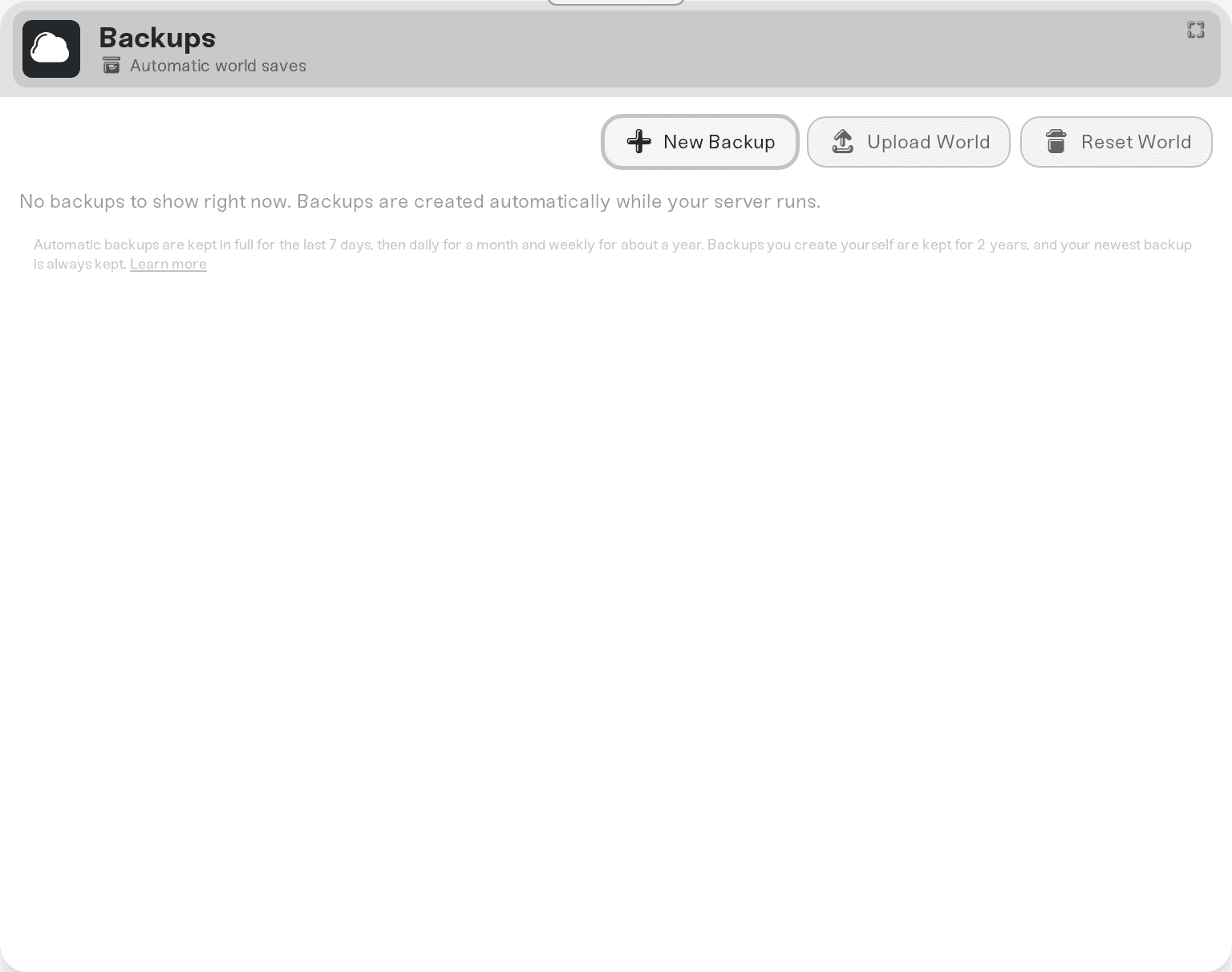
Backups live in cloud storage, outside the server, and each one holds the .sav as it was at that moment. Restoring one puts that file back and the world loads from it on the next start. To keep a copy on your own PC, download the world: download your world.
Restore an earlier version
Stop the server.
Open the Backups card and pick the backup from before the change you want to undo.
Restore it. A backup of the world as it is now is taken first, so a restore is itself undoable.
Start the server. The world name has not changed, so friends join exactly as before.
Renaming your world
To rename your world, change the World Name setting and restart. The same world, with all its progress, loads under the new name. The server keeps the file from before the rename next to it in SaveGames (it ends in .renamed- and a date), so nothing is ever thrown away. If another saved world on this server already has the name you type, the server loads that world instead.
Do not rename the .sav files yourself in Files or over SFTP. Change the setting instead.
Renamed your world before October 15, 2026 and found a fresh one? Set World Name back to the old name and restart: your old world loads again.
Things that will not fix it
Stopping the server to force a save. Stop does not save; it only takes a backup of the last autosave. Lower the Autosave interval instead, or have everyone quit to the menu before you stop.
Editing the world name to get a "clean" save. A new name keeps the same world. For a fresh one, use Reset World (your current world is kept as a backup first).
Hoping the daily backup caught the last hour. Daily is once a day; for the recent past, the stop-time backup or a manual backup is the one to use.
Need help?
Ask in Discord or email support@haptic.gg with your world name and roughly when the missing progress happened. We can tell you which backup holds it.


