Dragonwilds: Install Pak Mods
 RuneScape: DragonwildsGuide
Dragonwilds mods are pak mods: usually three files with the same name, a .pak, a .utoc and a .ucas. Install them from the Mods card, which searches…
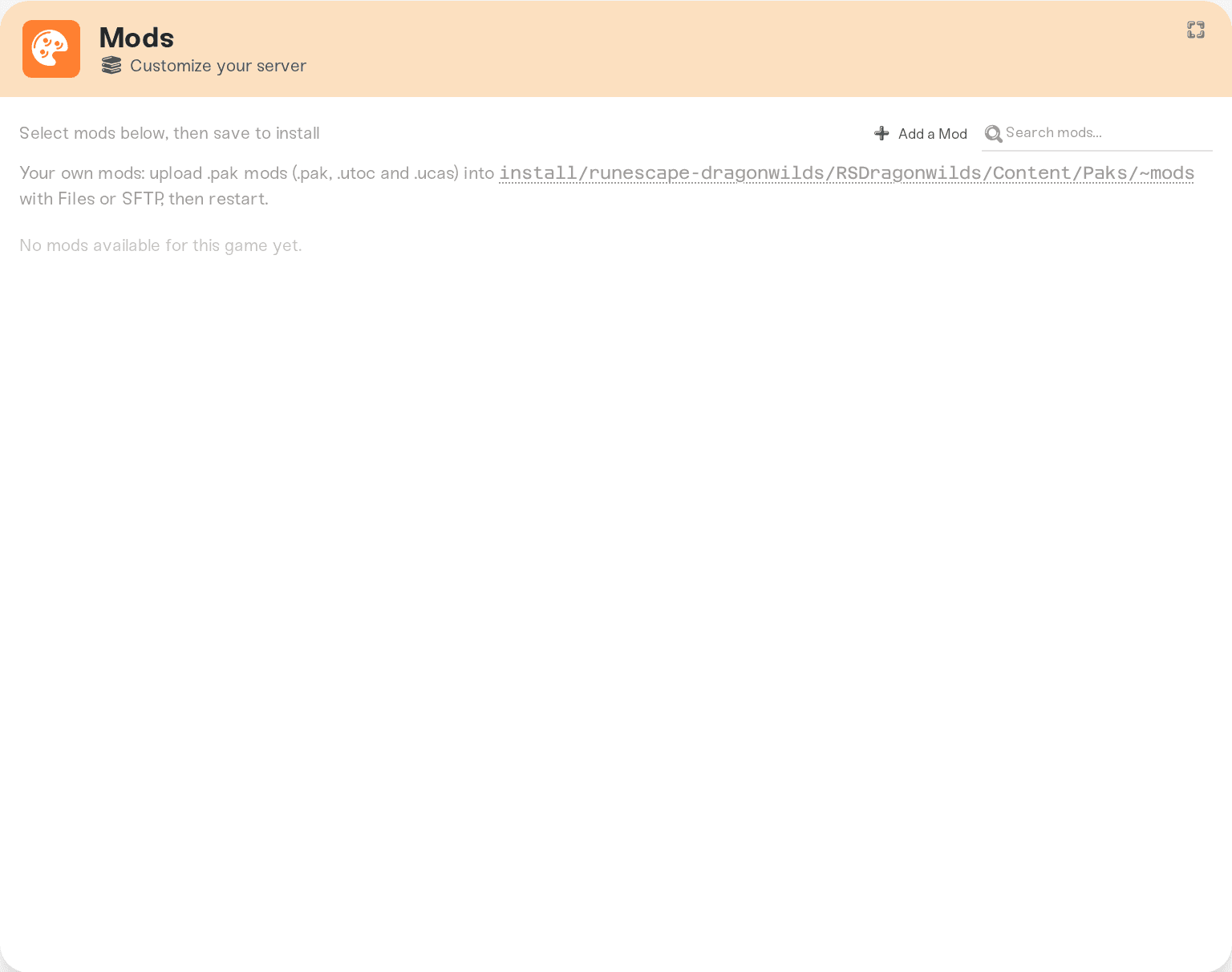
Dragonwilds mods are pak mods: usually three files with the same name, a .pak, a .utoc and a .ucas. Install them from the Mods card, which searches CurseForge's Dragonwilds pak mods and installs the one you pick on the next restart, or upload a mod yourself into install/runescape-dragonwilds/RSDragonwilds/Content/Paks/~mods with the Files card or SFTP, then restart. Both kinds survive restarts and game updates. UE4SS and Lua script mods do not run on our Linux servers, so pak mods are the one mod path.
Install a mod from the Mods card
Open your server's Mods card and search for the mod. The list shows Dragonwilds Pak Mods from CurseForge. Pick a mod and install it, then restart the server. If the mod you want is not in the catalog yet, request it from the same card: we check that the file is a pak mod and that the server loads it, and it is added for you.
To remove a catalog mod, remove it on the Mods card and restart. The server deletes exactly that mod's files and leaves anything you uploaded yourself alone.
Install a mod by hand
Get the mod's files
Download the mod from wherever its author publishes it (Dragonwilds mods are on CurseForge and Nexus Mods) and unzip it until you see the mod's files. A current mod is usually a set of three files that share one name: SomeMod.pak, SomeMod.utoc and SomeMod.ucas. Upload every file the mod comes with, and keep them together.
Upload them
Open the Files card and browse to install/runescape-dragonwilds/RSDragonwilds/Content/Paks/~mods. The folder is there whenever the server is running. If your server is stopped and has no mods yet, the folder may not be there: create it with that exact name, including the tilde. Drop the files in. Uploading works with the server running or stopped. A folder per mod inside ~mods is fine too; the server finds mods in subfolders as well.
Over SFTP the path is the same: connect to your server with SFTP.
Restart
Restart the server from the dashboard. Dragonwilds loads pak files at startup, so a mod added while the server is running is picked up on the next start. To remove a mod you uploaded, delete its files from ~mods and restart.
Things worth knowing
Updates do not remove your mods. We update the server within an hour of a game release, and your mods stay. A mod can still stop working if the game changes underneath it; check the mod page after a big patch.
Your world shows as modded. Once any pak is in
~mods, the game marks your world as modded to the players who join. With no mods, it does not.Rule changes happen on the server. Mods that change rules the server enforces take effect on the server itself, for every player.
World setting mods need a PC. Mods that change a world setting, like No Building Costs or Unlock All Building Pieces, do nothing from the server alone: most only add the setting to the game's world settings menu on a PC that has the mod. Consoles can't load mods, so these can't be used on PlayStation, Xbox or Switch, and the Mods card marks them Needs PC copy. To change building costs for everyone, consoles included, use Building Cost on the Overview card's Details tab instead.
Visual mods need the same files on every player's PC. Mods that change what players see or hear (textures, UI, sounds) only show for players who installed the same mod themselves, which console players can't do. Players without the mod can still join.
Player-limit mods do nothing here. Your server always starts with its Max Players setting (at most 6), and that wins over a mod that raises the player limit.
No UE4SS, no script mods. Mods that need the UE4SS loader, Lua scripts, RuneSchema or Blueprint mods only run on the game's Windows build. The dedicated server runs on Linux, so they do not load: the Mods card does not offer them, and a request for one is turned down with the reason.
Not sure a mod is loading? Open the Console after a restart and search for your mod's file name.
Mounted Pak file(and, for a three-file mod,Mounted IoStore container) means it loaded.Failed to mount pak ... pak is invalidmeans the file is damaged or is not a Dragonwilds mod; download it again. A broken mod file does not stop the server from starting.
Things that will not fix it
Putting the pak in the top-level
Paksfolder. The game only reads extra content from~mods.Renaming the pak. Names matter for load order in Unreal games; keep the author's file names, and keep all three files of a set named the same.
Uploading only the
.pakof a three-file mod. Upload the.utocand.ucasthat came with it too.
Need help?
Ask in Discord or email support@haptic.gg with the mod's name, where you downloaded it, and a screenshot of your ~mods folder or Mods card. We will check whether the server saw it at startup.


