 New feature
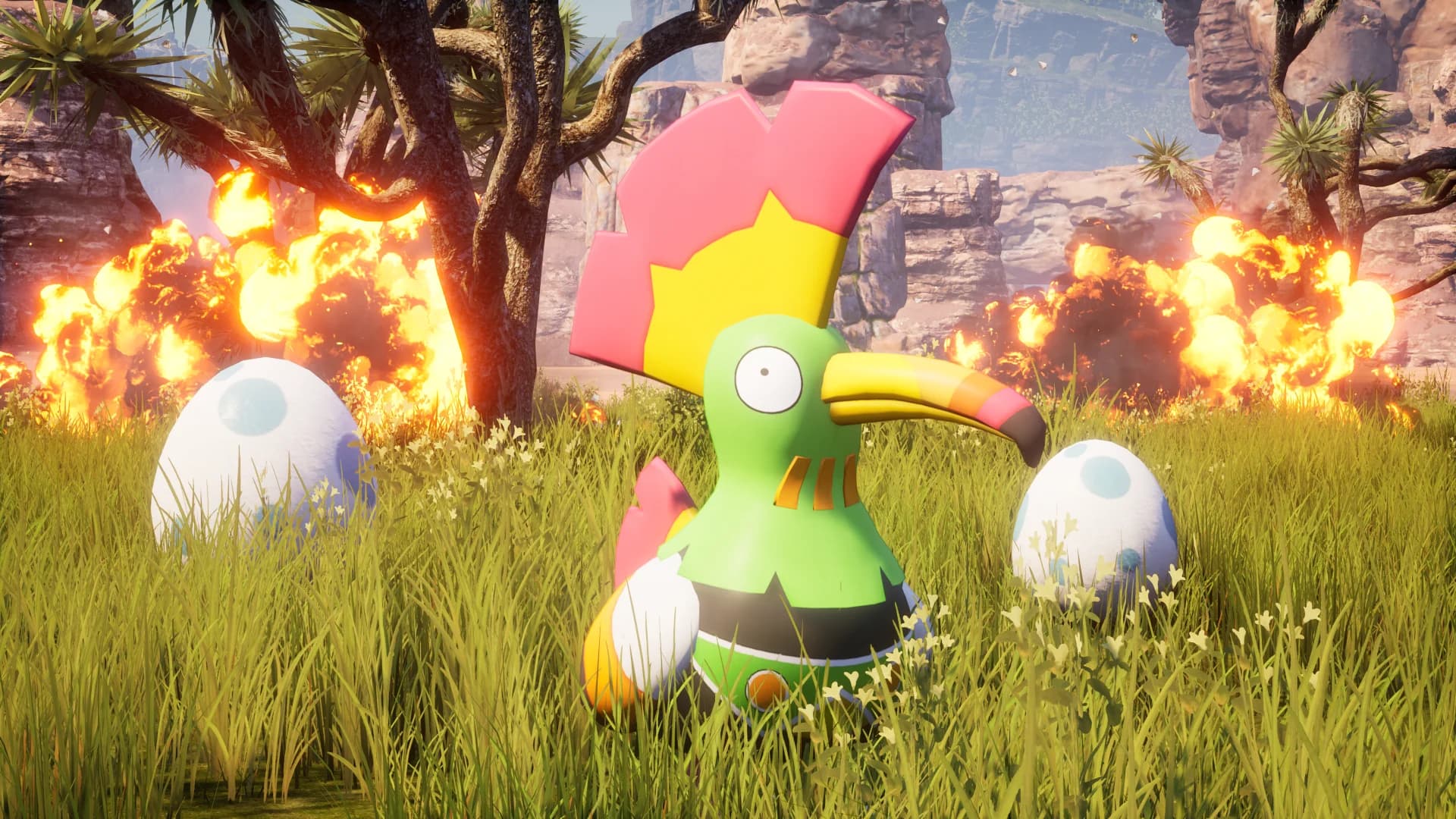
Reset individual Palworld player characters from the dashboard
Palworld server owners can now reset a single player's character without touching anyone else's progress. This release also fixes world upload rejections, Windrose settings, Minecraft crossplay versioning, and backup accuracy across many games.
Also in this update
4 improvements29 fixes
- Windrose. set connection region and broken-save recovery from the dashboard: You can now choose your Windrose server's connection region and whether damaged saves are automatically restored, right from the Overview card's Details tab. No more editing files by hand.
- Project Zomboid's memory boost doubled. The free memory boost for Project Zomboid servers now adds 2 GB instead of 1, with the extra room going straight to the game's heap.
- Bedrock crossplay now supports Minecraft 26.3. Crossplay servers on the latest version now boot 26.3, and 26.3 is no longer locked out while crossplay is on. Worlds already played on 26.3 can turn crossplay on without needing a new world.





 Run a Factorio server
 Run a Counter-Strike 2 server

 Run a Minecraft Java server