Conan Exiles: Workshop mods, the Enhanced-only rule, and updates
 Conan ExilesGuide
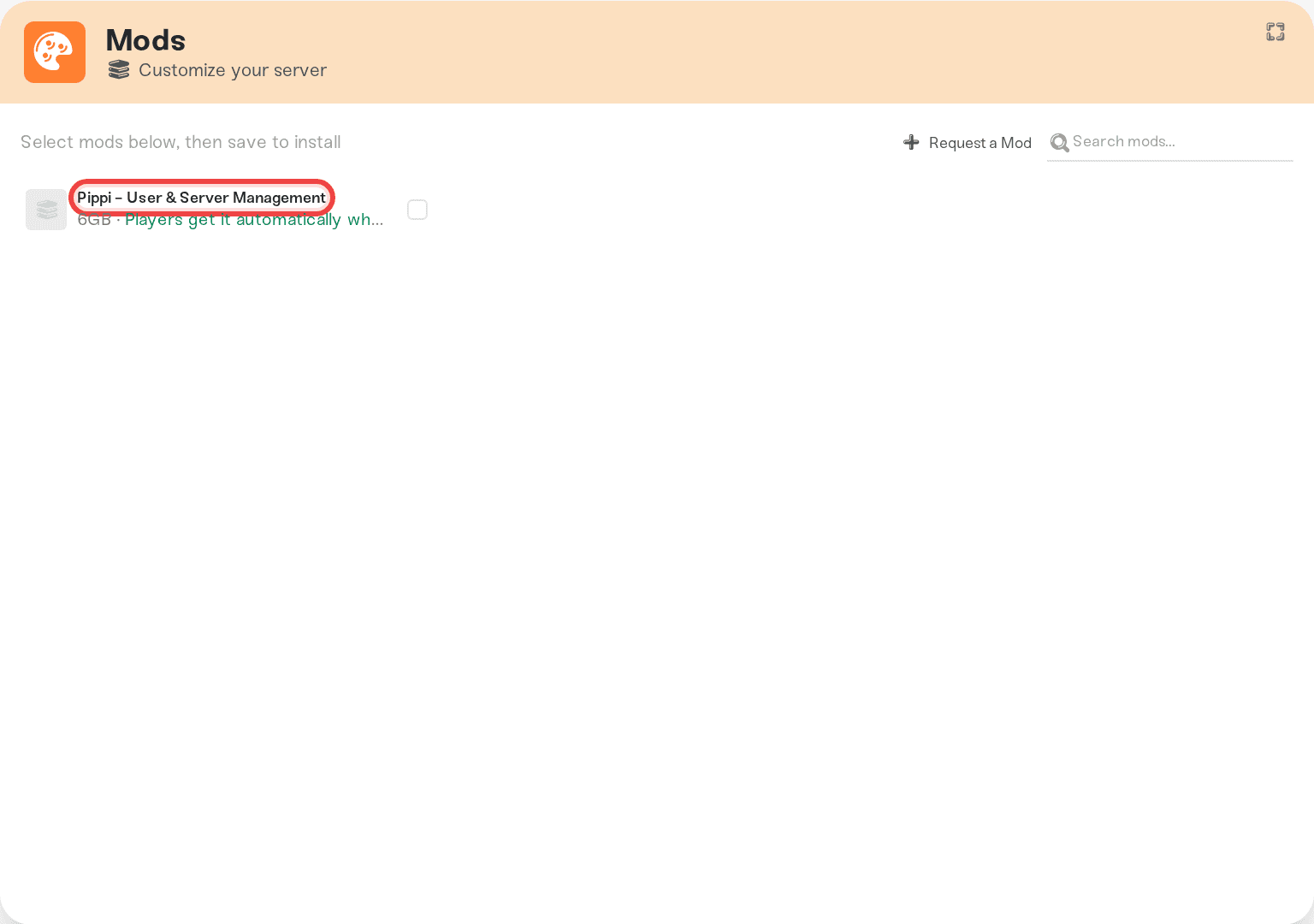
Conan Exiles mods come from the Steam Workshop and install from your server's Mods card: paste a Workshop link and it installs directly. Two things…
Conan Exiles mods come from the Steam Workshop and install from your server's Mods card: paste a Workshop link and it installs directly. Two things surprise people: only Workshop items tagged Enhanced work, and players never install Workshop mods themselves; their game downloads them on joining and relaunches once. Your own .pak files go in /conan-mods/.
Installing a mod
Open the Mods card
Open your server in the dashboard and expand the Mods card.
Press Add a Mod
Paste a Steam Workshop mod or collection link. Searching by name instead tests the mod on a real server first, usually in about a minute, then adds it to your server.
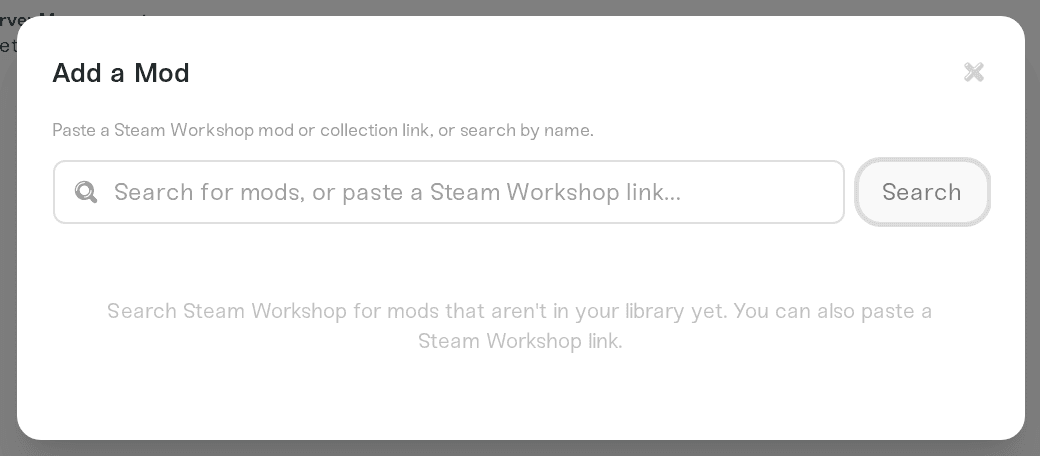
Install it
Pasted links skip testing: the preview reads "Selected mods install directly on this server. No testing queue wait." Pick the items you want.
Restart the server
Mods load at boot, so restart your server.
When a mod you added by name fails
Its row under Recent adds on the Mods card says whose problem it is. Didn't pass testing is a verdict on the mod: try another version or ask its author. Couldn't finish testing means our side stopped before a result, so add it again for a fresh test. Add a mod we don't have yet lists every status.
Why a mod gets refused: the Enhanced rule
Haptic runs Conan Exiles Enhanced (Unreal Engine 5). Mods built for the old Legacy (UE4) game crash its dedicated servers.
So we only accept Workshop items tagged Enhanced. A Legacy mod is refused with a note that it hasn't been updated for Conan Exiles Enhanced. In a collection that mixes the two, the Enhanced items install and the Legacy ones are marked Excluded, each with its reason.
Many well-known mods have not been rebuilt for Enhanced yet. No setting lets a Legacy mod through, and we do not offer the Legacy branch of the game. Ask the author to republish through the Enhanced modkit, or pick a mod that carries the tag (Workshop pages show tags in the sidebar).
What your players have to do: nothing
When someone joins a modded server, their game downloads the mods automatically, then Conan Exiles restarts their game once. That looks alarming the first time but is normal, and they land back on your server.
Console players cannot join at all, modded or not: see Conan Exiles: can console friends join your server?.
When a mod author ships an update
Haptic watches the Workshop and downloads new versions of your installed mods automatically. Your server keeps running the version it booted with until it restarts, and the affected mods switch to a Pending restart clock in the Mods card.
That gap is what causes "mod mismatch" reports: a player's client picks up the new version before your server has restarted onto it. Restarting clears it.
To stop it happening while you sleep, use the Restart on mod updates dropdown, just below Auto Restart in the expanded Overview card:
Off, just notify me: the default, you restart when it suits you.
When the server is empty: the restart waits until nobody is online.
After a 5-minute warning: players get warnings 5 minutes and 1 minute ahead, then the server restarts.

It applies as soon as you save.
Load order
Conan loads mods top to bottom, and we write that order into the server's modlist.txt at every boot. With two or more installed and enabled mods, a Load order button appears at the top of the Mods card: drag the rows or use the arrows, press Save order, and the new order applies at the next restart. Mod load order and toggles covers the dialog.
If your server fails to start after adding a mod, the status message tells you to remove the most recently added mod and restart. That is usually a broken or incomplete .pak.
Your own .pak mods
Mods that are not on the Workshop go in /conan-mods/ at the top of your server's files. Upload the .pak with the Files card or SFTP, then restart.
Your paks load after the Mods card's mods, in name order (
01_...,02_...).Every player needs the same
.pakin their own game.They survive restarts and ride your backups, and Mods card changes never touch them.
Things that will not work
Uploading
.pakfiles intoConanSandbox/Mods/. That folder is rebuilt on every start, so files there vanish. Use/conan-mods/(above).Adding a Legacy mod again. The answer comes from the mod's own Workshop tags, so it will not change until the author republishes.
Need help?
Reach us on Discord or at support@haptic.gg. Include your server name, the Workshop link, and a screenshot of any refusal or startup message you saw.


