40% OFFOur winter sale is on! We're giving everyone 40% off their new server at checkout!
 HapticGuide
Haptic backs up your server automatically, and your current world is never deleted by these rules. You can restore to any automatic backup from the last 7…
Haptic backs up your server automatically, and your current world is never deleted by these rules. You can restore to any automatic backup from the last 7 days, one per day for the last month, and one per week for about a year. Backups you create with New Backup are kept for 2 years. If you cancel or delete something, your backups get a 6-month grace period.
We store two different things for your server:
Your live world: the current state of your server (map, builds, player data, and settings). This is what loads every time your server starts. It is never removed by the retention rules below.
Backup snapshots: saved points in time you can restore from later.
So no matter what the rules below do to old snapshots, the current version of your world stays safe.
We create a backup automatically:
Daily on Always On servers
Whenever your server shuts down, restarts, or goes to sleep on Wake and Play servers
Before risky actions, like restoring a backup, importing a world, or resetting your world
Any time you click New Backup in your server's Backups tab
Between backups, your live world is also synced to secure cloud storage at least every hour while players are online.
Older automatic backups are gradually thinned out by age, so you keep plenty of recovery points without holding every snapshot forever. There is no limit on the number of backups, only on how far back they go. For automatic backups we keep:
Last 7 days: every automatic backup
7 days to 1 month old: one backup per day
1 month to about 13 months old: one backup per week
Older than about 13 months: removed
That means you can always roll back to any moment in the last week, any day in the last month, and any week in the last year.
A backup you make yourself with New Backup is never thinned out. It stays for 2 years. If there is a moment you want to lock in, say right before a big building project or a major game update, make a manual backup and it will stay put.
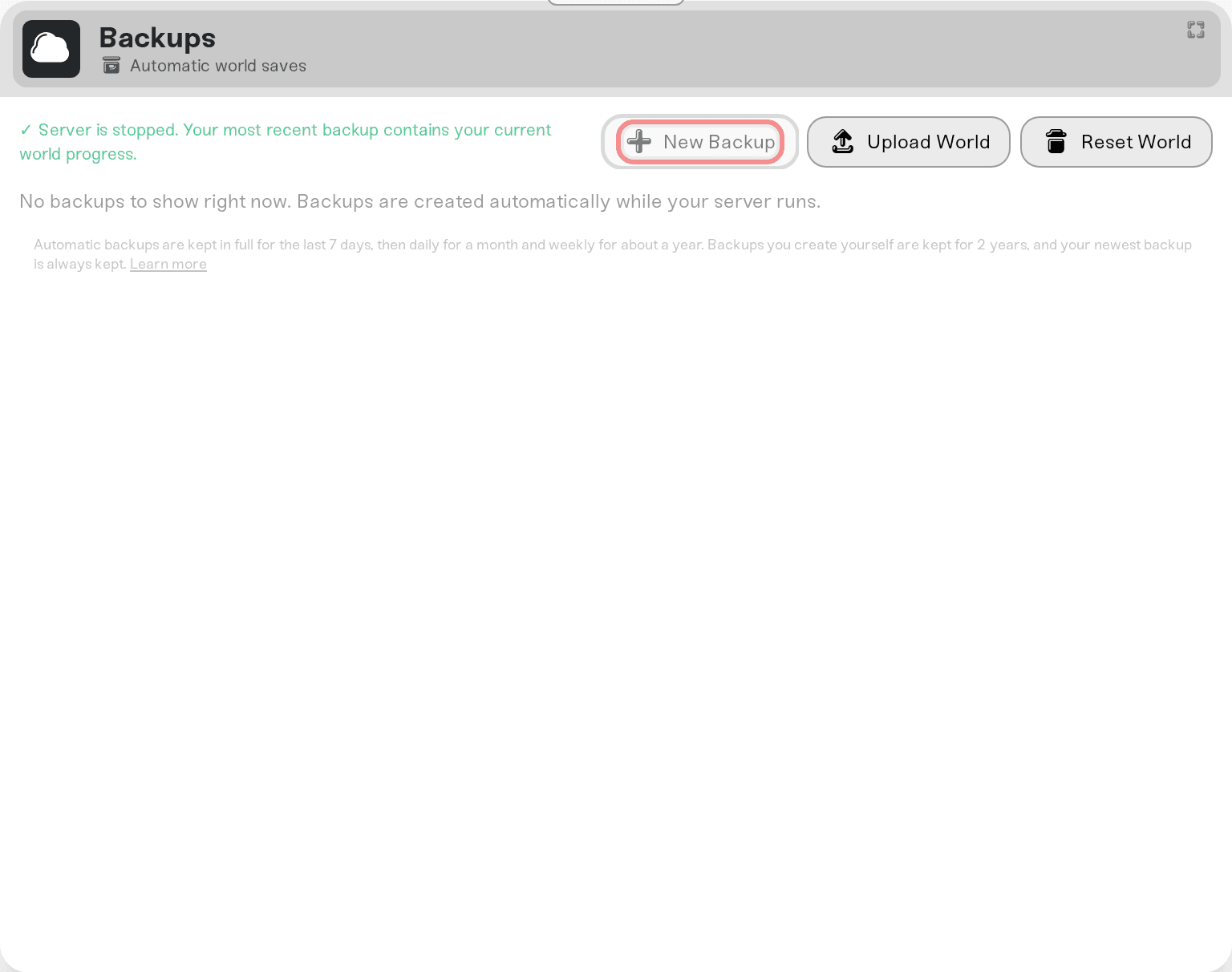
When you reset your world, import a world, or attach a character, Haptic saves a safety backup first so you can undo the change. The newest of these safety backups are protected from thinning just like manual backups. Older ones from repeated resets or imports age out like normal automatic backups.
Even if your most recent backup is older than every window above, we never delete it. You always have at least one backup to fall back on, plus your live world.
Canceling does not delete your worlds:
Your servers are powered down, and your world data is saved first.
Your 3 most recent backups per server stay in your backup list.
Older backups are set aside for 6 months.
If you resubscribe within 6 months, the set-aside backups come back automatically and your servers are ready to power up again.
After 6 months, only the set-aside older backups are deleted. Your 3 most recent backups and your live world stay untouched.
When you delete a server, its settings and mods are removed right away, but all of its backups are kept for 6 months. You can see them in your account under Account > Data Recovery. If you want one of those backups back on a new server, message us at support@haptic.gg or on Discord and we will help you restore it.
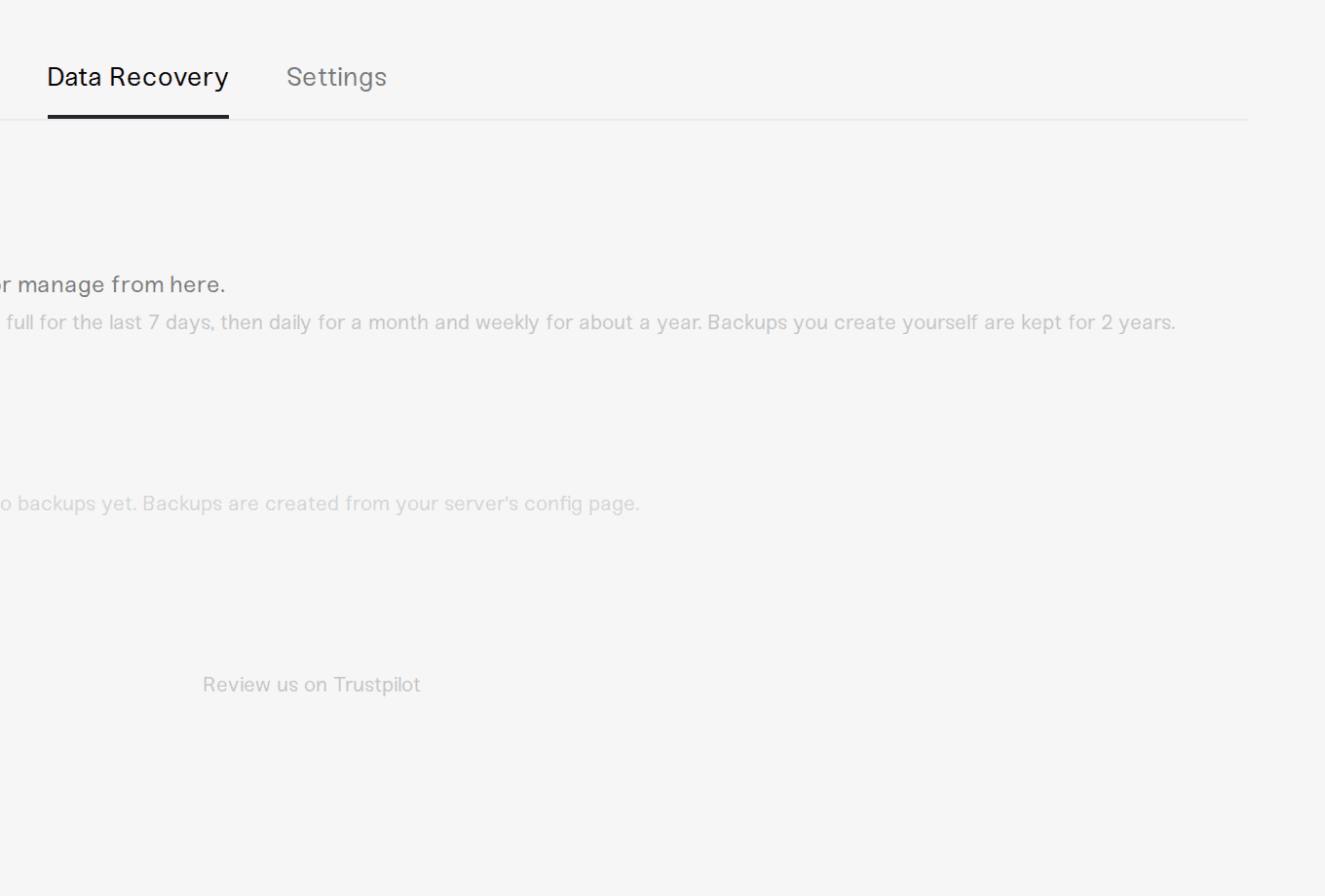
Backups from a deleted server are permanently removed once the 6-month window ends. If a world matters to you, download a backup of it before you delete the server.
No. Retention only thins old snapshots. Your live world is always preserved while your server exists.
No. Retention is based on age, not a count. An active server simply keeps fewer of its older snapshots over time.
Manual backups are kept for 2 years and are never thinned. If a recovery point matters long term, download it too: open your server's Backups tab, select the backup, and click Download Backup.
The time on a backup is when the snapshot was created. The world data inside it is from the last time your server synced its save to the cloud: at least every hour while players are online, and whenever the server shuts down, restarts, or goes to sleep. If nobody has played for a few hours, a nightly backup can contain that afternoon's save. Nothing is lost: the backup from the end of your last session already holds that same latest state.
No. Backups live in secure cloud storage, separate from your server. They do not count against your plan's memory or affect performance.
Open your server's Backups tab, pick a backup, then click Restore Backup or Download Backup. You can also browse backups for all your servers under Account > Data Recovery.
 © Haptic, LLC
*40% off applies automatically at checkout for your first month. Ends November 22, 2026.



