Palworld: Which Mods Work for Console Players
 PalworldGuide
Palworld servers on Haptic support crossplay, and it is on by default: Steam, Xbox, PlayStation 5, and Mac players can all join the same server. Whether a…
Palworld servers on Haptic support crossplay, and it is on by default: Steam, Xbox, PlayStation 5, and Mac players can all join the same server. Whether a mod works for your console friends depends on the kind of mod. Server-side mods work for everyone on the server, consoles included, with nothing to install. Mods that change models or textures are PC only: console players will never see those, on any host.
The two kinds of Palworld mods
Server-side mods run gameplay logic on the server itself. Think changed spawns, new mechanics, or tweaked rules. Because the work happens on the server, every player benefits automatically: Steam, Xbox, PlayStation 5, and Mac alike. Nobody installs anything.
Appearance mods (most pak file mods) replace models, textures, or other appearance files inside a player's own copy of the game. The server cannot push these to anyone. They only show up for PC players who also install the same mod on their own PC. Console players never see them.
You do not have to guess which kind you are looking at, and you cannot tell from the file type alone (a few pak mods patch server data instead of looks, and those do work for everyone). The Mods panel on your server dashboard labels every mod before you install it.
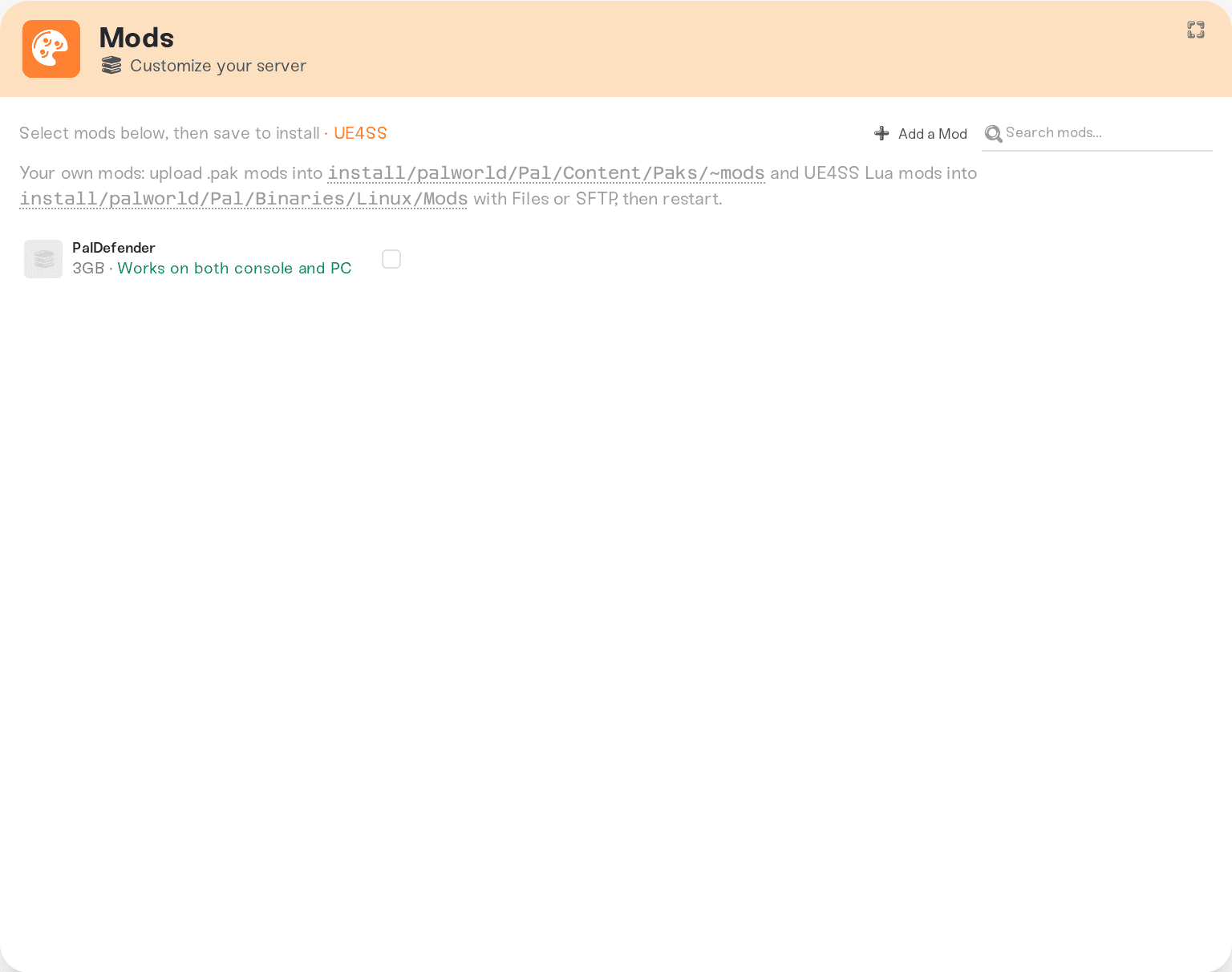
A mod marked Works on both console and PC runs on the server for every player. A mod marked PC players only. Consoles won't see it changes appearance files, so only PC players who install it themselves will see it.
One more label matters for mixed groups: a few gameplay mods are marked Also goes on each player's PC. Those need a copy installed on every player's own computer as well as the server. Console players cannot install that copy, so leave those out of a mixed PC and console mod list.
What console players get
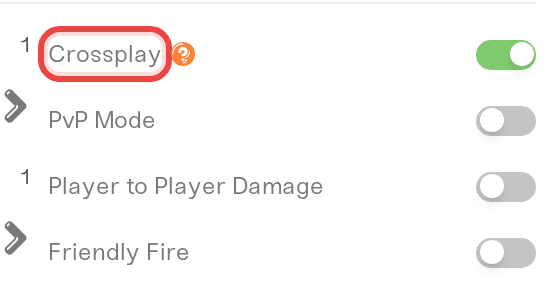
They join through Palworld's in-game community server browser on their console, not by direct IP. No extra setup, and no mod steps ever. This works whenever the Crossplay checkbox in your server settings is on, which it is by default.
Every server-side mod on your server just works for them. There is nothing to download and nothing to configure.
Appearance mods will never appear for them. Mods cannot be installed on a console at all: consoles only run the game as shipped. That is a platform rule from Microsoft and Sony, not a Haptic limitation, and there is no workaround.
If you are building a mod list for a mixed PC and console group, lean on mods labeled as working for everyone, and treat appearance mods as a PC-only bonus.
An honest caveat about "server-side" labels on mod sites
Mod sites sometimes label a mod "server-side" when it actually only works in single player, or only on the player's own PC. Installed on a dedicated server, a mod like that does nothing at all.
We test mods on real dedicated servers before they reach your dashboard. Mods that turn out to do nothing on a server are removed from our catalog, and if you request one, we decline it with an explanation and suggest a working alternative when we know one. So if a mod you wanted is not available, that is usually why: it would not have done anything for your server.
Things that will NOT get appearance mods onto consoles
Installing the mod on the server too: appearance files load from each player's own game, so the server copy changes nothing for anyone.
Console players redownloading the game or re-adding the server: there is no way for a console to receive mod files.
Switching hosts: this works the same everywhere Palworld is hosted.
Quick answers
Do PC players install anything for server-side mods? No. Server-side mods run on the server, so nobody installs anything, PC or console.
Can a console player install an appearance mod some other way? No. There is no file access on consoles, so there is nowhere to put one.
If one PC player installs an appearance mod, do others see it? No. It changes that player's own game only. Each PC player who wants the new look installs it themselves.
Need help?
Ask in Discord or email support@haptic.gg. Tell us which mod you are looking at and whether the players it should affect are on PC or console, and we will tell you exactly what to expect before you install anything.
How Xbox, PS5, and Mac friends join your server: the join flow itself, and what to send your console friends.
Adding Steam Workshop mods to your Palworld server: how to add a mod from your dashboard and what we check before it goes live.
Black map after moving your world: map exploration lives on each player's own PC, so no mod can reveal the map for anyone else.


