Windrose: why players can't join your server
 WindroseTroubleshooting
Your server and your world are fine. The three most common causes are: the player has not finished the singleplayer tutorial yet (Windrose refuses them…
Your server and your world are fine. The three most common causes are: the player has not finished the singleplayer tutorial yet (Windrose refuses them with no error at all), Windrose patched and your server needs a restart to pick up the new build, or the invite code was typed instead of pasted. Work down the list below in order; it covers the rest of the causes too.
1. Has that player finished the tutorial?
This is the number one cause, and it is invisible.
Windrose requires every player to complete the singleplayer tutorial before they can join any multiplayer session. A player who has not done it can enter a perfectly valid invite code and simply get dropped back to the menu, with no error message on their screen. It looks exactly like a broken code.
The tutorial takes roughly 15 to 30 minutes and only has to be done once per player. It is enforced by the game client, so there is no setting on your server (on Haptic or anywhere else) that turns it off. That is a Windrose rule, not something we control.
If one person can join and another cannot, start here before changing anything on the server.
2. Did Windrose just update?
Steam updates your friends' game automatically. Your server keeps running the build it started on until it restarts, so after a patch, joins fail for anyone whose game has already updated, until you restart.
Press and hold the yellow Restart button on your server's card until the ring completes. On boot it picks up the newest Windrose build we have shipped, and your world is untouched.
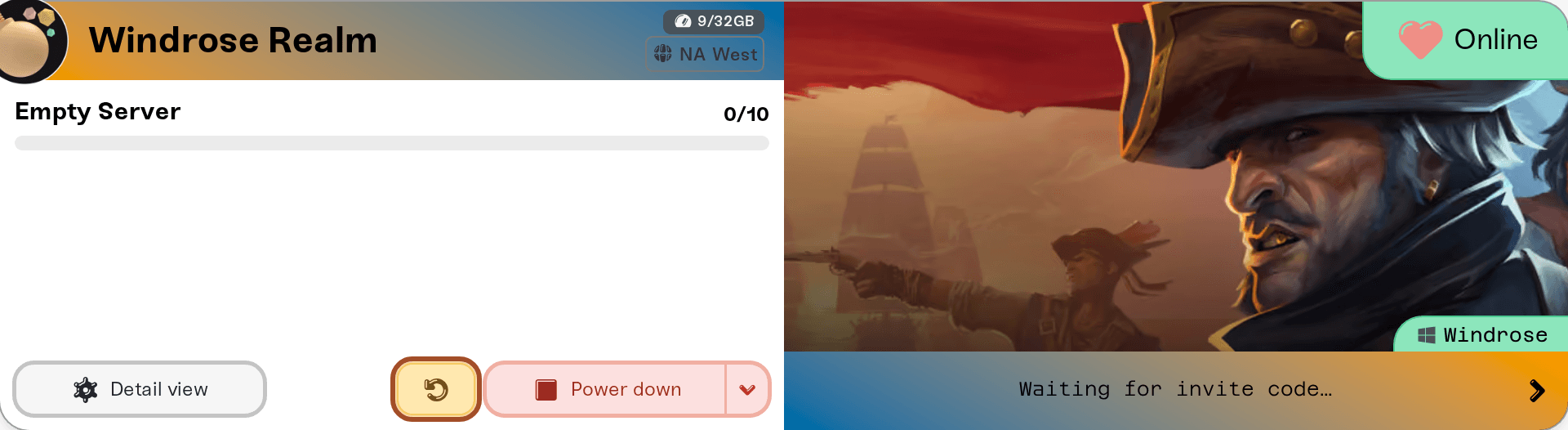
Windrose patches often. When your server is behind, your server card shows an orange New update available warning next to the status, and the server restarts onto the new build by itself once it has been empty for 15 minutes. If friends are waiting to join, restart it yourself right away. Auto Restart also picks new builds up on its schedule.
If a restart right after a patch drops does not help, we may not have shipped that build yet. We usually publish new builds shortly after release, so restart again a bit later.
3. Check the code is exactly right
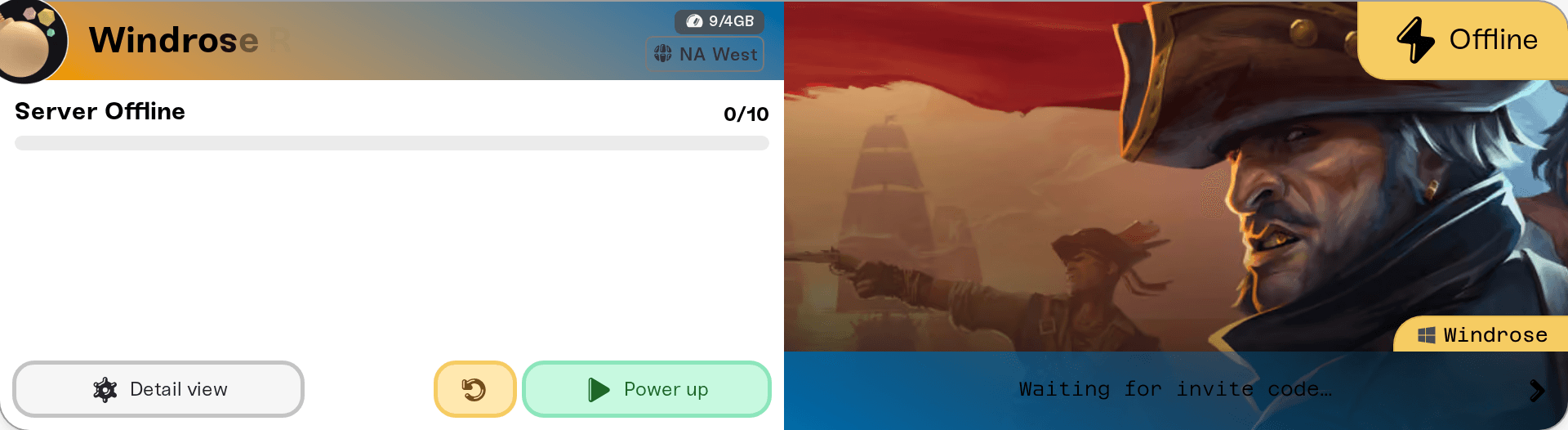
Invite codes are case-sensitive. Typed codes are the most common source of "code not working", so copy it instead: on My Servers, click the Invite code on your server's card to copy it, then paste it into chat.
Two related things worth checking:
If the card says Waiting for invite code…, your server has not finished its first boot yet. The code appears on its own once the server is online, and it stays the same across restarts after that.
If you set a server password, players are prompted for it when joining, and the join fails if it is wrong. Every new Windrose server on Haptic gets a random password, so check what yours is under set or remove your server password.
4. Make sure everyone is using the same join method
Your server accepts players by invite code or by Direct IP, never both, and it is whichever one it booted with, so a player on the other tab will not find it. Which one you are on, how to switch, and the in-game steps for each are in join your server with an invite code or direct IP.
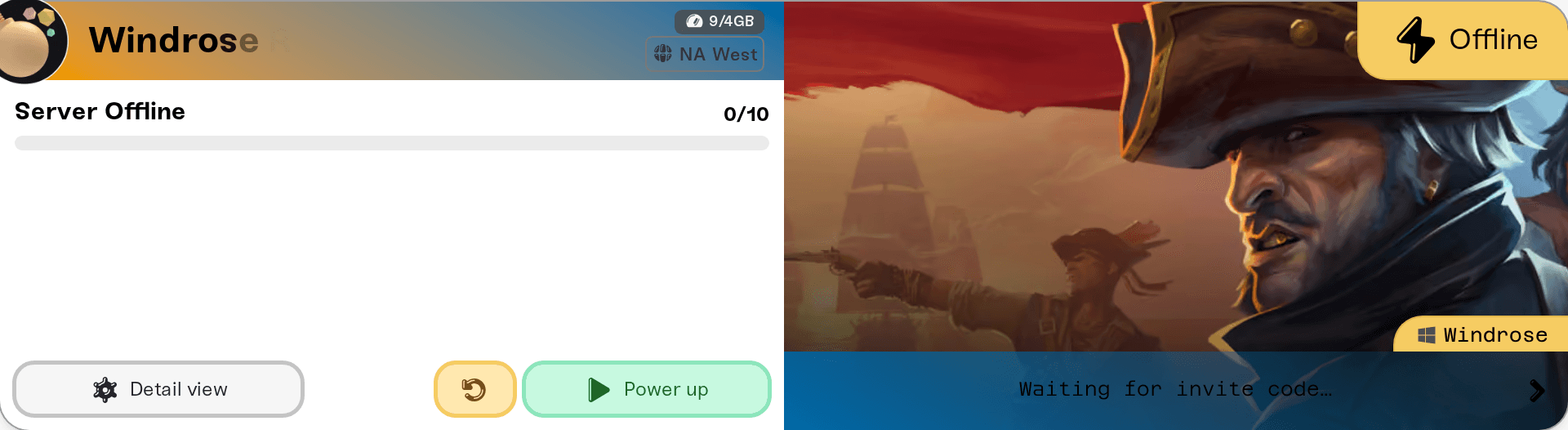
If you just switched the method, it only applies after a restart. Until then your server is still accepting the old one, which is the classic "I changed it and now nobody can join" moment.
Direct IP is also the dependable fallback: it skips Windrose's own matchmaking relay completely, so switch to it when invite codes connect for some people and not others. On a phone or in Safari, the Share button on your server's card sends the right code or address plus the matching in-game steps; it only appears in browsers with a share sheet, so on most desktop browsers you copy and paste instead.
5. Is the server awake and online?
Check the status on your server's card. If it is sleeping on a Wake & Play plan, send your friends a wake link so they can start it themselves; wake links work on both join methods. See what is Wake & Play and let friends wake your server. If the status says offline, my server status is offline covers what to do.
6. Do your mods need a copy on the player's PC?
A mod labeled Required on every player's PC to join in the Mods card turns away anyone who does not have that exact mod version installed. Check the labels in UE4SS mods on your server (and on your PC).
Things that will not fix it
Port forwarding or opening ports on your router. Your server runs in our data center; its ports are already open.
Adding memory or changing region. Those change speed, not who can connect.
Resetting your world or reinstalling the server. Both cost you progress and fix none of the causes above.
Need help?
Reach us on Discord or at support@haptic.gg. Include your server name, whether the player has finished the tutorial, and what they see when the join fails.


