Billing and payments with Stripe
 HapticGuide
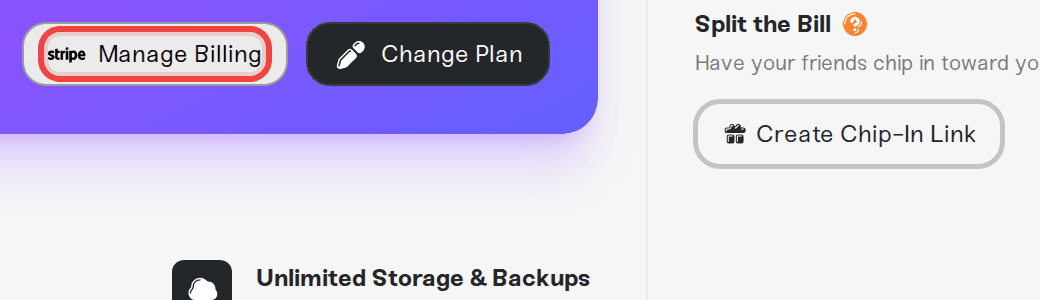
Haptic never sees or stores your card. Payments run through Stripe, and the Manage Billing button in your dashboard opens your secure Stripe portal, where…
Haptic never sees or stores your card. Payments run through Stripe, and the Manage Billing button in your dashboard opens your secure Stripe portal, where you can change your payment method, update billing details, and download every invoice.
What we accept
All major credit and debit cards, plus Apple Pay, Google Pay, Cash App Pay, Link, and Amazon Pay. You are billed automatically each period (monthly, quarterly, or yearly) on the date you signed up.
Open your billing portal
Sign in and go to Account, then the Your Haptic Plan tab.
Press Manage Billing. This opens your personal Stripe billing portal.
From there you can change your payment method, update your billing information (email and address, useful for invoices), and browse your invoice history with downloadable PDFs.
Plan changes themselves (memory, Wake & Play or Always On, billing period, pausing, canceling) happen right in the Haptic dashboard, not in the portal: see How to upgrade or change my plan.
Account credit
Referral rewards and other credits show up as Account credit on your plan page. Credit is applied automatically to your next bill, including plan upgrades, before your card is charged.
Let friends chip in
Splitting the cost is built in. The Share & Save card on your plan page gives you a secure Stripe link your friends can use to contribute toward your server costs. They do not need a Haptic account, and you stay in full control of the server.
Message us on Discord or email support@haptic.gg with the email on your account and we will figure it out together. New subscriptions come with a 7-day refund.