How to upgrade or change my plan
 HapticGuide
You can change your memory, switch between Wake & Play and Always On, or change your billing period at any time from Account, Your Haptic Plan. Upgrades…
You can change your memory, switch between Wake & Play and Always On, or change your billing period at any time from Account, Your Haptic Plan. Upgrades take effect right away. Downgrades are scheduled for your next billing date, so there is no charge today and nothing is taken away mid-cycle.
Change your plan
Open your plan page
Sign in and go to Account in your dashboard. The Your Haptic Plan tab shows your current memory, plan type, and renewal date.
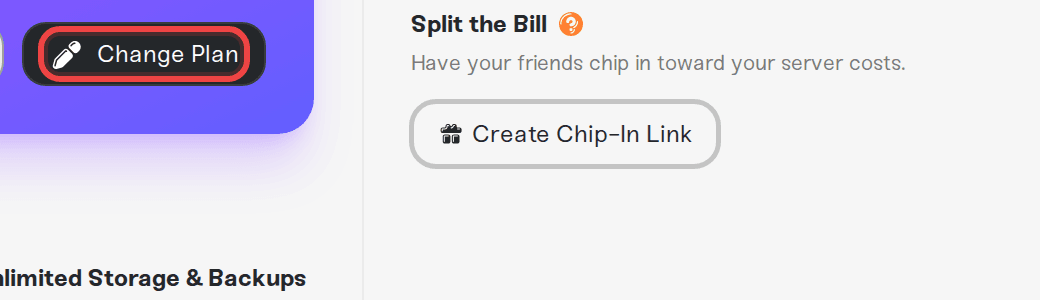
Press Change Plan
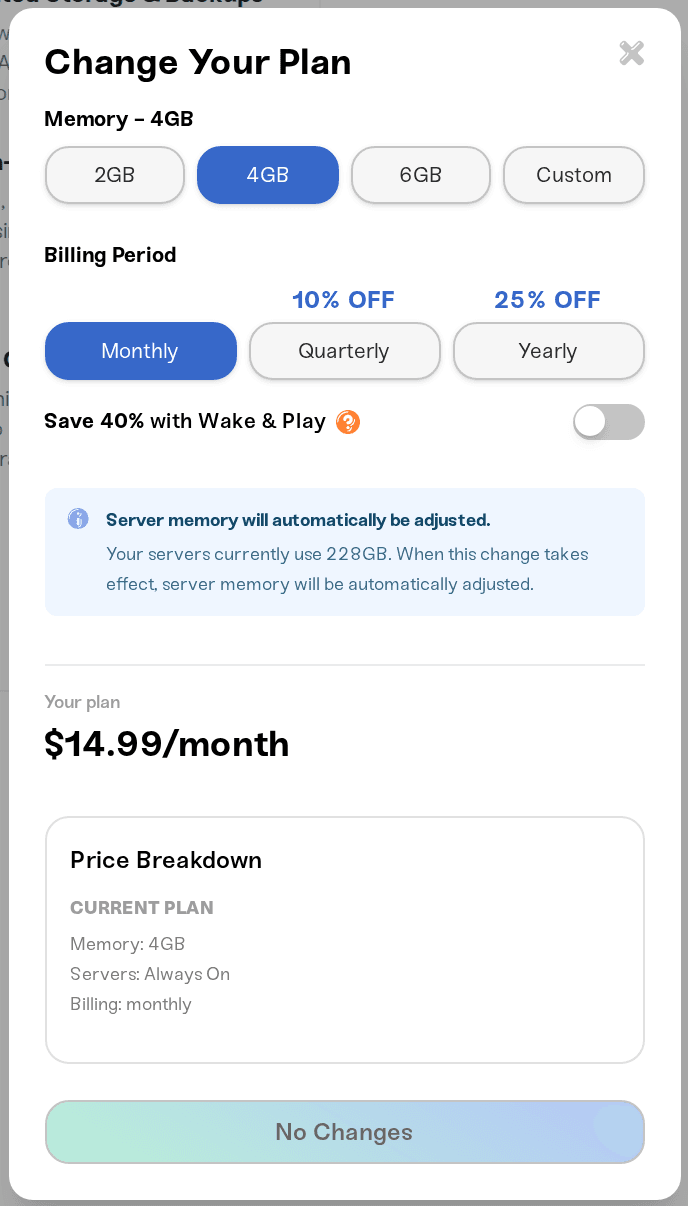
The Change Plan button opens the plan editor. Pick a memory preset or choose Custom for the full 2 to 32 GB slider, switch the Wake & Play toggle if you want to change plan type, and pick your billing period.
Confirm
Review the summary and confirm. Upgrades apply immediately. Downgrades show as a Scheduled Change for your next billing date, and you can cancel the scheduled change any time before then.
What happens to your servers
More memory: the extra memory is available right away. If a running server gets a bigger allocation, the new memory usually applies live, with no restart needed. Otherwise it applies the next time the server starts.
Less memory: your servers' memory is adjusted automatically to fit the new plan when the change takes effect.
Switching to Wake & Play: heads up if you host Rust, FiveM, or RedM. Those games require Always On, so they cannot start on a Wake & Play plan. You would need to delete or stash those servers before the switch takes effect.
Switching plan type while a server is running: the sleep timer is set when a server starts, so a Wake & Play server that is already online keeps its sleep timer until you restart it, even after you switch to Always On. Restart it from its card, or press Power down and then Power up, and it comes back as an Always On server that never sleeps. The same is true the other way round: a running Always On server only starts using the sleep timer after its next restart.
upgrading is the usual fix for lag on a busy server and for modpacks that need more headroom. If you are not sure how much memory a game wants, try the server RAM calculator.
Need help?
If a plan change did not apply the way you expected, message us on Discord or at support@haptic.gg. Include which plan you switched from and to, and whether the affected server was running at the time.



