Rust: wipes, maps, and seeds
 RustGuide
Rust servers have no Reset World button. Use the orange Wipe Server button on your server's Overview card instead: it offers a Map Wipe, a Map + Blueprints…
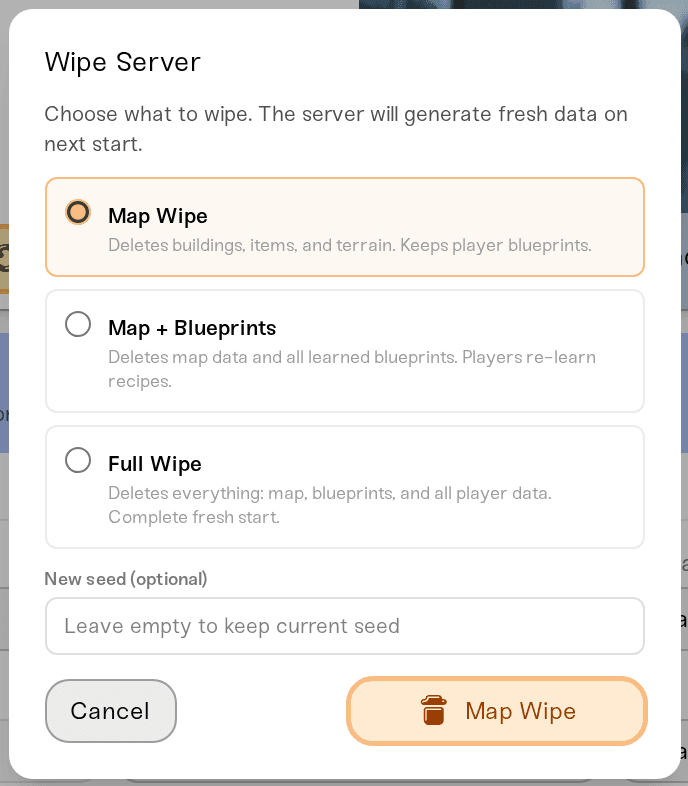
Rust servers have no Reset World button. Use the orange Wipe Server button on your server's Overview card instead: it offers a Map Wipe, a Map + Blueprints wipe, or a Full Wipe, with a New seed (optional) field in the same dialog. Your Oxide plugins, dashboard settings, admins, bans, and backups survive every wipe type. World Size, Map Seed, and Map Type only apply when a new map generates, so changing them takes a wipe; a Map Wipe is the least destructive one.
What each wipe clears
| Wipe type | Deletes | Keeps |
|---|---|---|
| Map Wipe | The map: terrain, buildings, items | Blueprints and player data |
| Map + Blueprints | The map plus every learned blueprint | Player data (players re-learn recipes) |
| Full Wipe | Map, blueprints, and all player data | Nothing from the world |
A Full Wipe also deletes the server's Rust+ companion data, so everyone has to pair the Rust+ app again. The other two wipe types keep it.
Wipe Server takes no backup of its own, but powering the server down backs one up automatically, and a New Backup you take yourself is kept for 2 years, so restoring one is your undo.
Wipe your server
While the server is online, click New Backup on the Backups card.
Stop the server. Wipe Server refuses to run while it is online.
Open My Servers, press Detail view on your server, and scroll to the bottom of the expanded Overview card. The orange Wipe Server button sits in the action row at the bottom, to the left of the red Delete button. You need to be the server owner, a Server Admin, or an Account Admin: Server Operators never see the button.
Click Wipe Server, then pick Map Wipe, Map + Blueprints, or Full Wipe.
Optional: type a number in New seed (optional). Leave it empty to keep your current seed.
Press and hold the orange confirm button (it reads Map Wipe, Blueprint Wipe, or Full Wipe to match your choice) until the ring fills. A single click does nothing.
Start the server. The first boot after a wipe spends a few minutes generating the map before anyone can join; bigger worlds take longer.

Get a new map: seed, world size, and map type
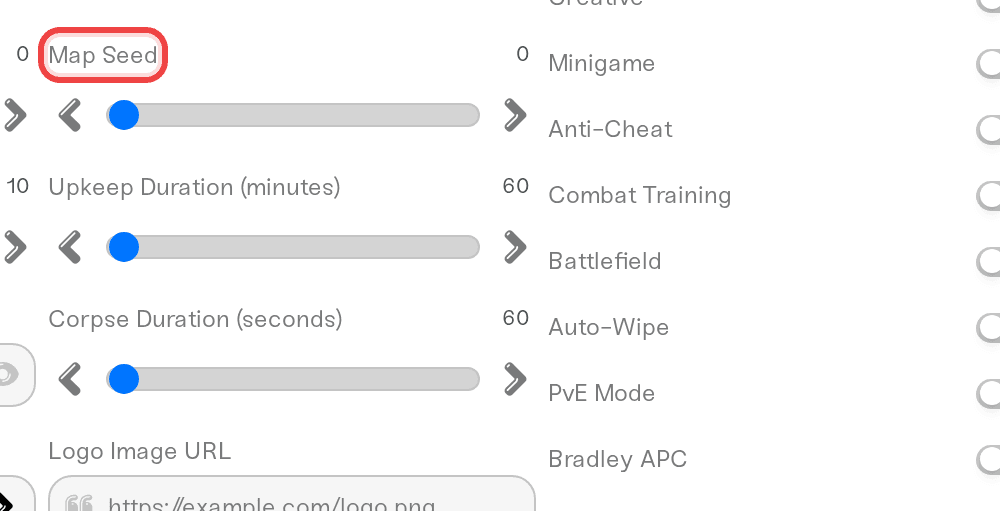
The three map settings live in the Overview card's Details tab:
World Size: 1000 to 6000 meters, default 3000. 4000 to 4500 suits 50 to 100 players. Bigger maps use more memory and take longer to generate.
Map Seed: 0 means a random seed on first start. The same seed and world size always produce the same map, so preview seeds on rustmaps.com or playrust.io before you commit.
Map Type: Procedural Map (monuments, caves, rivers, biomes) or Barren (flat, no monuments or caves, for build servers).
Saving a new seed and restarting does nothing to the current map; that's how Rust works, not a dashboard bug. Run a Map Wipe as above and type the seed straight into New seed (optional); blueprints and player data stay.
Custom maps are not supported. There is no custom map URL setting and no custom-map upload on Haptic. Upload your world imports an existing Rust save, not a map file.
Auto-Wipe and the Wipe Schedule
The wipe fields in the Details tab do two separate jobs:
Wipe Schedule, Wipe Day, Wipe Hour (0–23), and Wipe Timezone only set the in-game countdown (the Nuclear Missile Silo timer) and the wipe-schedule tag in the server browser. Rust starts its endgame events (F-15 flyovers, roaming Bradleys) 24 hours before that time. On their own, these fields wipe nothing.
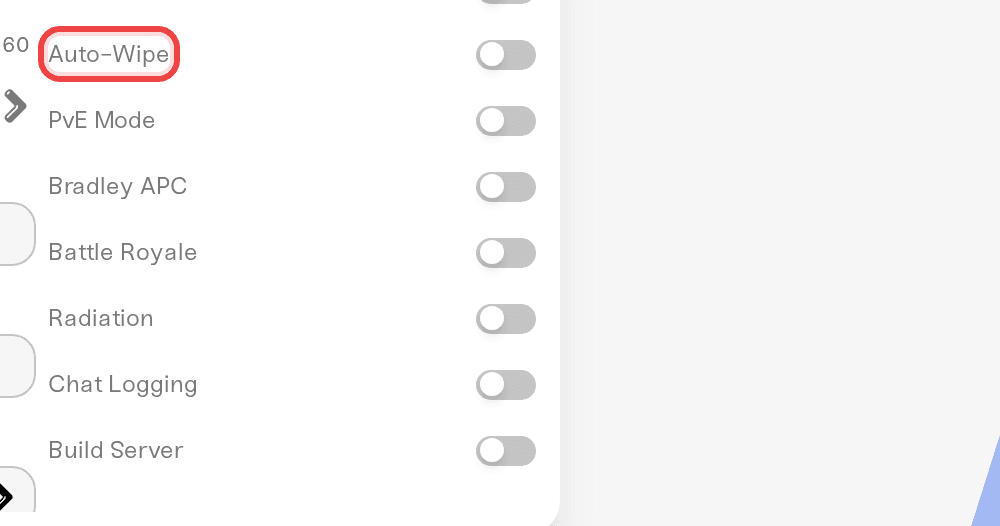
Auto-Wipe is the checkbox that actually wipes. With it on, at the scheduled time we stop your server, run the wipe chosen in Auto-Wipe Type (Map Only, Map + Blueprints, or Full Wipe), and start it again if it was running. New Seed on Wipe (on by default) picks a random seed each cycle; turn it off to regenerate the same layout every wipe.
Monthly means the first Wipe Day of each month, so the defaults (Monthly, Thursday, Europe/London) match Facepunch's forced-wipe schedule. For hands-free forced wipes, tick Auto-Wipe and set Wipe Hour (0–23) to 20 or 21 instead of the default 19: the new Rust build lands around 19:00, and a wipe firing at exactly 19:00 can restart your server onto the old build, which updated players cannot join. Biweekly and Weekly run every second week and every week.
Forced wipe day
Facepunch's monthly Rust update (first Thursday of the month, around 19:00 London time) changes map generation, so on forced-wipe day every Rust server must map wipe; blueprint wipes are only forced occasionally. That's a Rust rule, not something we control.
Your server picks up a new Rust build the next time it starts, and new builds reach us within about an hour of release. When one is waiting, your server card shows an orange New update available warning, and the server restarts onto the new build by itself once it has been empty for 15 minutes, even though Auto Restart defaults to Off. If players report "server is outdated" or a version mismatch after a Rust update, restart the server from the dashboard.
Need help?
Reach us on Discord or at support@haptic.gg. Include your server name, which wipe type you ran, and the exact message the dashboard showed.
Reset your world (the equivalent button on every other game)


