Project Zomboid: Change the Zombie Population on Your Server
 Project ZomboidGuide
Zombie numbers are a regular setting on your server's dashboard, and changing them never touches your world, your bases, or your characters. Pick a Zombie…
Zombie numbers are a regular setting on your server's dashboard, and changing them never touches your world, your bases, or your characters. Pick a Zombie Population preset, or turn on Custom Population Multipliers for exact numbers, then hit Save. Like every setting, it applies on the next restart after you save.
Pick a preset
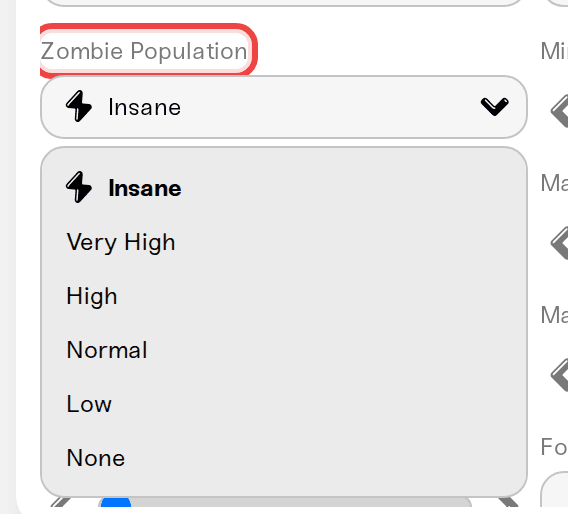
The Zombie Population preset sets the game's population multiplier for you:
Insane: 2.5
Very High: 1.6
High: 1.2
Normal: 0.65
Low: 0.15
None: 0
Yes, Normal is 0.65, not 1.0. That is how the game itself defines Normal, so a custom multiplier of 1.0 is already noticeably more than the default experience.
Or set exact numbers
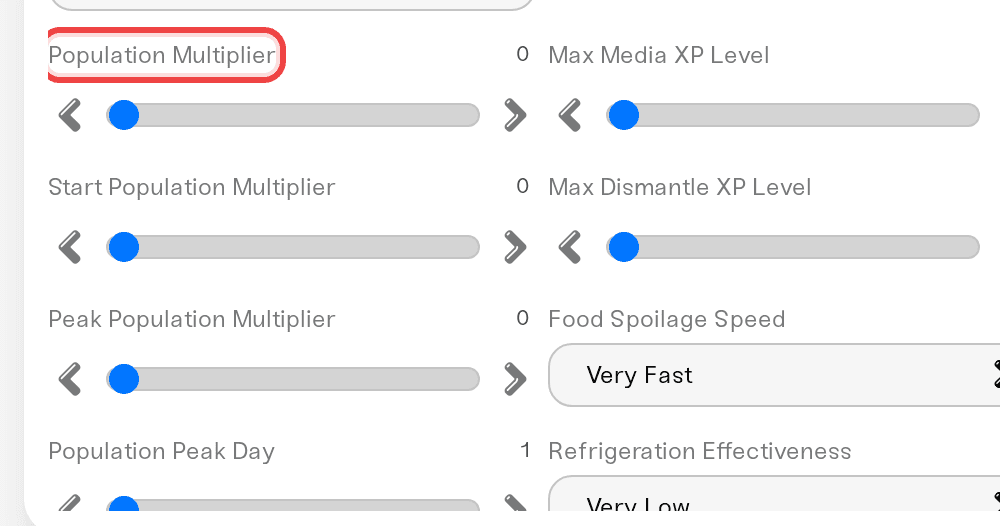
Turn on Custom Population Multipliers.
Set Population Multiplier (0 to 4). This is the main dial.
Fine-tune the curve if you want: Start Population Multiplier (how full the world is on day one), Peak Population Multiplier (how bad it eventually gets), and Population Peak Day (1 to 365, the in-game day the peak is reached).
Save, then restart the server.
Population changes apply to the whole world on that restart. Zombies already standing around do not vanish the moment the server comes back; the new numbers settle in as the world keeps simulating and repopulating.
Control respawn and migration
These decide whether cleared areas stay cleared:
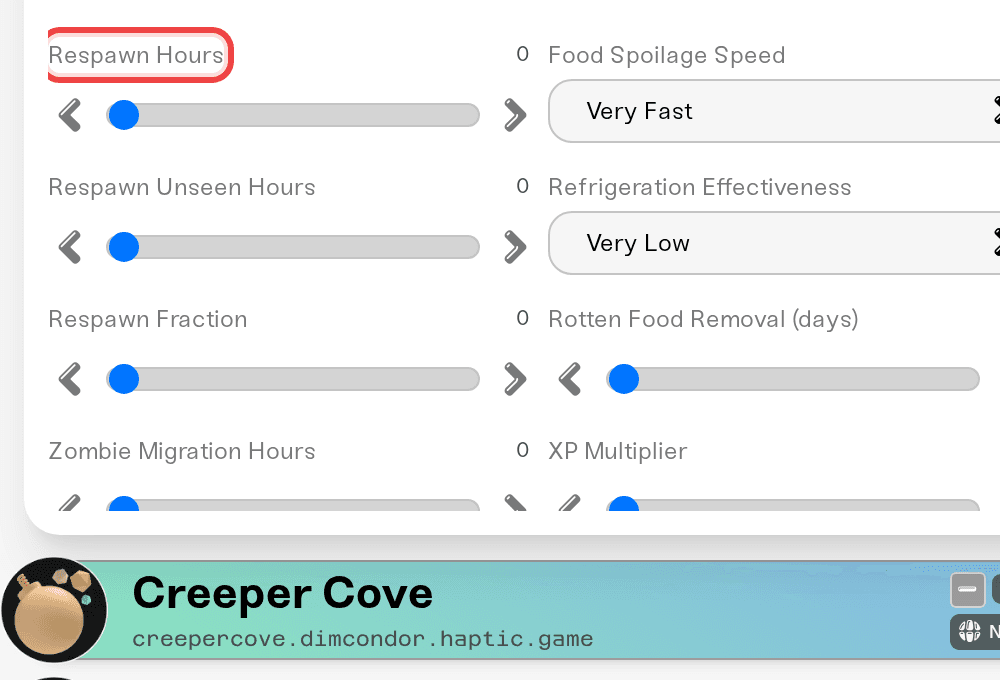
Respawn Hours: how many in-game hours before zombies may respawn in an area. Set it to 0 to turn respawn off completely.
Respawn Unseen Hours: an area must go unseen by players for this many hours before respawn is allowed there.
Respawn Fraction: how big each respawn wave is, as a share of the area's normal population.
Zombie Migration Hours: how quickly zombies from neighboring areas drift into the quiet spots you cleared. Respawn off but zombies still trickling back? This is why.
Things that will NOT fix it
Clearing a town by hand while respawn is on. They are coming back by design. Set Respawn Hours to 0 first if you want your work to stick.
Editing the sandbox file directly. Dashboard settings win on every start. Use the settings above, or the Sandbox Overrides box for anything not listed.
Restarting without saving. Settings apply on restart, but only after you hit Save.
Need help?
Tell us what you are going for ("we want a quiet start that gets scary later") on Discord or in a ticket, and we will suggest exact values.
Every sandbox setting from the dashboard, including the Sandbox Overrides box: see "Project Zomboid: Change Any Sandbox Setting".
The helicopter drags hordes onto players: see "Project Zomboid: Control the Helicopter and Other World Events".


