Project Zomboid: Become an Admin on Your Server
 Project ZomboidGuide
Your server already has a built-in admin account: the username is admin and the password is the Admin Password shown in your server settings. Join with…
Your server already has a built-in admin account: the username is admin and the password is the Admin Password shown in your server settings. Join with those in the account fields and you have every admin power. To give your own character (or a friend) admin powers, including admin-only mod menus, add them in the Admins & Whitelist tab on your dashboard. Becoming an admin changes nothing about your world.
Log in as the built-in admin
Every Haptic Project Zomboid server comes with the admin account ready to go. We generate an admin password when we create your server, so you do not need to set one up first.
Find your Admin Password
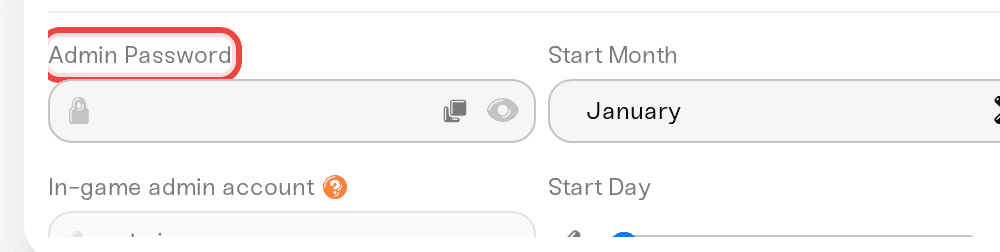
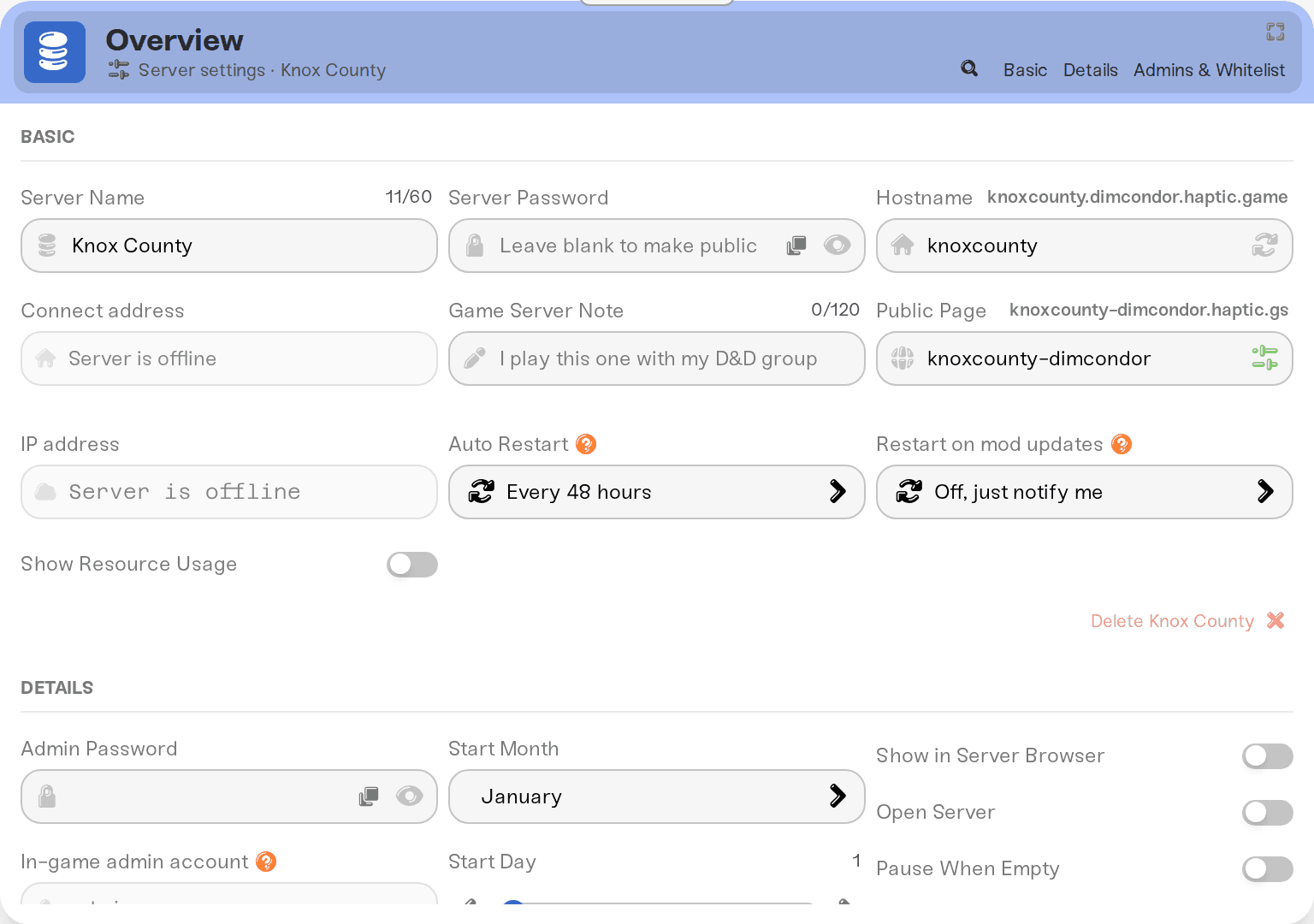
Open your server's settings on the dashboard and go to the Details tab. The In-game admin account row shows the username (admin) and your current Admin Password, ready to copy.
Join with the admin account
Launch Project Zomboid and join your server. On the join screen, enter admin as the account username and your Admin Password as the account password.
These are per-server accounts. The username and password fields on the join screen are for your account on this server, not your Steam login.
Want a different password? Edit Admin Password, hit Save, and restart: like other server settings, it applies on the next restart, and the old password keeps working until then.
Zombies ignoring you? That is normal
If zombies walk past you or you cannot take damage on the admin account, check the in-game admin panel: god mode and invisibility are usually on for that account. Toggle them off, or play on your own character and keep the admin account for admin work.
Give your own character admin powers
Most people do not want to play on the admin account; they want powers on their main. The easiest way is from your dashboard:
Open the Admins & Whitelist tab
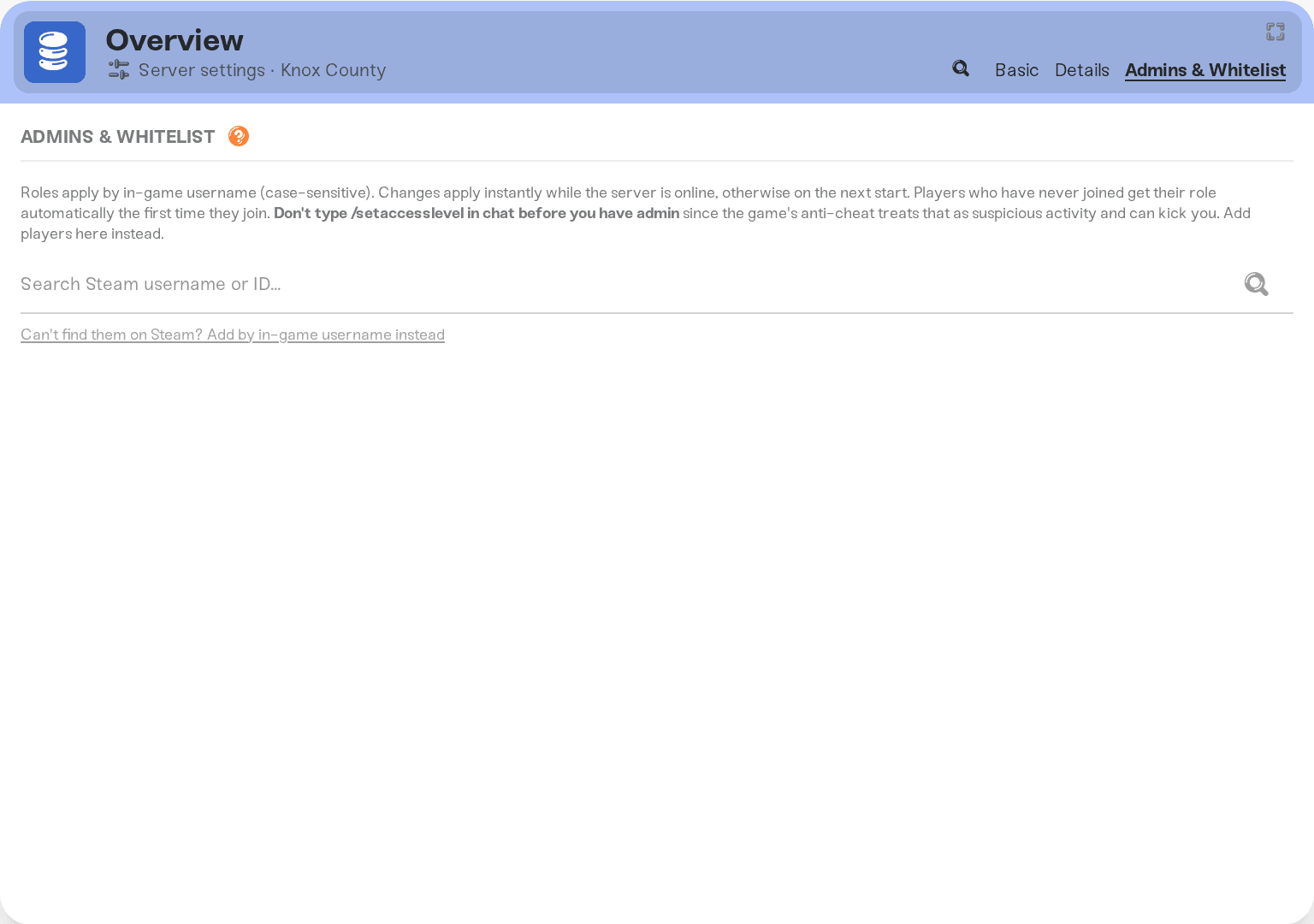
On your server's settings, open the Admins & Whitelist tab.
Add the player
Enter their in-game username and pick a role: Full Admin for everything, or a lighter role like Moderator, Game Master, or Observer.
Save
Changes apply live while the server is running, otherwise on the next start. A player who has never joined gets their role the first time they join.
To take powers away later, remove the player from the list (or switch their role) and save again.
Only give admin to people you trust: an admin can spawn items, teleport players, and generally bend the world.
Prefer chat commands?
While logged in as admin, you can run /setaccesslevel "TheirUsername" admin in the chat (quotes matter if the name has spaces). To take it back, run /setaccesslevel "TheirUsername" user.
Older guides say /setaccesslevel "name" none; Build 42 rejects none. Use user to make someone a regular player again.
A mod's admin menu will not open
Some mods, like ones that change sandbox options from inside the game, open their menu for admins only. The mod is working; the game just does not see your character as an admin. If the Admins & Whitelist tab is empty, nobody on your server is one, including you.
Open the Admins & Whitelist tab.
Add your in-game username (not your Steam login) as Full Admin. Lighter roles may not be enough for every mod.
Save, then open the mod's menu again.
To undo it, remove yourself and save. Or log in as the built-in admin account when you need the menu.
Things that will NOT fix it
Reinstalling or reordering the mod. Its menu is checking who you are, not how it was installed.
Putting the admin password in the server password field. It goes in the account password field, with
adminas the username.Using your own username with the admin password. The built-in account is literally named
admin.Changing the password without restarting. A new Admin Password applies after Save and a restart.
Running
/setaccesslevelon yourself, or forcing an admin menu open, before you have admin access. The game can treat that as cheating and kick you. Use the Admins & Whitelist tab instead.
Need help?
Message us on Discord or email support@haptic.gg. Include a screenshot of your Admins & Whitelist tab and, for a login problem, of your join screen with the password covered.


