Satisfactory: Join your server and create your first world
 SatisfactoryGuide
Satisfactory joins through the game's Server Manager on the main menu, not the Join Game button (that route is what usually produces the Encryption token…
Satisfactory joins through the game's Server Manager on the main menu, not the Join Game button (that route is what usually produces the Encryption token missing error). Your server is already claimed and named for you, so there is no claim wizard. A brand-new server has no world yet: once, the owner signs in to it as Administrator with the Admin Password from the dashboard and creates a game. After that, friends on Steam or Epic just add the server and play. Console players cannot join a dedicated server at all; that is a Satisfactory rule, not something we control.
Add your server in Server Manager
On My Servers, check that the card says Online, then click the address on the strip at the bottom of the card. It flashes Copied hostname!. The address looks like
factory.vesta.haptic.game:7699: the part before the colon is the address, the number after it is the port. That one port is all you ever enter; Satisfactory works out its second port on its own.Start Satisfactory, open Server Manager from the main menu, and add a server with that address and port.
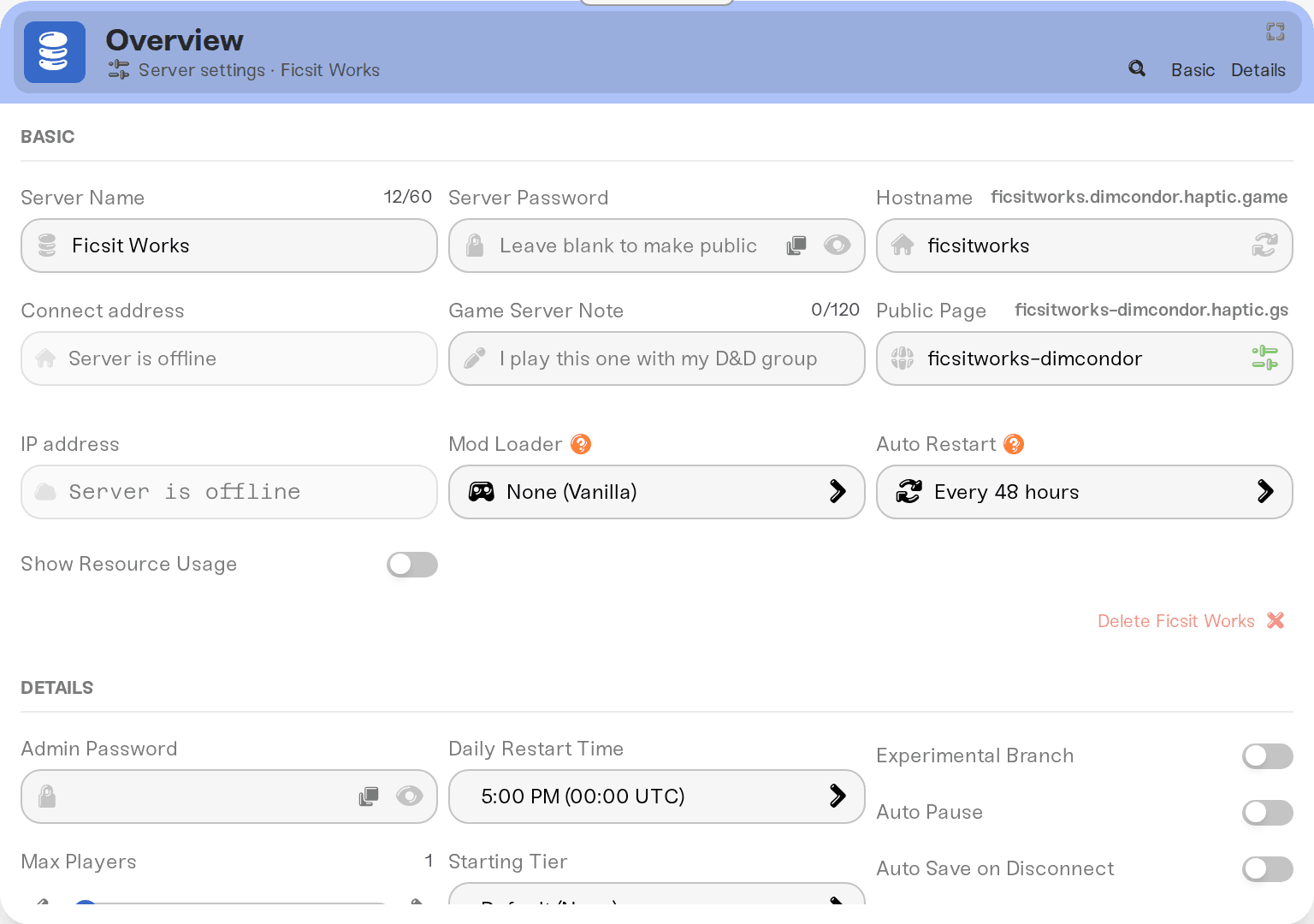
Your server appears under its Server Name, and if it has a Server Password, the game asks for that; it is the one password you share with friends. Both live in the Basic tab of the Overview card, and like all settings they only take effect the next time the server powers up. Change either one, then restart the server before you hand friends the new name or password.
On a desktop browser, while the card says Online, the shortcut row on the address strip (click the small arrow at the right end) also has a Join pill for Steam. It is not there on a sleeping or offline card. It launches Satisfactory, but you still add the server in Server Manager the first time.
Create the first world (owner, once)
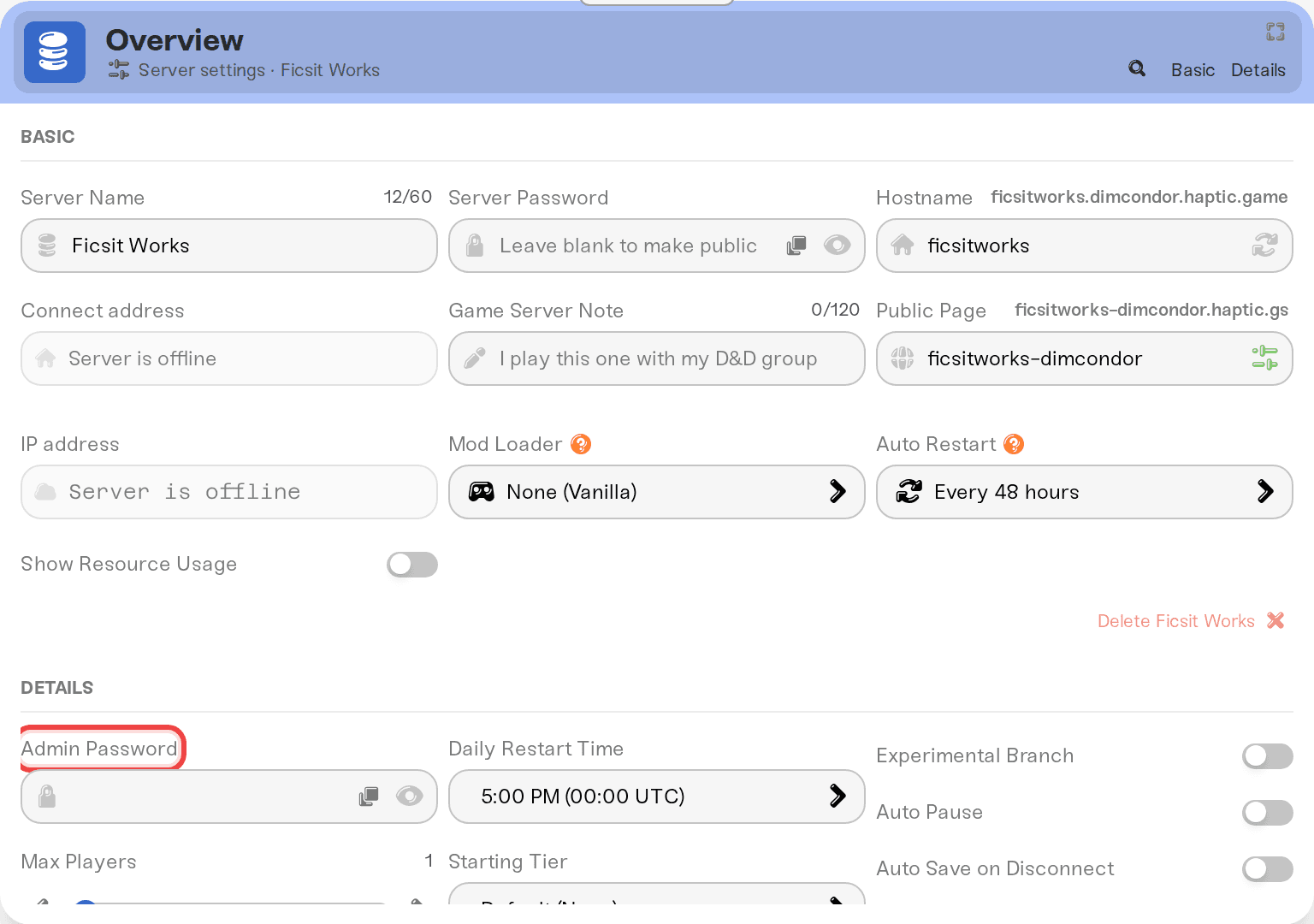
A fresh dedicated server has no game running on it, so anyone who adds it sees the server but nothing to play. Creating a game, loading saves, and changing server settings are Administrator actions inside Server Manager, and the Administrator password is the Admin Password on your dashboard.
On My Servers, press Detail view on your server and open the Details tab of the Overview card. Admin Password is shown as dots; use the eye icon to reveal it or the copy button next to it. It was generated for you when the server was created.
In Server Manager, select your server and sign in as Administrator with that password.
Create a new game, pick a starting area, and start it. Satisfactory restarts your server once a day and normally comes back on the same session.
From here on, friends only need the address and the Server Password. Keep the Admin Password to yourself: anyone who has it can load a different save, change server settings, or start a new game over the current one.
Already have a co-op save you want to continue instead of starting fresh, or want to know which save the server reloads after a restart? See Move your existing save to your server.
Who can join
Steam and Epic, together. Both store versions connect to the same dedicated server and play side by side.
PlayStation 5 and Xbox Series X|S: no. The console release (November 2025) does not support dedicated servers, and there is no PC to console crossplay in Satisfactory. Console friends can only play console to console sessions among themselves.
Same branch and version as the server. If your server is on the Experimental Branch, every player needs the Experimental build too, and after a game update players who updated before the server restarts cannot join. Details in Game updates and the Experimental branch.
If joining fails
Encryption token missing: almost always the player used Join Game instead of Server Manager. Have them add the server in Server Manager and join from there.
The server does not respond: confirm the card says Online. If it is asleep on Wake & Play, press Wake up on the dashboard, or a friend can wake it from your public page if you turned on Friends can wake this server and gave them the page link plus its share password (What is Wake & Play?).
Players could join yesterday but not today: a Satisfactory update landed and the server has not restarted onto it yet. Restart it from the dashboard.
Wrong password: the join prompt wants the Server Password, not the Admin Password.
Anything else: I can't connect to my server.
Need help?
Reach us on Discord or at support@haptic.gg. Include your server name, whether the player is on Steam or Epic, and the exact error text from Server Manager.


