Can I add more game servers?
 HapticGuide
Yes, as many as you like. Creating servers is free on every plan; your memory is the only budget. Add a server from My Servers, give it some of your plan's…
Yes, as many as you like. Creating servers is free on every plan; your memory is the only budget. Add a server from My Servers, give it some of your plan's memory, and stash servers you are not playing so their memory frees up for something else. Nothing you stash is lost.
Add a server
Open My Servers and press Add Server
Sign in, go to My Servers, and press Add Server.
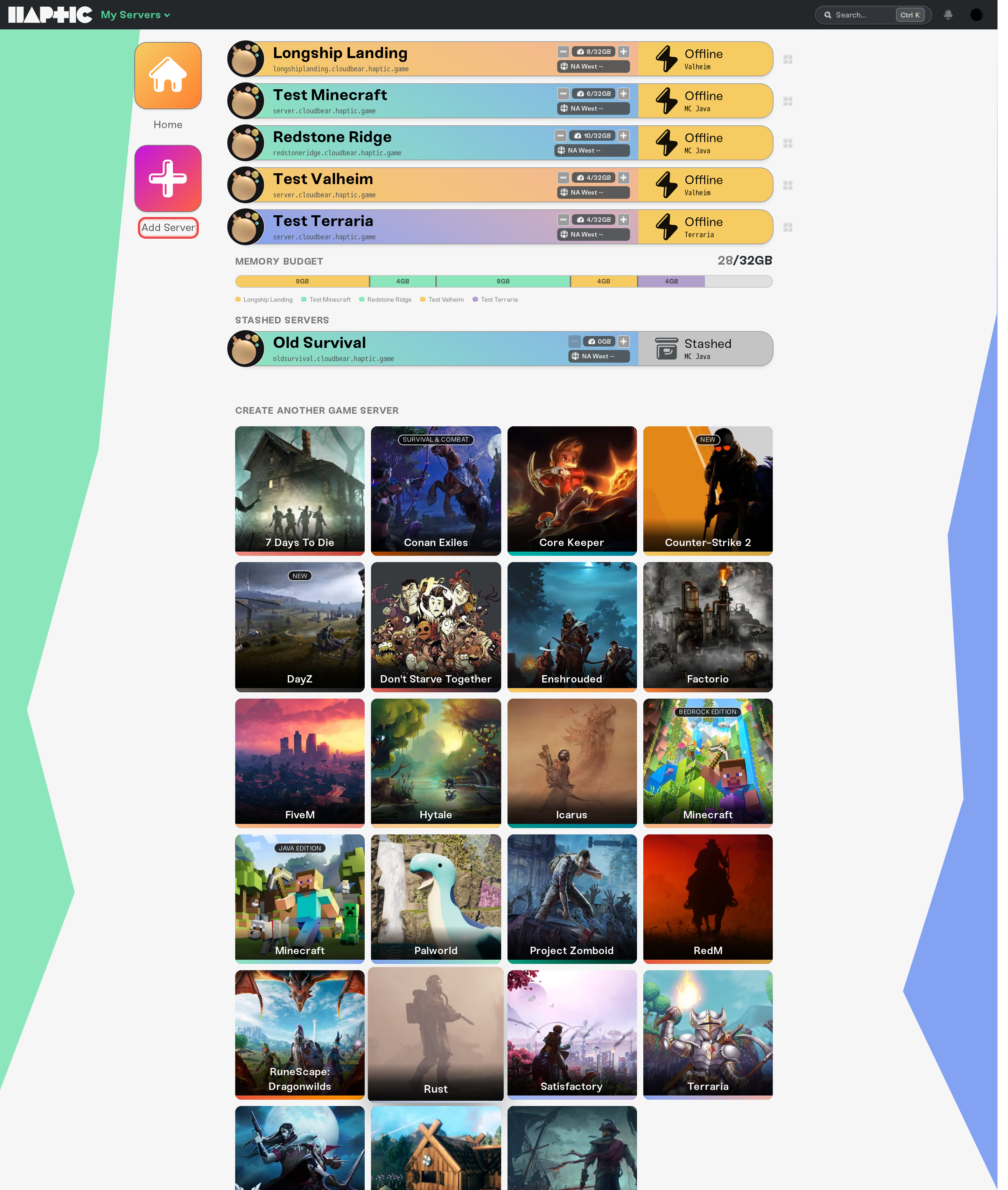
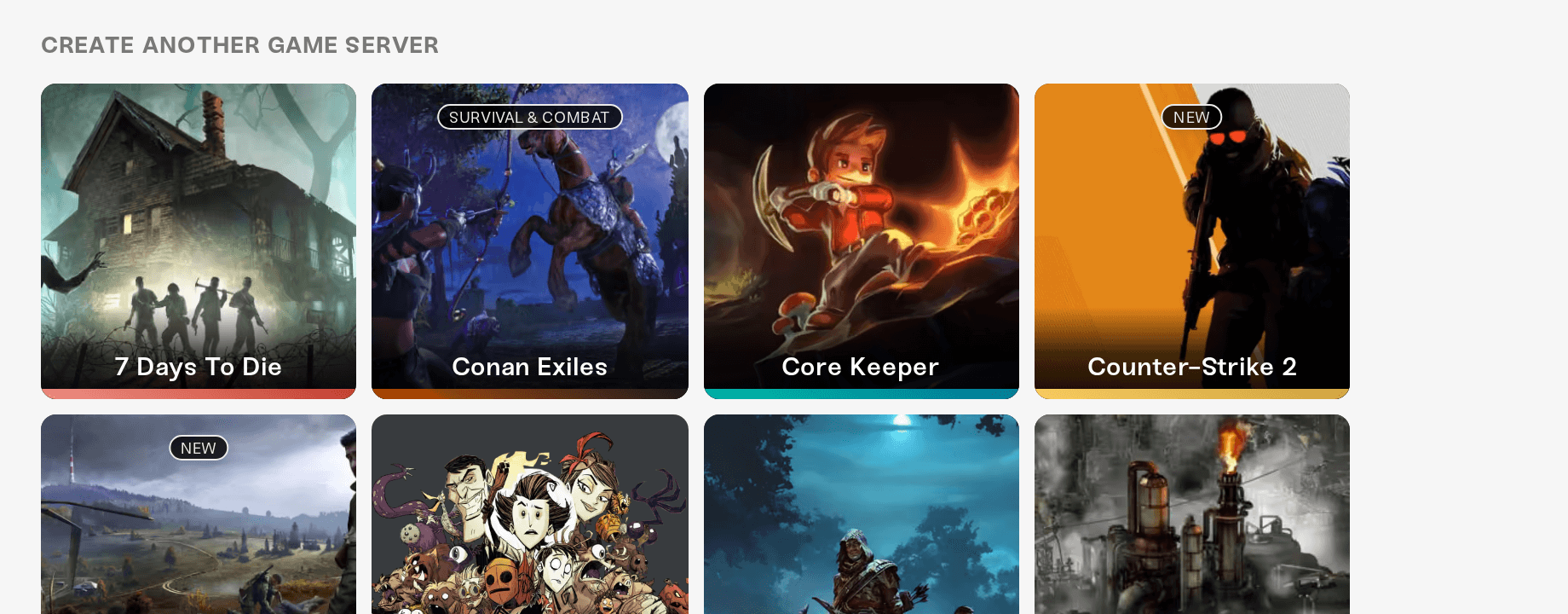
Choose your game
Pick any game we host. You can also upload an existing world during setup for most games.
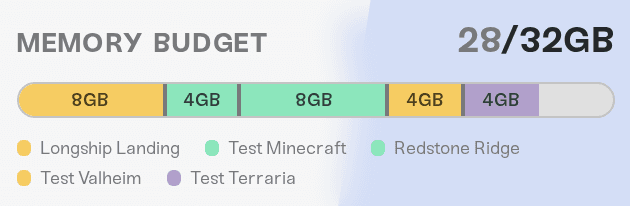
Allocate memory
The Memory Budget shows how much of your plan each server is using. Give the new server the memory it needs. If everything together does not fit, you can stash another server, shut one down, or add memory to your plan.
Active and stashed servers
Active servers hold a slice of your memory and can be started any time. Each one needs at least 2 GB, so running two servers at once takes a 4 GB plan or bigger.
Stashed servers cost no memory at all. Their worlds, settings, and mods are kept safe, and you can bring one back whenever you like from Manage on My Servers. Your plan includes plenty of stash space, and it grows with your memory.
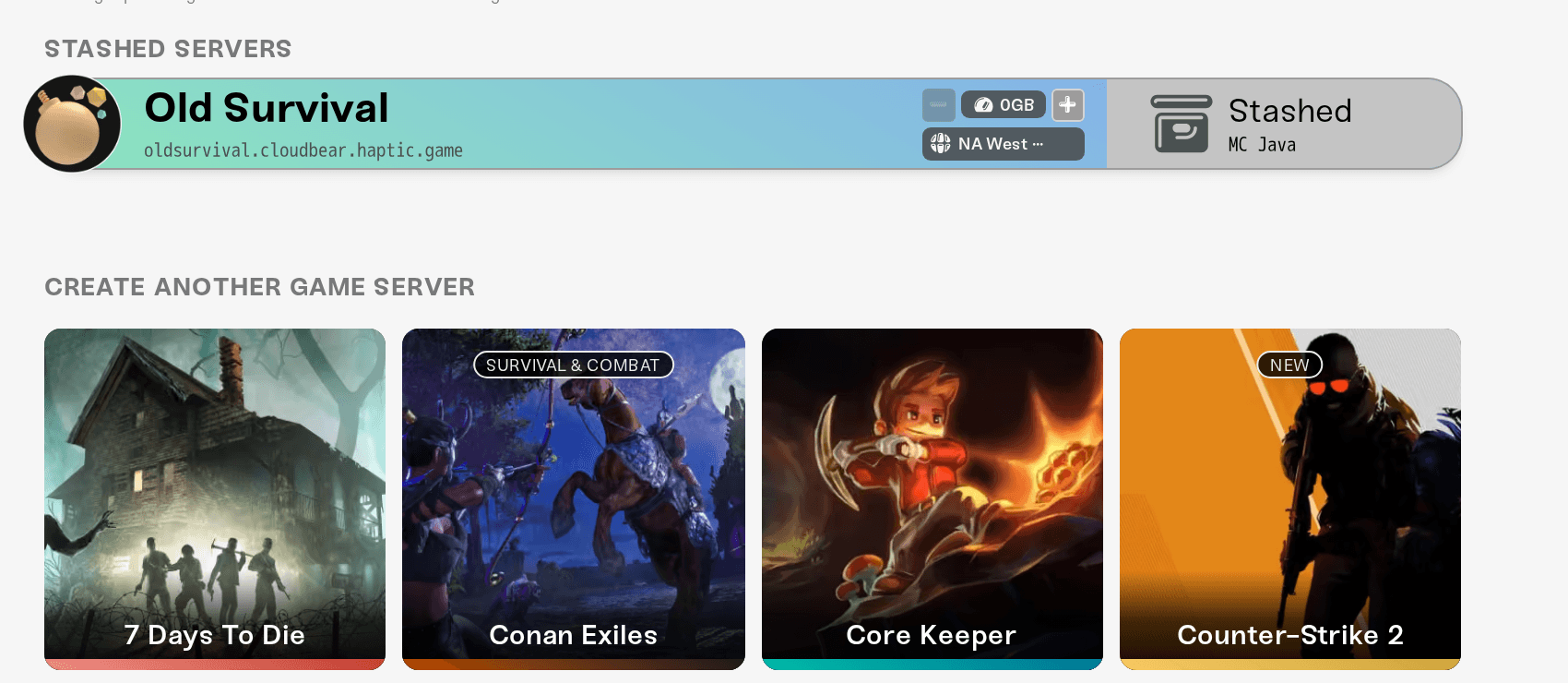
This is how you keep a Minecraft world, a Palworld world, and a Valheim world on one plan: keep the one you are playing active and stash the rest.
When to add memory instead
If you want several servers online at the same time, or one big server plus a small one, add memory to your plan: How to upgrade or change my plan. Memory is the whole price, so this is the only upgrade that ever costs anything.