Hytale: install a mod that is not in the catalog
 HytaleGuide
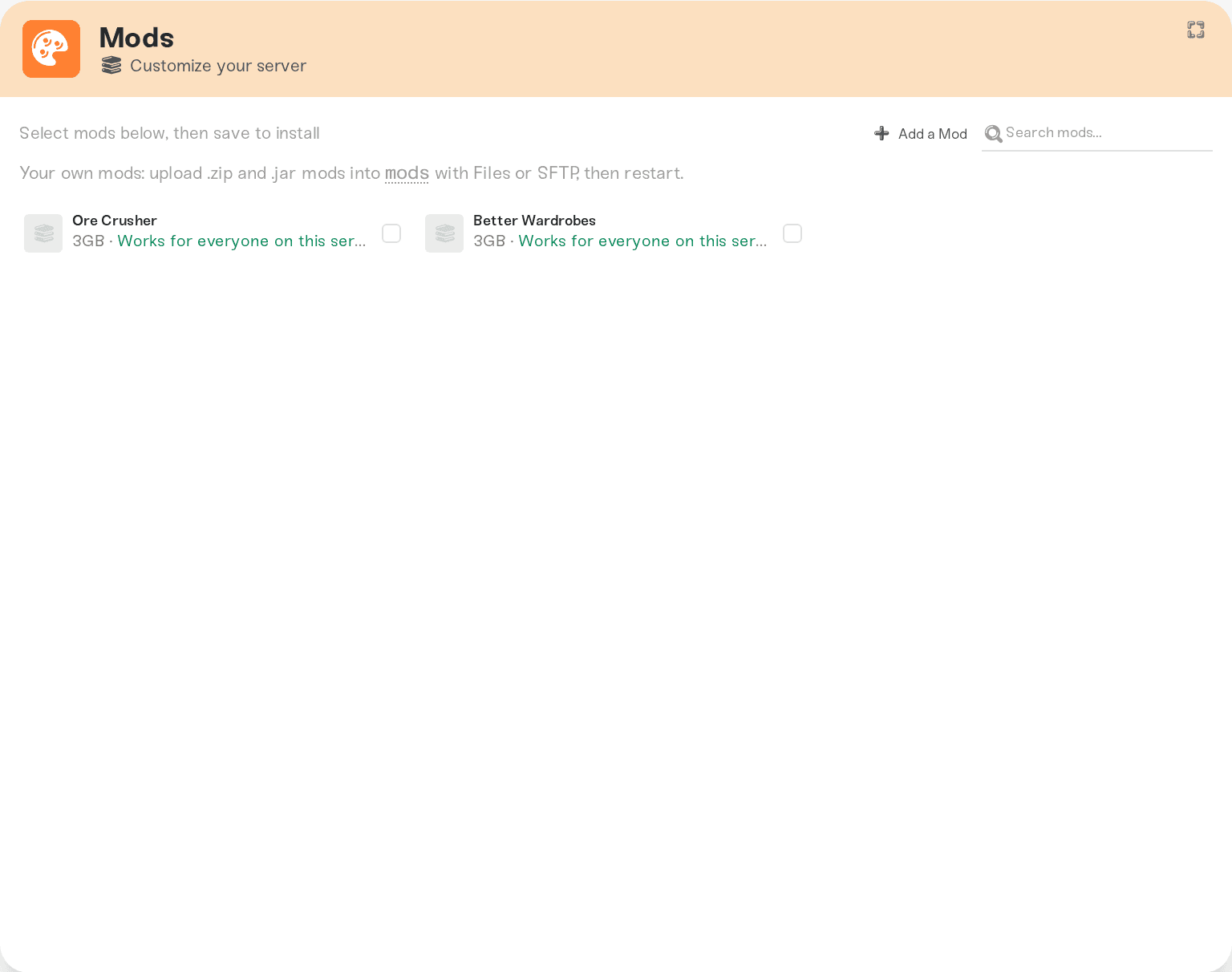
Drop the mod's .zip or .jar into the /mods/ folder at the top of your Files card (or over SFTP) and restart. Hytale picks up any mod file in that folder…
Drop the mod's .zip or .jar into the /mods/ folder at the top of your Files card (or over SFTP) and restart. Hytale picks up any mod file in that folder automatically. Hand-placed mods are safe: they survive restarts and server moves, and mods you install from the Mods card never interfere with them.
When to use this
The Mods card installs and updates mods from the catalog with one click, and that is the path to prefer. Hand-placing is for a mod that is not in the catalog yet. Also consider pressing Add a Mod in the card header so it gets added properly: Add a mod we don't have yet.
Install it
Upload the file
Open the Files card and drop the .zip or .jar into the mods folder at the top level. Over SFTP it is /mods/.
Restart
Restart your server from the dashboard. Hytale loads mods at startup.
Things worth knowing
Keep the file, not an unzipped folder. Hytale reads the mod archives directly.
Players usually need nothing. Hytale server mods run on the server; if a specific mod needs a client part, its page will say so.
Removing it: delete the file from
/mods/and restart. Files installed by the Mods card are managed for you; uncheck them on the card instead of deleting by hand.
Need help?
Ask on Discord or email support@haptic.gg with the mod name and where you got it.


