Windrose admin tools: what you can (and can't) do
 WindroseGuide
Windrose has no in-game admin role, no console commands, and no kick or ban. That is an Early Access gap in the game itself, not something we left out: it…
Windrose has no in-game admin role, no console commands, and no kick or ban. That is an Early Access gap in the game itself, not something we left out: it is why your Windrose server has no Admins tab and why the Console card has nothing to send commands to. The lockout tool for an unwanted player is change the server password, then restart. Nothing here touches your world.
Why there is no Admins tab
The Admins tab appears for games whose servers keep player lists: operators, whitelists, bans. Windrose keeps none of those. The game ships no admin commands, no RCON, and no kick or ban as of mid-2026, so there is nothing for the tab to manage. Your Overview card has two tabs, Basic and Details, and that is the whole set. The developers have said admin features are planned later in Early Access.
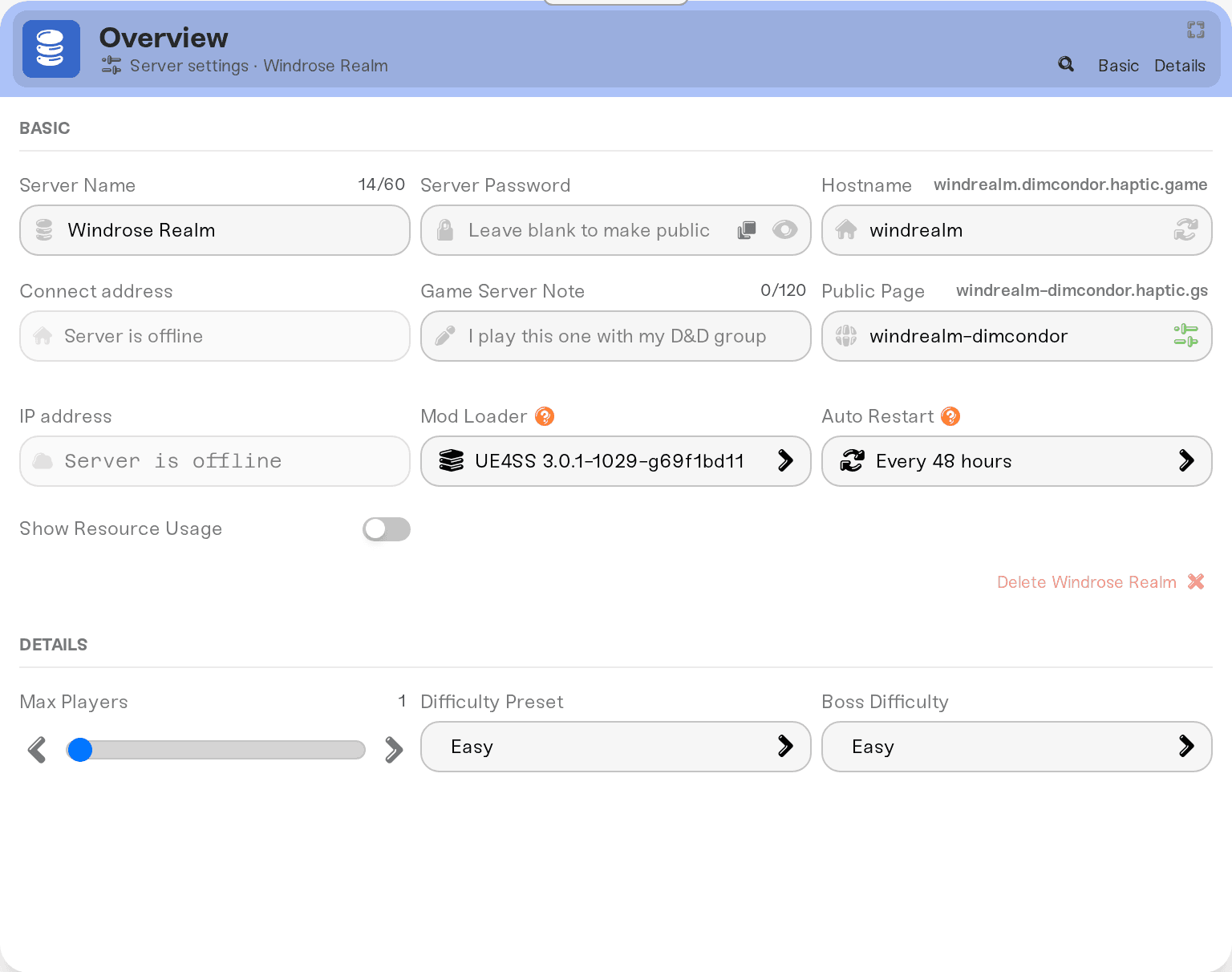
The Console card is a different story: it does show up for Windrose, and its command box will accept whatever you type. Nothing reads it. Windrose servers take no commands, so anything you send is quietly ignored. Treat the card as read-only output, and note that most of the detail goes to a log file instead: savegame/Logs/R5.log in your Files card.
There is no admin to become
There is no in-game admin to claim and no admin password to enter. Everything a Windrose server owner controls lives on the dashboard: difficulty and world settings, Max Players, the server password, restarts, backups, and mods. See Changing your server settings for the save-and-restart flow.
Two things that do not grant in-game powers:
Haptic friend roles (Server Operator, Server Admin, Account Admin) give friends dashboard powers such as restarting or changing settings. In game, everyone aboard is an ordinary player. See Friend roles explained.
Community admin tools such as "Windrose Server Manager" or "WindrosePlus" are wrappers built for a server running on your own PC. They are not supported on Haptic servers.
Removing a griefer: change the password and restart
Until the game ships moderation tools, this is the one move that removes a player and keeps them out.
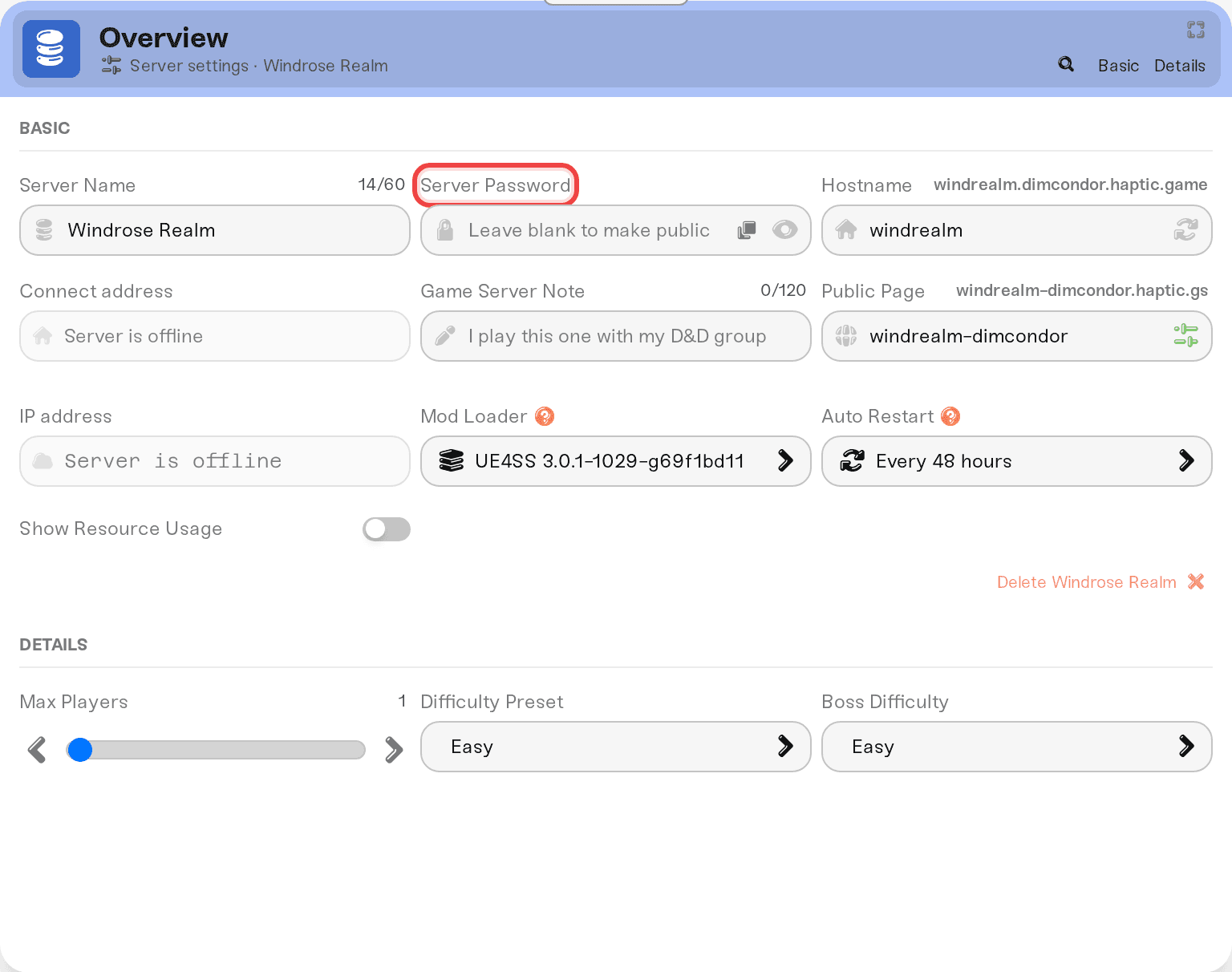
On My Servers, press Detail view on your server's card. In the Basic tab of the Overview card, type a new Server Password, then press Save changes in the popup at the bottom of the page.
Restart the server from its card. The restart disconnects everyone, the griefer included, and the new password is live from that start onward. Without a restart the old password still works.
Send the new password to the people you want back: on the server card, click the > chevron next to your invite code (or your address, if you switched to Direct IP) to open the shortcuts row, and use Copy password.
Two limits worth knowing:
The invite code cannot be changed on Haptic. Windrose generates it and there is no rotate option today. Anyone who kept the code still reaches the join prompt, but without the new password they stop there.
Switching the join method (the pill in that same shortcuts row) moves the door as well: after a restart, players join with the code instead of the address, or the other way around. Details in Join your server with an invite code or direct IP.
Keep the crew small
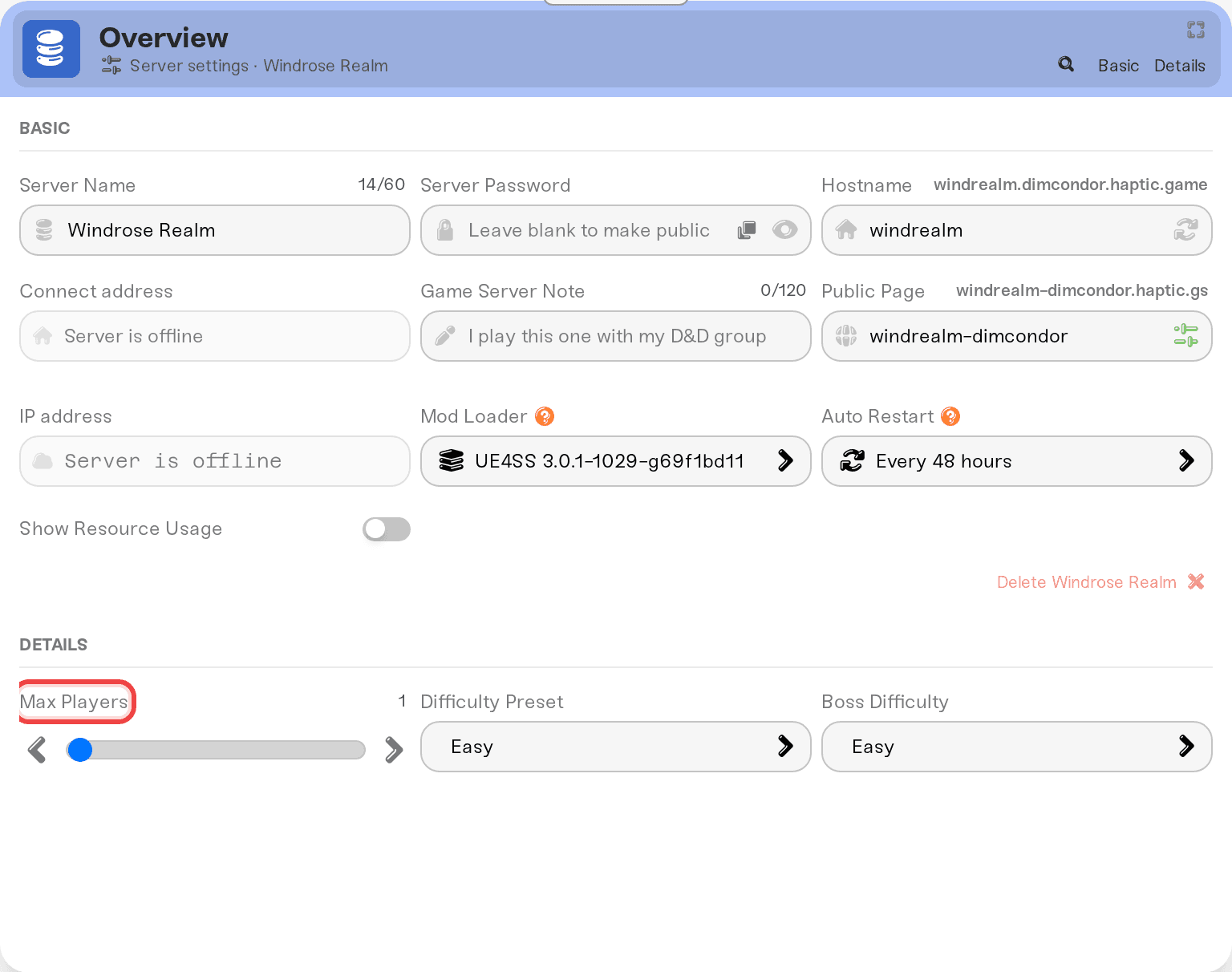
Max Players is in the Details tab of the Overview card (1 to 10, default 10). Lowering it caps how many people can be aboard at once, and the developers recommend around 4 players for Early Access stability anyway. Like every setting, it applies on the next restart.
Seeing who is aboard
Your server card shows the live player list with in-game display names, read from the server's own log. It is view-only: there is no kick button because the game has no kick to call.
Things that will not work
Typing commands into the Console card. Windrose servers have no commands to receive.
Hunting for an Admin Password field. Other games have one; Windrose does not, because it has no admin role yet.
Asking us to ban a player. We have no staff-side tool that the game itself does not have.
Need help?
Reach us on Discord or at support@haptic.gg. Include your server name and what you are trying to do.


