Changing Valheim World Settings on an Existing Server
 ValheimGuide
Change the setting on your dashboard, then restart your server. Every start applies exactly what your dashboard shows, on an existing world as well as a…
Change the setting on your dashboard, then restart your server. Every start applies exactly what your dashboard shows, on an existing world as well as a new one, and that includes turning a setting back off. You do not need the in-game console for any of this, and your world, buildings, and characters are untouched.
How to change a setting
Open your server on the dashboard and change the setting.
Save your changes.
Restart the server: press and hold the restart button until it says restarting. The status goes to Starting and back to Online.
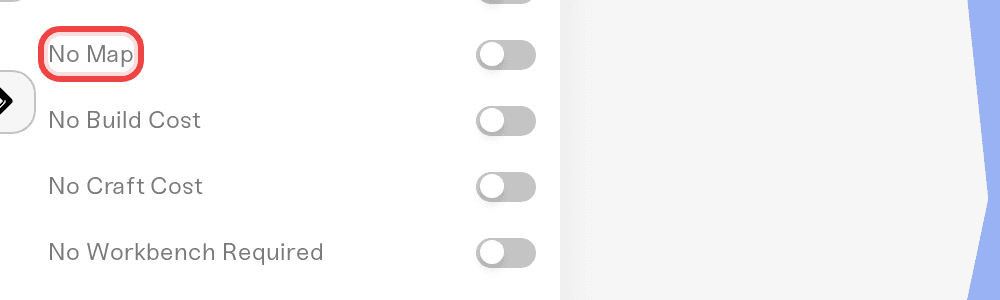
That is all. Sliders like Combat Difficulty and Portal Restrictions, and toggles like No Map or No Build Cost, all work the same way in both directions.
Things that will not stick
Console commands.
setworldmodifier,setkey, andremovekeytyped in-game are replaced by your dashboard settings at the next restart. They also requiredevcommands, and since Valheim 1.0 running the developer console permanently marks your character and the world as cheated, which locks achievements for them. Change world settings from the dashboard instead.World options with no dashboard setting. A world option set in-game or in single player that has no matching setting on your dashboard is cleared at the next restart. This includes worlds you upload: from their first start on Haptic, they follow your dashboard settings.
Need help?
Message us in Discord or open a ticket. Include your server name and the setting you changed.


