Valheim Mods: What Your Players Need to Install
 ValheimGuide
Valheim mods run in two places at once: on the server and on every player's PC. Haptic installs the server half for you, and each player then installs the…
Valheim mods run in two places at once: on the server and on every player's PC. Haptic installs the server half for you, and each player then installs the same mods at the same versions on their own game. Your server and world are fine: if a friend is kicked with an "Incompatible version" error, their PC is just missing a mod or has a different version of it.
Why players get kicked from a modded server
Most Valheim mods are BepInEx plugins, which is code that runs on both sides. The server runs its half (spawns, loot, world logic), and each player's game runs the other half (menus, models, effects). One half without the other either misbehaves or refuses to work at all.
Some mods actively enforce the match. Mods with enforcement built in, like EpicLoot, check every joining player and kick anyone who does not have the exact same mod at the exact same version. Others, like PlantEverything, let players without the mod join, but its features will not fully work for them.
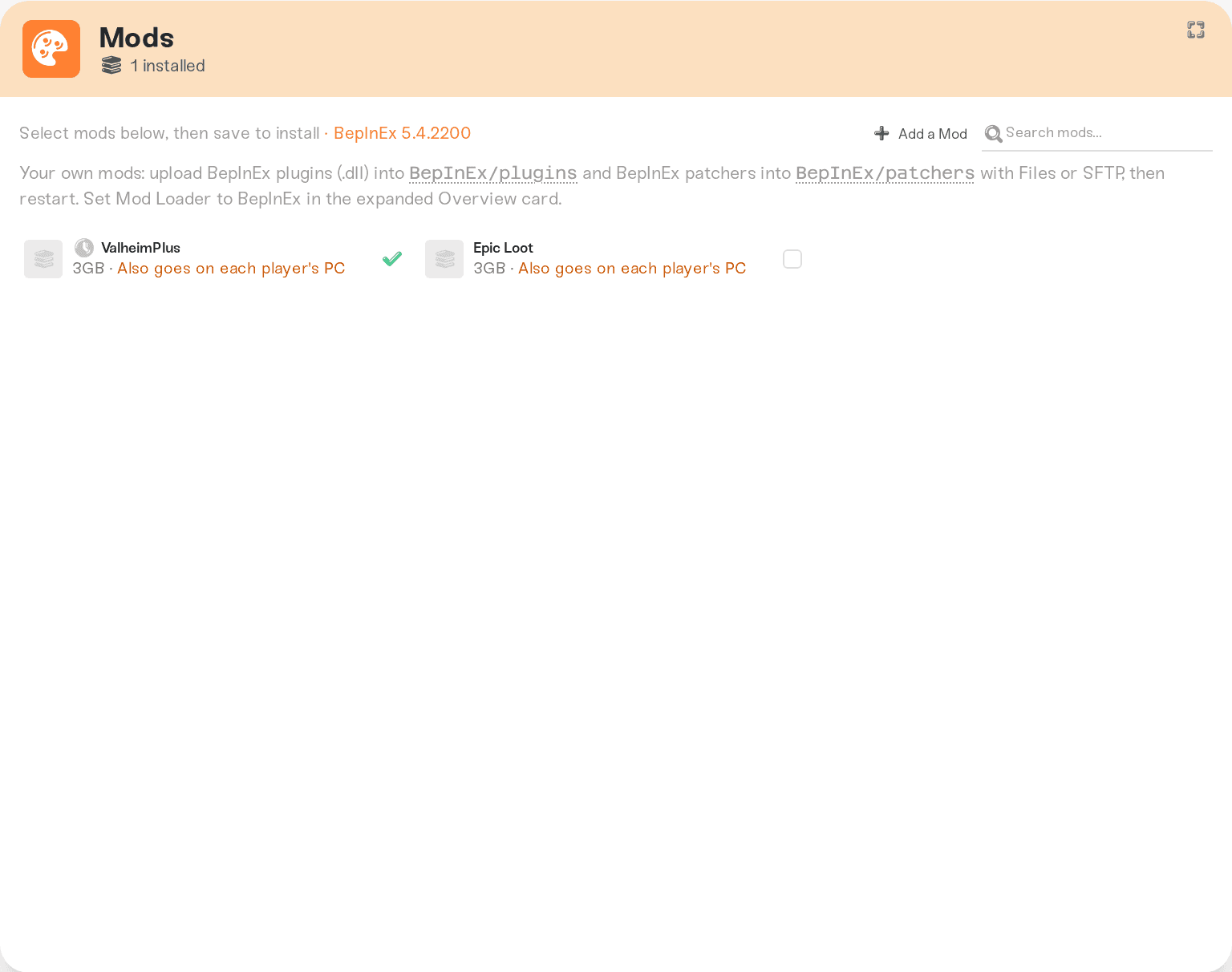
You do not have to memorize which is which. In your server's Mods tab, mods that kick mismatched players are labeled Required on player PCs in red, and the rest are labeled Server + player PCs. When in doubt, have everyone install everything: even non-enforcing mods work best when both sides have them.
What each player installs
Every player does this once, and again whenever you update a mod on the server.
Get the matching download link
Open the mod in your server's Mods tab and use the Download PC files link. It points to the exact matching version on Thunderstore, so nobody has to guess.
Install the mod on their PC
The easy way is r2modman, a free mod manager that handles versions and profiles. The manual way is dropping the mod's DLL into the game's BepInEx/plugins folder.
Repeat for every required mod
Do this for every mod labeled Required on player PCs. Versions must match exactly, not just the mod name.
Easier for groups. Your server's Public Page lists every installed mod with a download link for each one, at the exact versions the server runs. Share that one link with your friends as the join checklist.
Xbox, PlayStation, and Game Pass friends: mods and crossplay do not mix
The Crossplay setting is what lets console and Game Pass players join. BepInEx mods and crossplay cannot be combined: with crossplay on, the game uses a different networking system and mods stop working. That is a Valheim modding limitation, not a Haptic rule. A modded Valheim server is Steam PC only.
The dashboard guards this for you. If you install mods while Crossplay is on, saving turns Crossplay off (the save screen tells you first). And you cannot turn Crossplay on while mods are installed: remove the mods first.
If you need console or Game Pass friends on the server, run it without mods and with Crossplay turned on.
Troubleshooting the "Incompatible version" error
This error means the joining player's mods do not match the server's. Check, in order:
Missing mod: they skipped one of the required mods. Walk the join checklist again.
Wrong version: they have the mod, but a newer or older version. The Download PC files link always gives the matching one, so update or downgrade to exactly that.
Extra mods on their side: the check goes both ways. A player running their own big mod profile can be blocked from joining a server that lacks those mods. Have them make a clean r2modman profile just for your server, with only the mods your server runs.
When you update a mod on the server, every player updates their copy too. Update together, then share your Public Page link again so everyone grabs the new version.
Need help?
Message us on Discord or email support@haptic.gg. Send your server name and a screenshot of the error the joining player sees, plus the mod list they have installed.


