Valheim Admins, Allowlist, and Bans from the Dashboard
 ValheimGuide
Valheim normally makes you edit adminlist.txt on the server by hand. On Haptic, admins, allowed players, and bans are lists in your server's Admins…
Valheim normally makes you edit adminlist.txt on the server by hand. On Haptic, admins, allowed players, and bans are lists in your server's Admins section: add a player's ID, restart, done. The lists sync both ways with the actual files on the server, so nothing you set gets lost, and nothing set on the server is hidden from the dashboard.
Finding a player's ID
Steam players can be searched by name, or by their SteamID64, a 17-digit number a player can find on steamid.io by pasting their Steam profile link.
On crossplay servers, console and Game Pass players have a platform ID instead, in the form Xbox_<id>, PlayStation_<id>, or Nintendo_<id>. The lists accept that ID as it is, prefix included. To find it, open your server's Console tab and have the player join: the line that starts with received local Platform ID shows their ID. Copy it exactly as shown.
Managing the lists
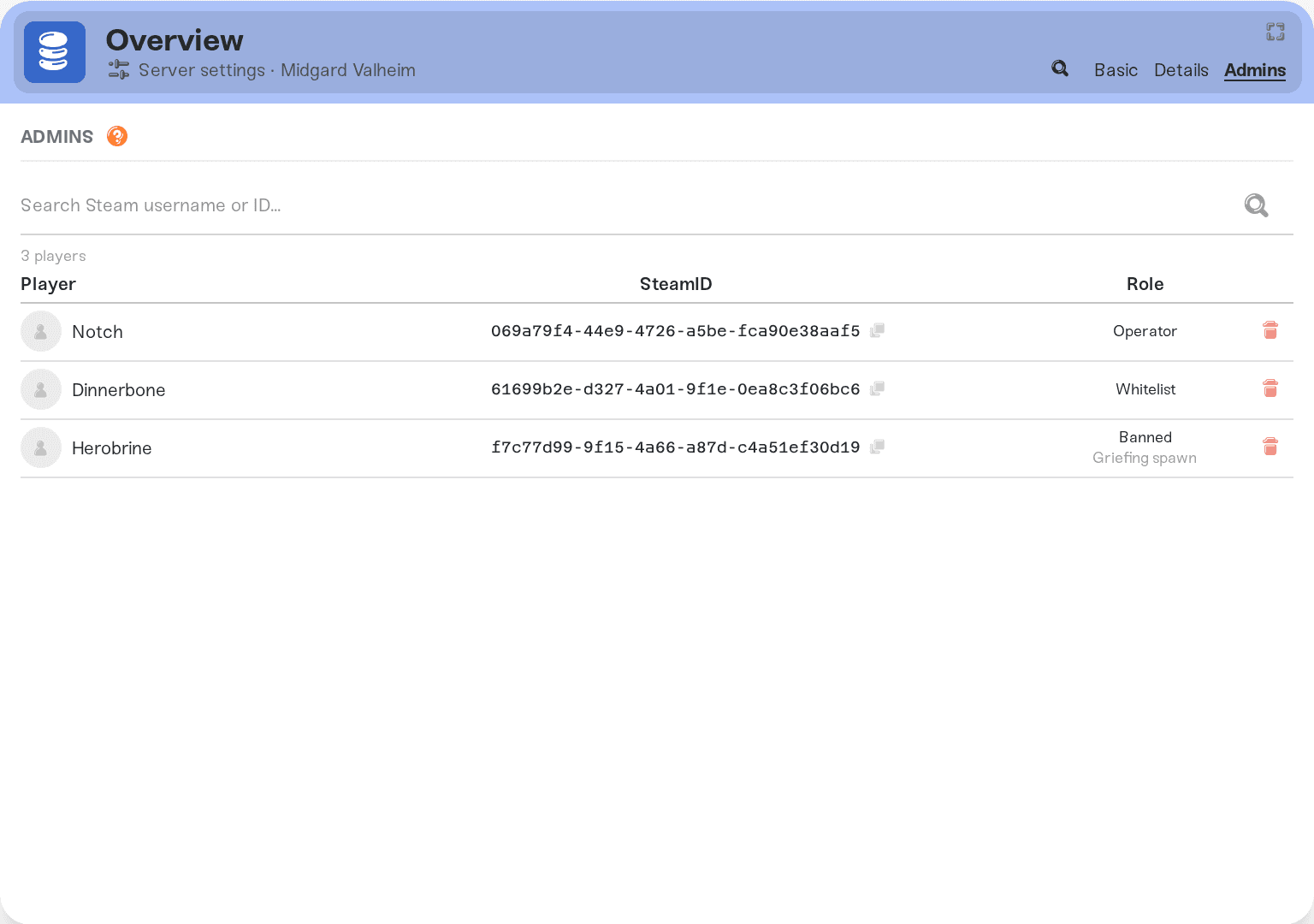
Add an admin
Open your server's Admins section, add the player's ID to the admins list, and save. Changes are applied to the server on its next restart.
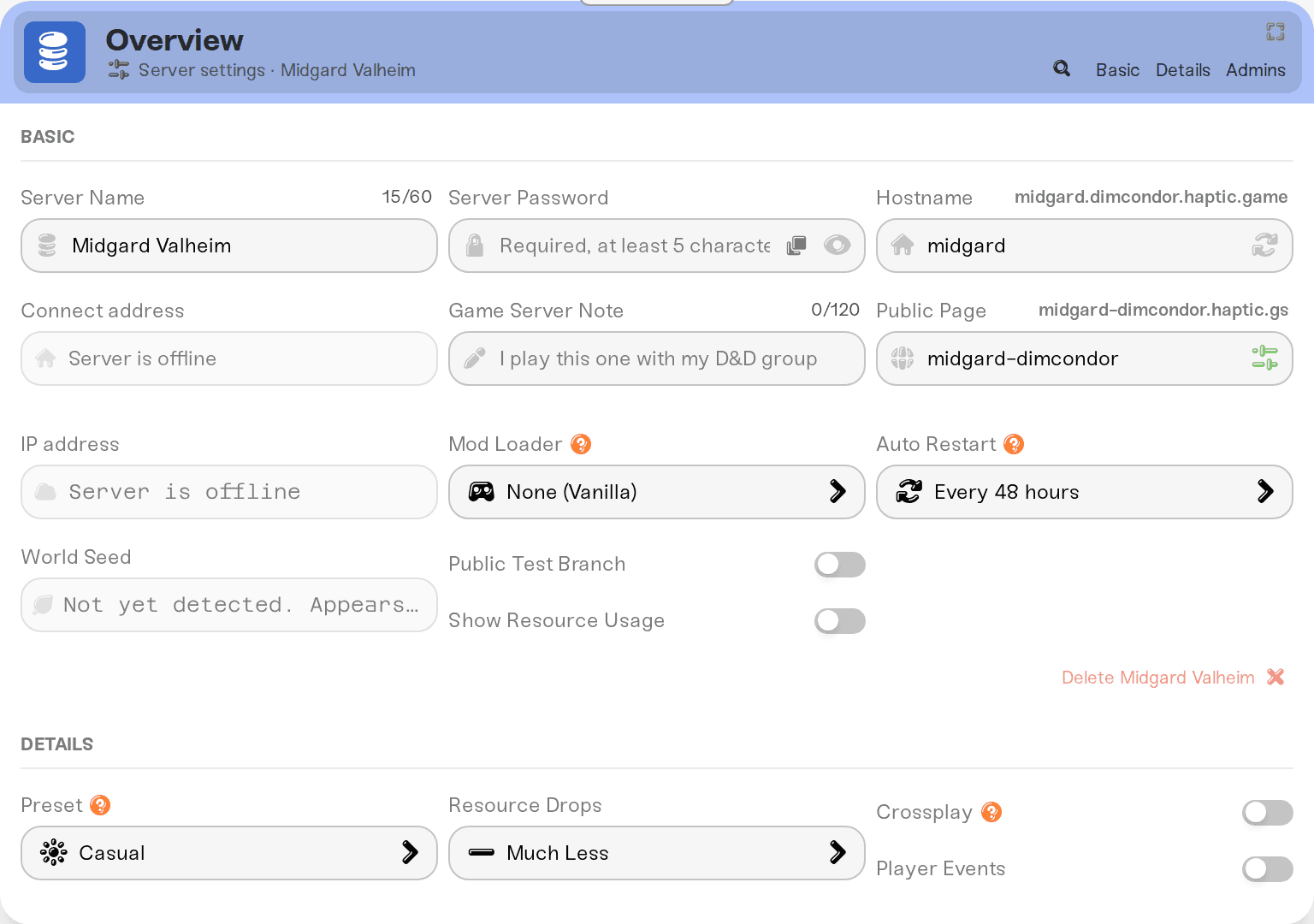
Allowlist your server (optional)
Adding IDs to the allowed players list turns your server invite-only: only listed players can join, even with the password. Leave the list empty and the password alone decides who gets in.
Ban a player
Add their ID to the banned list and save. Bans also apply from in-game with the ban command if you are an admin.
The lists survive everything. Your dashboard lists and the server's adminlist.txt, permittedlist.txt, and bannedlist.txt are kept in sync in both directions, including after restores and file edits. Editing either side is fine; nothing is silently overwritten.
What admins can do in-game
Once your ID is on the admins list and the server has restarted:
Add
-consoleto Valheim's launch options in Steam (right-click Valheim, choose Properties, then Launch Options). Valheim ships with the console turned off, so without this option pressing F5 does nothing.Join the server and press F5 to open the console.
Admin commands work from there:
kick <name>,ban <name>,unban <name>,bannedto list bans.Cheat commands like
spawn,godandflydon't work on a dedicated server, Haptic's included, even for an admin who typeddevcommands: Valheim only allows them for whoever hosts the world, and says the command is not valid in the current context. To use them on your server, install the Server devcommands mod (by JereKuusela) from the Mods tab and in each admin's own game. A server runs mods or Crossplay, not both.
Since Valheim 1.0, running the developer console (devcommands) permanently marks both your character and the world as cheated and locks achievements for them. Everyday moderation like kick and ban is normal admin work, but think twice before devcommands on a world where achievements matter. Managing settings from your Haptic dashboard does not touch achievements.


