Don't Starve Together: Get your Klei server token
 Don't Starve TogetherGuide
Don't Starve Together will not run an online server without a server token from Klei, the game's developer. It is free, takes about ten seconds to make,…
Don't Starve Together will not run an online server without a server token from Klei, the game's developer. It is free, takes about ten seconds to make, and ties the server to the Steam account that owns the game. The first time you press Power up, your server asks for it in a dialog: paste it in and the server boots. The token has no effect on your world or your settings.
What the token is
Klei requires every dedicated server to prove it belongs to someone who owns Don't Starve Together. That proof is a token you generate on Klei's website while logged in with Steam, and without one the game server refuses to start. That is a Don't Starve Together rule, not something we control.
No purchase and no new account: you log in with the Steam account you already play with.
Each server needs its own token, so make a fresh one for your Haptic server rather than reusing one from another host.
The token is the only thing you need from Klei's site. Ignore every other setting there; Haptic writes your server's configuration for you.
Get your token and start the server
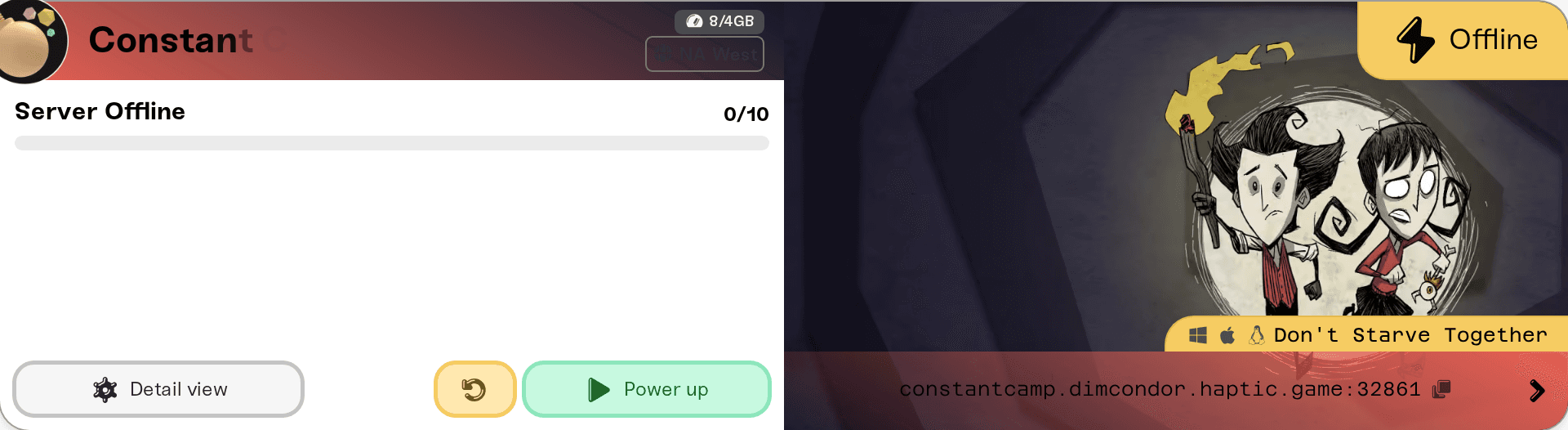
On My Servers, press Power up on your Don't Starve Together server (Wake up on Wake & Play plans). With no token saved, the Klei Server Token Required dialog opens instead of the server starting.
Click the Klei Account > Game Servers link in the dialog. It opens accounts.klei.com in a new tab, where you log in with the Steam account that owns the game.
Type any name in Cluster Name and press Add New Server. That name is a label for you; it does not have to match your server's name on Haptic.
Copy the Server Token that appears. It starts with
pds-g^. Copy the whole string: one missing character at the end makes it invalid.Paste it into the dialog and press Save & Start. The token is saved to your server and the server powers up.
Pressing Cancel saves nothing and leaves the server off. Press Power up again once you have the token.
Where the token lives afterwards
Press Detail view on the server card and open the Details tab of the Overview card. Your token sits in the Klei Server Token field, marked with a shield icon and hidden like a password. The eye icon reveals it.

You never need to touch it again unless you replace it. To swap in a new one:
Paste it into the field and press Save changes.
Restart the server so it runs with the new token.
Treat the token like a password. Do not paste it into Discord and do not leave it visible in a screenshot.
When you need a new token
It leaked. Anyone holding your token can run a server under your Klei account. Delete it on Klei's Game Servers page, add a new server there, and swap the new token in with the steps above.
You deleted it on Klei's site. A deleted token stops working, so generate a replacement and swap it in the same way.
Nothing on your server is lost either way. A new token changes who the server logs in as, not what is in your world.
Token problems show up as a failed start
A token that is wrong, cut short, expired, or deleted on Klei's site does not leave you with a server that quietly runs. The start fails instead: the card goes red, the status reads Failed, and the card tells you why.
Invalid server token - check token configuration means the token was rejected. It is usually a truncated paste or a token that no longer exists on Klei's site.
Server token has expired - regenerate token and update configuration means Klei no longer accepts it. Make a new one.
Either way, generate a fresh token on Klei's Game Servers page, swap it in with the steps above, and press Retry on the card.
One thing that is not a token problem: your server only appears in the in-game Browse Games list while it is Online, so a sleeping Wake & Play server is never listed until someone wakes it.
Need help?
Reach us in Discord or at support@haptic.gg with your server name and what your server card shows. Never send the token itself.


