Project Zomboid: Turn PVP On or Off (and Keep It Fair)
 Project ZomboidGuide
Three settings on your server's dashboard decide how players treat each other: PVP (can players hurt players at all), PVP Safety System (players opt into…
Three settings on your server's dashboard decide how players treat each other: PVP (can players hurt players at all), PVP Safety System (players opt into fighting with a personal safety toggle), and Players Visible on Map (who shows up on the in-game map). Changing them is safe for your world and characters, and they apply on the next restart after you save. If your group wants a server where nobody can ever hurt another player, turn PVP off: that is the only setting that guarantees it.
Pick your combination
Pure co-op, nobody can ever hurt a player: PVP off. The safety system does not matter here (its setting even hides while PVP is off).
Fights by choice, calm by default: PVP on, PVP Safety System on. Players stay peaceful until someone flips their in-game safety off.
Open war, everyone is always a target: PVP on, PVP Safety System off. No personal switch, anyone can hurt anyone at any time.
New servers start with PVP on and the safety system on, which is the setup most mixed groups want.
Change the settings
Open your server's settings
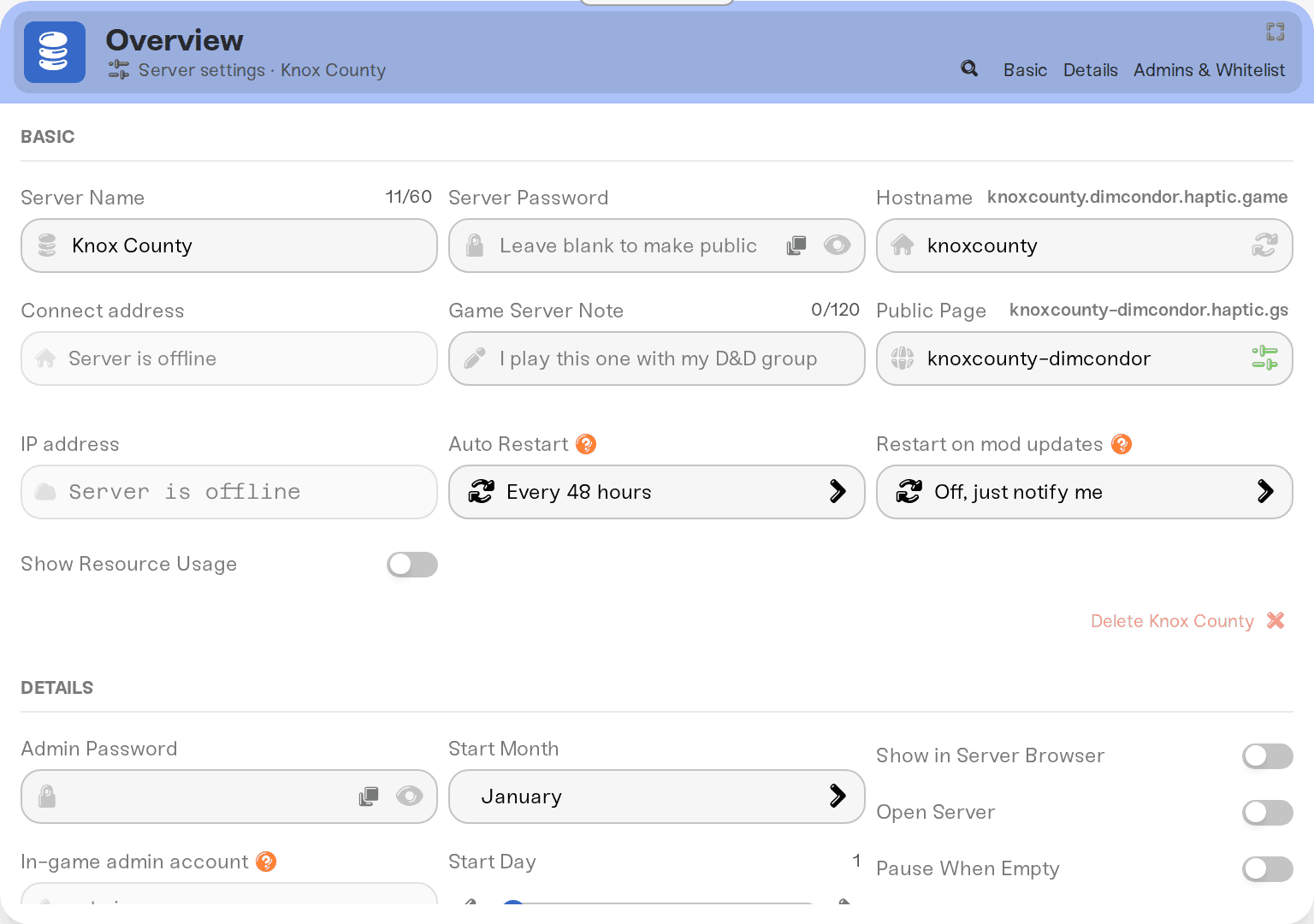
In your dashboard, open your Project Zomboid server and go to its settings. The three settings live together: PVP, PVP Safety System, and Players Visible on Map.
Set PVP and the safety system
Turn PVP on or off. With PVP on, the PVP Safety System checkbox appears below it; with PVP off it is hidden, because it would have no effect.
Choose who appears on the map
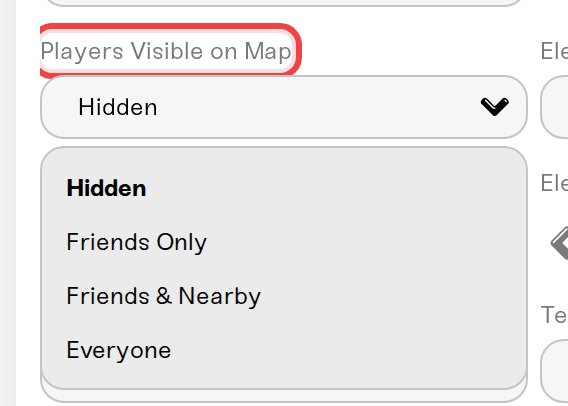
Players Visible on Map has four options: Hidden (no other players on the map, the default), Friends Only (Steam friends), Friends & Nearby (Steam friends plus players close to you, needs game build 42.19 or newer), and Everyone. Manhunt-style servers pick Hidden so finding each other is part of the game.
Save and restart
Save your changes, then restart the server. Settings apply on the next start, and your world and characters are untouched.
How the safety system feels in game
With PVP on and the safety system on, every player has a personal safety toggle, and everyone starts with safety on. While all players keep safety on, nobody can hurt anybody. A player who switches safety off (the skull icon) opts into fighting: they can attack and be attacked.
Damage is possible whenever at least one of the two players has safety off. So a player who turned safety off can still hurt someone whose safety is on. That is how Project Zomboid's safety system works, not something we control. The only guarantee of zero player damage is turning PVP off.
With the safety system off (and PVP on), there is no personal switch: anyone can hurt anyone, any time, including your best friend with a shotgun and bad aim.
Things that will NOT fix it
Setting Players Visible on Map to Hidden to stop damage. That setting only controls map markers. Damage is controlled by PVP and the safety system.
Counting on the safety system for zero risk. Anyone who flips their safety off can hurt players who kept theirs on. For zero risk, set PVP to off; that is what it is for.
Asking players to just be careful. Melee swings and stray bullets do not care about good intentions.
Restarting without saving. Settings apply on restart, but only after you hit Save.
Need help?
Tell us how your group wants to play on Discord or in a ticket and we will give you the exact combination.


