45% OFFOur Black Friday flash sale is on! 45% off your new server at checkout, through Cyber Monday!
 Project ZomboidGuide
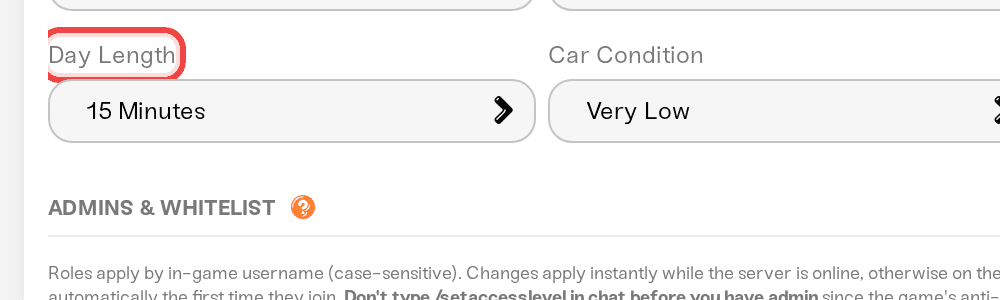
Day Length controls how much real time one in-game day takes, and you can change it on an existing world any time without losing anything. The Start Month,…
Day Length controls how much real time one in-game day takes, and you can change it on an existing world any time without losing anything. The Start Month, Start Day, and Start Time settings are different: the game reads them once, when the world is created, so they only matter for a fresh world. Day Length applies on the next restart after you save; a new start date waits for your next new world, which the save popup offers to start right away.
Open your server's settings and find Day Length.
Pick one of the 27 values, from 15 minutes per day all the way up to real-time. The game's default in Build 42 is 1 Hour, 30 Minutes.
Save, then restart the server.
A few common picks from the list:
30 Minutes: fast and deadly, the calendar races
1 Hour: a brisk survival pace
1 Hour, 30 Minutes: the Build 42 default
2 Hours to 4 Hours: relaxed evenings with time to loot and build
Real-time: one in-game day per real day
Longer days give your group more real time per in-game day: more daylight per session, more time before food spoils in real-world terms, a slower-feeling apocalypse. Shorter days do the opposite. This is safe to change mid-playthrough as often as you like.
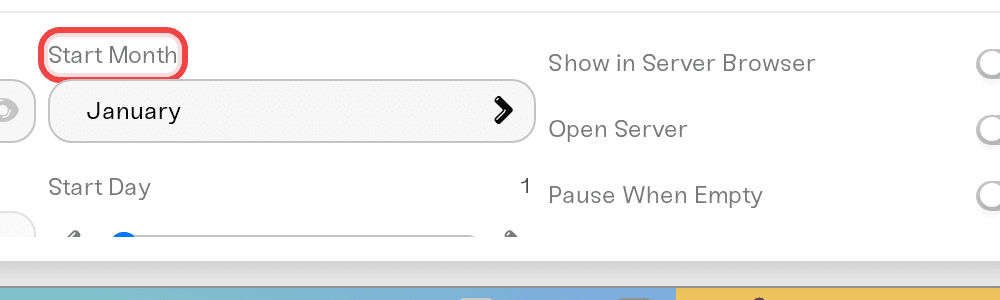
Start Month, Start Day, and Start Time set the calendar and clock for a newly created world. A December start means winter from day one: cold, short days, dead crops. The standard start is July 9, 1993.
These are what the game calls world-baked settings: they are read once at world creation. Changing them on a world you already play does not time-travel that world; its calendar just keeps advancing from wherever it is. When you save one, the popup says it only applies to a new world: press Save for the next new world to keep playing this world, or Start New World to start a fresh world on the new date now. Your current world is saved as a backup first, and a new world also clears in-game bans.
Changing Start Month on an existing world to change the season. The season comes from the in-game calendar as it advances. To see winter, either keep surviving until it arrives or start a fresh world.
Changing Day Length to make food last longer in-game. Day length changes real time per in-game day; spoilage runs on in-game time. For spoilage itself, see the food article below.
Restarting without saving. Settings apply on restart, but only after you hit Save.
Ping us on Discord or email support@haptic.gg. Tell us the session rhythm of your group and we will suggest a day length that fits.
The shutoff clocks count from the standard July 1993 start date, so a later start month changes how much utility time a new world gets: Project Zomboid: Choose When Water and Electricity Shut Off
Food rotting too fast is its own set of settings: Project Zomboid: Control Food Spoilage and Refrigeration
Every sandbox setting from the dashboard: Project Zomboid: Change Any Sandbox Setting
 © Haptic, LLC
*45% off applies automatically at checkout for your first month. Ends November 30, 2026.