Valheim: Choose or find your world seed
 ValheimGuide
A new Valheim server has a World Seed box on the Basic tab of the Overview card. Type the seed you want (up to 10 characters) before you start the server…
A new Valheim server has a World Seed box on the Basic tab of the Overview card. Type the seed you want (up to 10 characters) before you start the server for the first time, or leave it blank for a random one. Once the world exists the box turns into a read-only field that shows the seed. To change the seed of a server that already has a world, use Reset World and the box comes back.
Choose your seed on a new server
Press Detail view on your server's card in My Servers (you can also do this in the settings step of Add Server).
In the Overview card, open the Basic tab.
Type your seed into World Seed. Valheim seeds are up to 10 letters, numbers or punctuation, with no spaces, exactly what the game's own New World dialog takes.
Save, then Start the server.
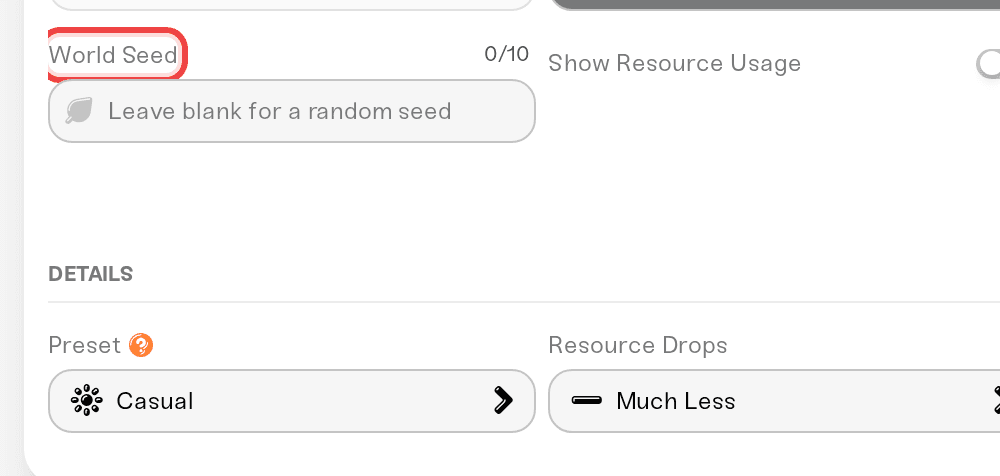
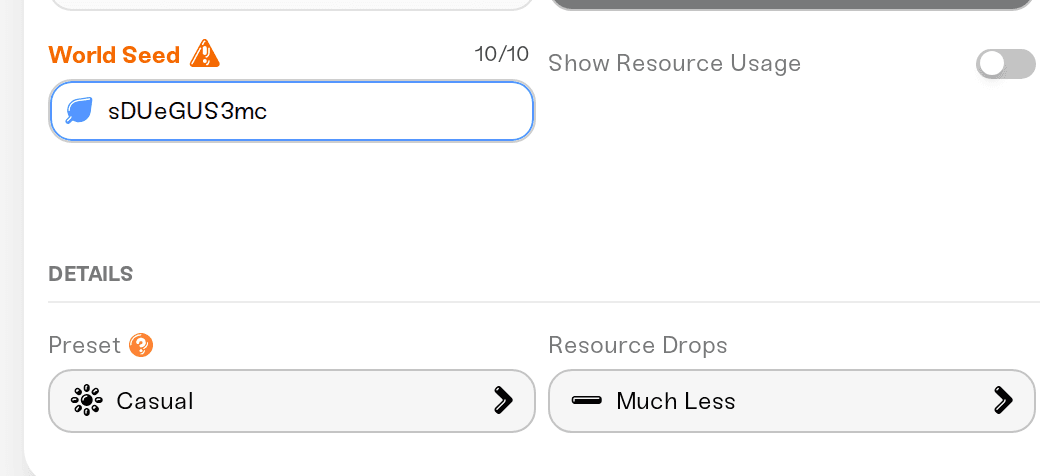
Valheim generates the world from that seed on this first start. It takes about a minute longer than a random world because every location on the map is placed up front. About a minute after the server shows online, the box becomes the read-only World Seed field showing the seed you typed.
Leave the box blank and the server rolls a random seed instead; the field shows it once the world exists.
Find your server's seed
Press Detail view on your server's card in My Servers.
In the Overview card, open the Basic tab.
Read the World Seed field.
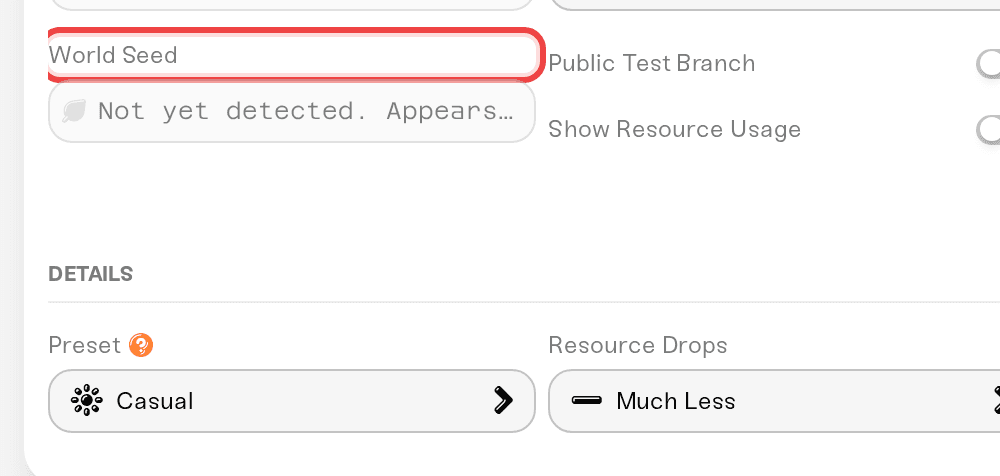
The value is Valheim's readable seed string, the same kind players share online. Anyone can type it into the seed field when creating a New Game world in Valheim and get the same terrain as your server.
If it says "Not yet detected"
The field reads the seed from your world file once, the first time your server comes online with the world. It needs the server to have been online at least once since mid-August 2026, when the field was added. Start your server, give it a minute or two after it shows online, and refresh the page. Your world is fine either way.
Change the seed of a server that already has a world
Power down the server.
Open the Backups card and click Reset World. Your current world is saved as a backup tagged Reset world first, so this is easy to undo.
Back in the Overview card's Basic tab, the World Seed box reappears. Type the new seed and Save.
Start the server. The new world generates from that seed.

Bring a world you already have
If you have a world on your PC with the seed and progress you want, you do not need the seed box at all: upload the world and the server plays it. Power down the server, open the Backups card, click Upload World and drag in the whole world folder (since 1.0 every Valheim world is a folder named after it, and the upload needs every file inside it). The folder path is in Valheim: Upload your existing world. Your current server world is backed up automatically right before the upload replaces it.

Things to know
A seed recreates the terrain only. Difficulty, raids, death penalty and the rest come from world modifiers and presets, which are separate from the seed and can be changed any time.
The box only applies to a brand-new world. Once a world exists the seed is locked; changing it means Reset World (new map, progress starts over) or uploading a different world.
Upload wins. If you upload a world, the server uses that world's seed, whatever the box said.
Need help?
Reach us on Discord or at support@haptic.gg. Include your server name and, if the seed will not appear, a screenshot of the Basic tab.


