How to cancel or pause my subscription
 HapticGuide
You can cancel from your dashboard in under a minute, no hoops and no support ticket needed. Your plan stays active until the end of the period you already…
You can cancel from your dashboard in under a minute, no hoops and no support ticket needed. Your plan stays active until the end of the period you already paid for, and your worlds and backups stay saved so you can come back later. If you just need a break, you can pause for up to 4 months instead and skip billing without losing anything.
Cancel or pause
Open your plan page
Sign in and go to Account, then the Your Haptic Plan tab.
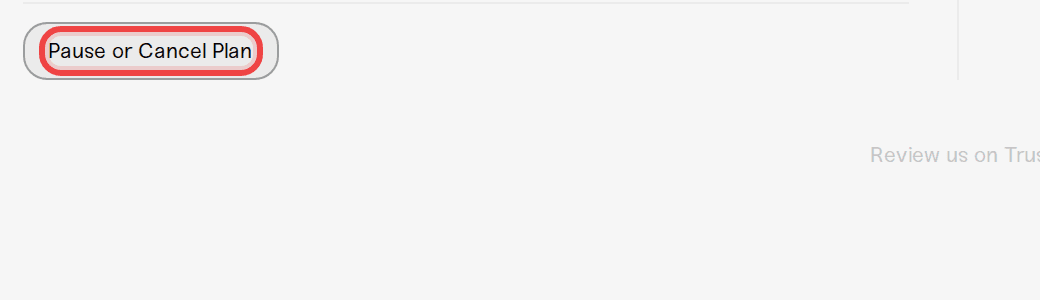
Press Pause or Cancel Plan
You will find the Pause or Cancel Plan button at the bottom of the plan page.
Pick pause or cancel
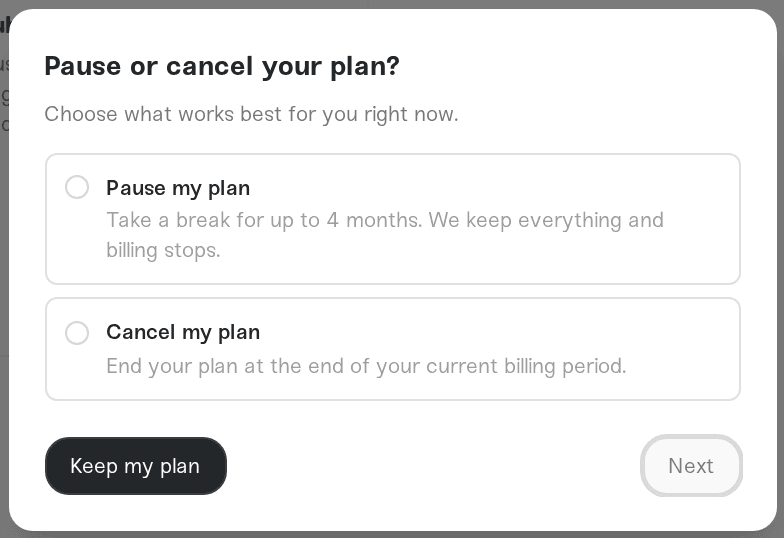
Pause my plan stops billing for up to 4 months while we keep every world, backup, and setting exactly as you left it. Your plan auto-resumes on the date you pick, and you can resume early any time. Cancel my plan ends your plan at the end of the current billing period.
Confirm
Tell us why you are leaving (it genuinely helps), look over anything we offer to make staying worth it, and confirm. Your plan page will show the end date, and you can change your mind right up until then with Resume Plan.
What happens after you cancel
Until your end date: everything keeps working normally. You paid for the time, so you keep it.
After your end date: your servers are powered down with their worlds saved first. Your 3 most recent backups per server stay in your list, and older backups are set aside for 6 months.
If you come back within 6 months: resubscribe and everything is restored automatically, worlds, backups, settings, all of it.
You can also download your backups from your account page during that window, so nothing is ever locked away from you.
Every new subscription has a 7-day refund. Message us on Discord or email support@haptic.gg and we will sort it out, no questions asked.
How to upgrade or change my plan (downgrading is often cheaper than leaving)