Palworld: install server-side .pak mods by hand
 PalworldGuide
Drop your .pak file into install/palworld/Pal/Content/Paks/~mods/ using the Files card or SFTP, then restart your server. Your hand-placed paks are safe:…
Drop your .pak file into install/palworld/Pal/Content/Paks/~mods/ using the Files card or SFTP, then restart your server. Your hand-placed paks are safe: they survive restarts, server moves, and are included in your backups. The one mistake to avoid: the top-level /Pal folder is your save data, and a pak placed under /Pal/Content never loads.
Where pak mods go
Palworld's dedicated server only loads loose .pak mods from one folder inside the game install:
install/palworld/Pal/Content/Paks/~mods/for regular pak mods.
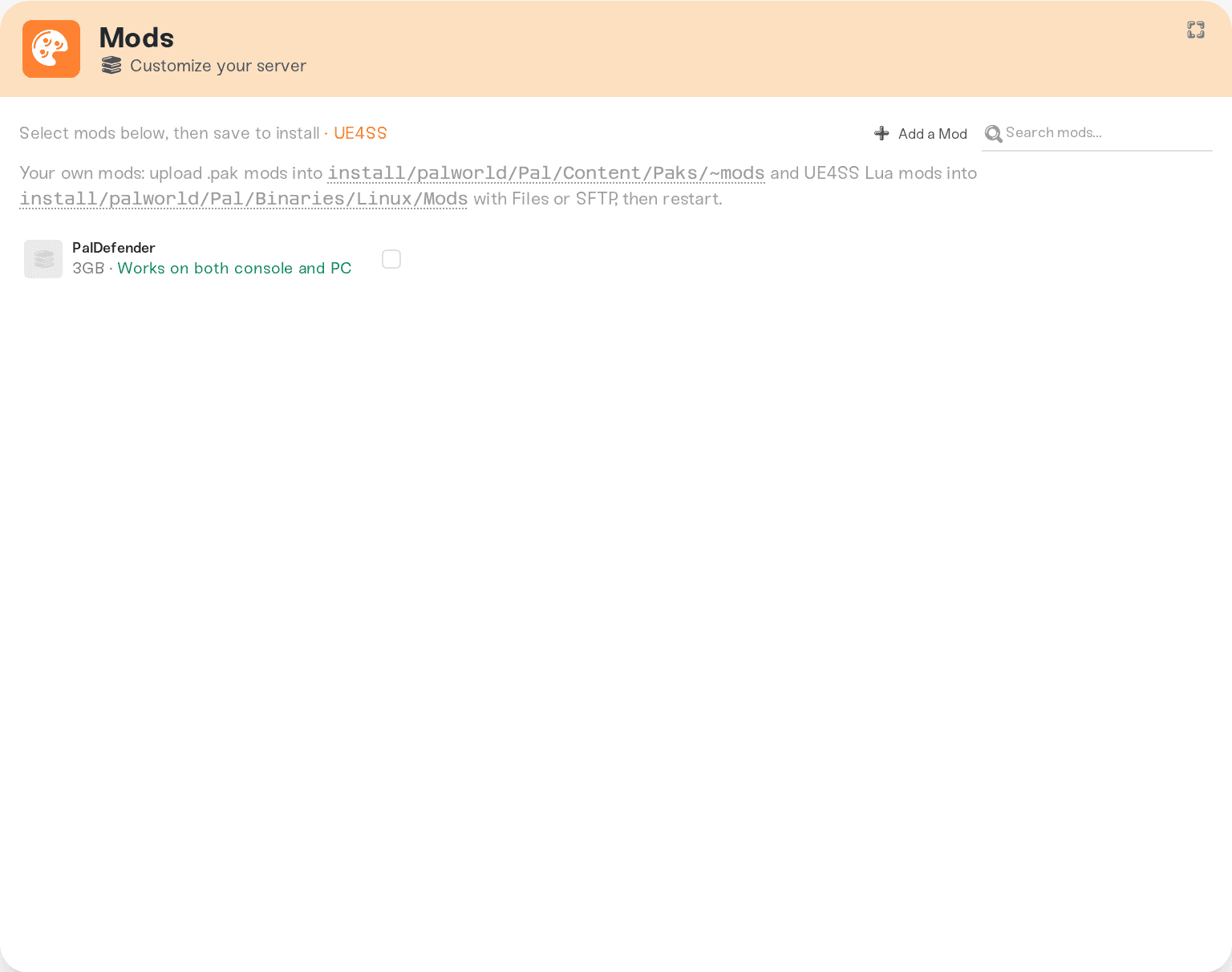
The folder already exists on your server. Mods you install from the Mods card land in the same ~mods folder; your hand-placed files sit next to them and are never touched by our updates.
One honest limitation: Blueprint mods (LogicMods paks) do not work on Haptic Palworld servers. Our servers run on Linux, and the Linux version of UE4SS cannot load Blueprint mods. The Mods card refuses them when you request one, and placing the pak by hand in Paks/LogicMods/ does not make it load either. If the mod page says it is a LogicMods or Blueprint mod, look for a Lua or regular .pak version from the author instead.
Install one
Open the folder
Expand the Files card and browse to install > palworld > Pal > Content > Paks > ~mods. Or connect over SFTP (Connect with SFTP) and go to /install/palworld/Pal/Content/Paks/~mods/.
Upload the .pak
Drag the .pak file in (or use Upload). For big files, SFTP is the comfortable route.
The ~mods folder loads paks in alphabetical order; prefix a number (001_MyMod_P.pak) if one mod must load before another. That ordering is a Palworld/Unreal rule, not something we control.
Restart
Restart your server from the dashboard. Loose paks load at startup, so nothing changes until the restart.
Things that will NOT work
Putting the pak under the top-level
/Palfolder. That tree is your world save data. The game never reads paks from there, and/Pal/Contentdoes not even exist on the server.Hand-placing a Blueprint (LogicMods) pak. The Linux UE4SS loader cannot load Blueprint mods, so a pak dropped into
Paks/LogicMods/sits there and never loads. Only Lua mods and regular.pakmods work.Expecting a client-side mod to work from the server. Many Palworld mods change things on the player's own game (models, UI, textures) and must be installed by each player instead. A quick sanity check: if the mod page talks about visuals or menus, it is probably client-side. See Palworld mods and console players.
UE4SS Lua mods (the other kind of hand-placed mod)
Lua/C++ mods live in install/palworld/Pal/Binaries/Linux/Mods/ (one folder per mod). Hand-placed folders there also survive restarts and server moves. One honest limitation: the UE4SS loader itself only starts when at least one UE4SS mod from the Mods card is installed on your server. If you only have hand-placed Lua mods, install any UE4SS mod from the card too so the loader is active.
Need help?
Ask on Discord or email support@haptic.gg with the mod's name and a screenshot of where you placed the file.
Mods from our catalog install from the Mods card with no file work: Palworld Steam Workshop mods.


