Project Zomboid: Mod Load Order and Custom Maps
 Project ZomboidGuide
Project Zomboid loads mods top to bottom, and order matters: libraries and frameworks need to load before the mods that use them, and when two mods change…
Project Zomboid loads mods top to bottom, and order matters: libraries and frameworks need to load before the mods that use them, and when two mods change the same thing, the later one wins. You can reorder your server's mods right in the dashboard with the Load order button in the Mods panel. Map mods need one extra step: their folder name has to be on the Maps setting. When we detect a map mod, the Mods panel offers a one-click Add to map list button that does this for you.
How load order works in Project Zomboid
Mods load top to bottom in the order the server lists them.
Libraries and frameworks first. Things like shared frameworks or tile packs must load before the mods that depend on them.
Later wins on conflicts. If two mods edit the same item or recipe, the one loading later overrides the earlier one.
Requirements you install through our Mods panel are ordered after the mod that needs them automatically.
If a mod's Workshop page says "load this after X" or "put this at the bottom", that is what the order editor is for.
Reorder your mods
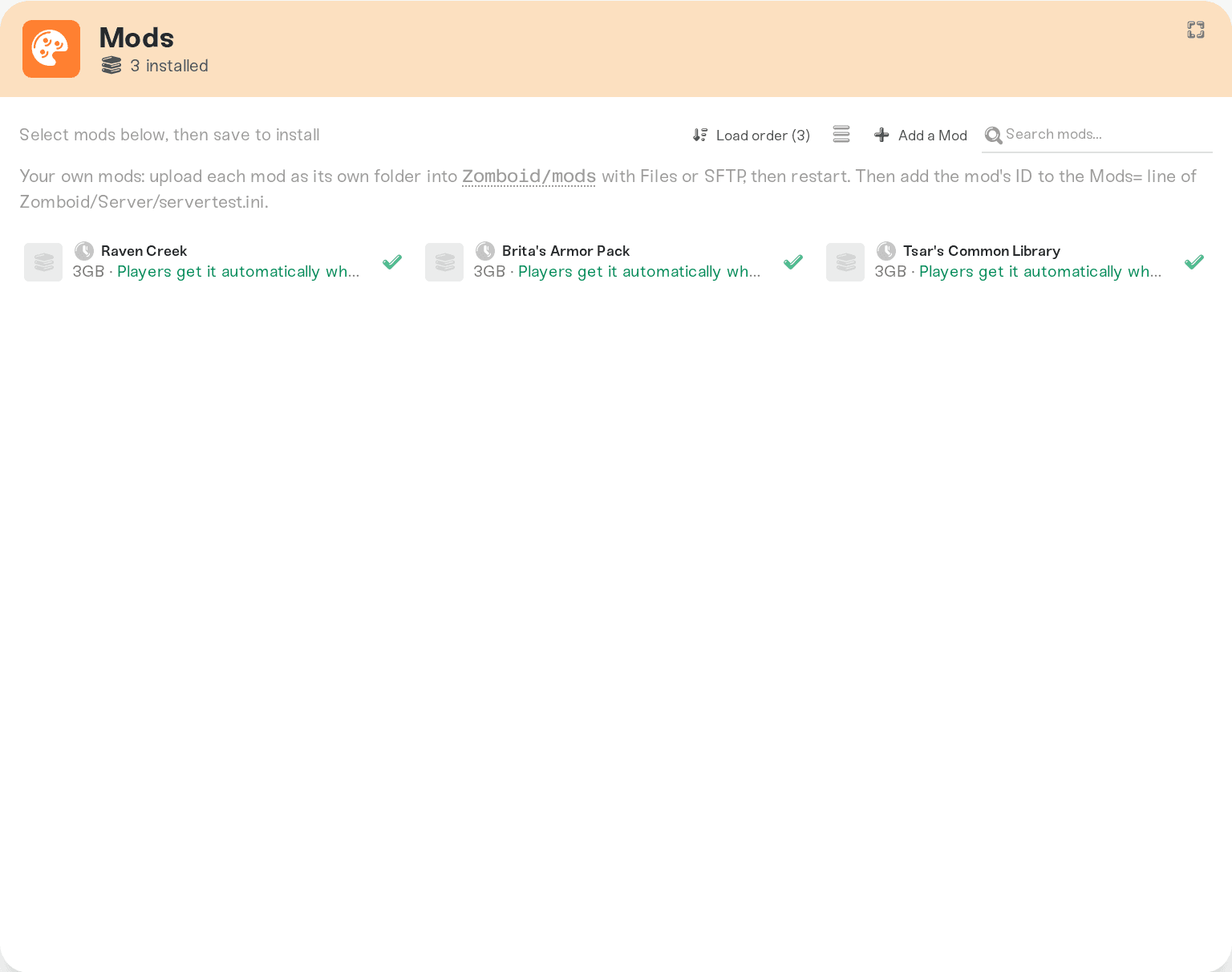
Open your server's Mods panel.
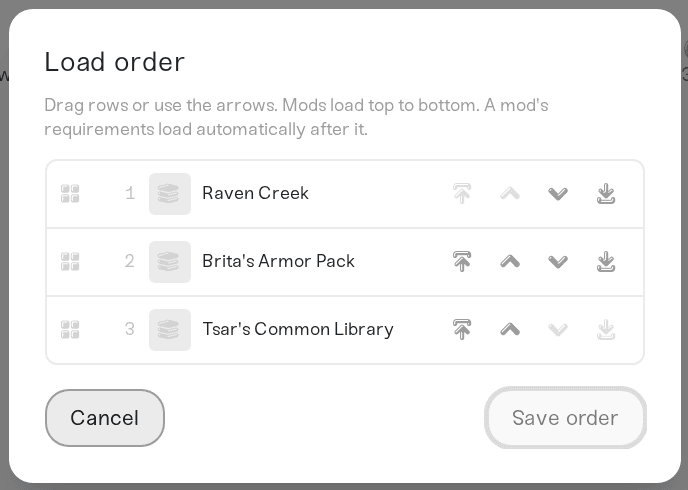
Click the Load order button (it shows how many mods are enabled).
Drag rows or use the arrow buttons (up, down, straight to top or bottom), then hit Save order. The new order applies on the next restart.
Install a custom map mod
Map mods (new towns, new regions, vehicle interiors like RV Interior) ship a map folder on top of the mod itself. Two steps:
Install the mod from the Mods panel like any other mod. If the map needs tile packs (the Workshop page will say so), install those too and put them before the map mod in the load order.
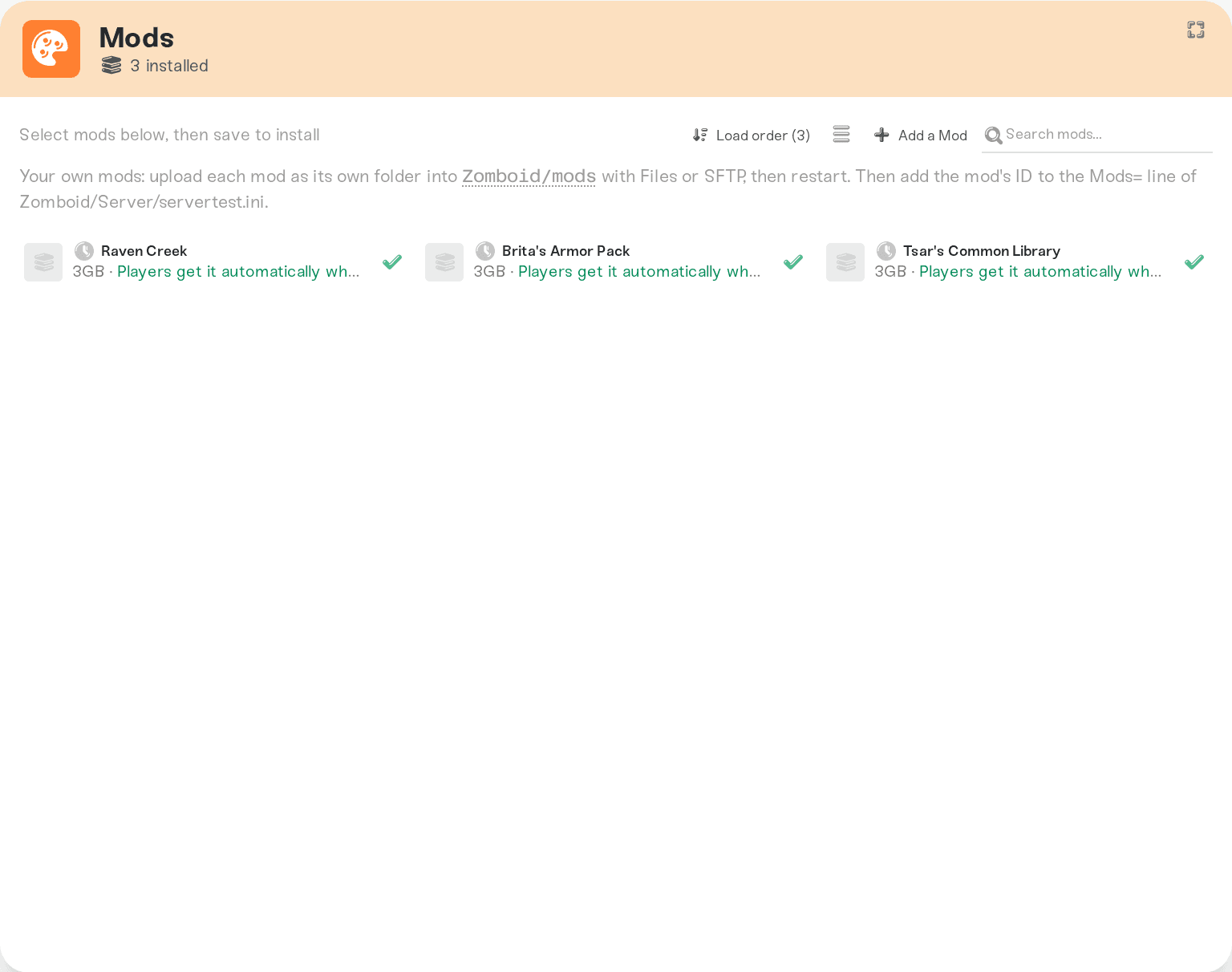
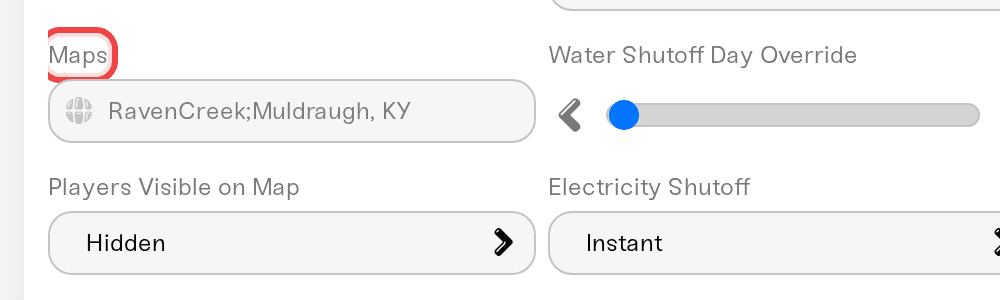
Add the map folder to the Maps setting. When we detect that a mod ships a map, its card in the Mods panel shows "This map is not in your world's map list" with an Add to map list button: one click adds the folder in the right place. If the button does not appear, add it by hand: on the mod's Workshop page, look at the bottom of the description for a line like
Map Folder: map_distanciado, then add that name to the Maps field in your settings, before the vanilla entry, separated by a semicolon, and always keepMuldraugh, KYlast:
map_distanciado;Muldraugh, KYSave and restart. Several maps chain the same way: NewTown;OtherPlace;Muldraugh, KY.
Adding a map to a world you already play
New map areas appear where they belong in the world, and your existing progress stays. Two honest limitations, both Project Zomboid rules:
Areas you have already explored are baked into your save. A new map that overlaps explored ground will not appear there.
Some maps only fully work on a fresh world. The mod's Workshop page usually says which kind it is.
Your server keeps automatic backups, and you can take a manual New Backup from the Backups card before you try a map. If you do not like it, remove it from Maps and the mod list, and restore the backup if needed.
Things that will NOT fix it
Installing the map mod without touching the Maps setting. The mod loads, but the game never mounts the map, so nothing appears. This is the number one reason "the map mod does nothing". Look for the Add to map list button on the mod's card.
Putting the map before its tile packs. Tiles must load first or the map shows broken squares.
Removing
Muldraugh, KYfrom the list. The vanilla map stays last in the list unless a mod's page explicitly says to replace it.
Need help?
Ping us on Discord or open a ticket with the mod's Workshop link. We will check its map folder and load order for you.
Every sandbox setting from the dashboard: see "Project Zomboid: Change Any Sandbox Setting".
Players get mods automatically when they join: see "Project Zomboid: Your Players Get the Mods Automatically".


