Minecraft: Bedrock Players Can't Chat on a Crossplay Server
 Minecraft JavaTroubleshooting
Your server and world are fine. Newer versions of Minecraft Java only accept chat messages signed by a Mojang account, and Bedrock players joining through…
Your server and world are fine. Newer versions of Minecraft Java only accept chat messages signed by a Mojang account, and Bedrock players joining through crossplay do not have one, so the server blocks their chat with a message like "Chat disabled due to missing profile public key." Haptic now handles this automatically on every server with Bedrock Crossplay enabled: just Restart your server from the dashboard. You do not need to edit any server file.
Why this happens
Since Java Edition 1.19.1, Minecraft supports chat reporting: every chat message is signed with a key tied to the sender's Mojang account, and by default a Java server only accepts signed messages.
Bedrock players do not have Java accounts. The crossplay layer lets them join and play without one, but it cannot sign their chat, so a server on the default setting blocks every message they type. The player usually sees a red "Chat disabled due to missing profile public key. Please try reconnecting.", sometimes with a note about a server setting called enforce-secure-profile.
Relaxing that setting is the correct fix, and on Haptic it is applied for you: crossplay servers now start with it configured so Bedrock chat works. The setting takes effect when the server starts, which is why a restart is the only step.
The fix
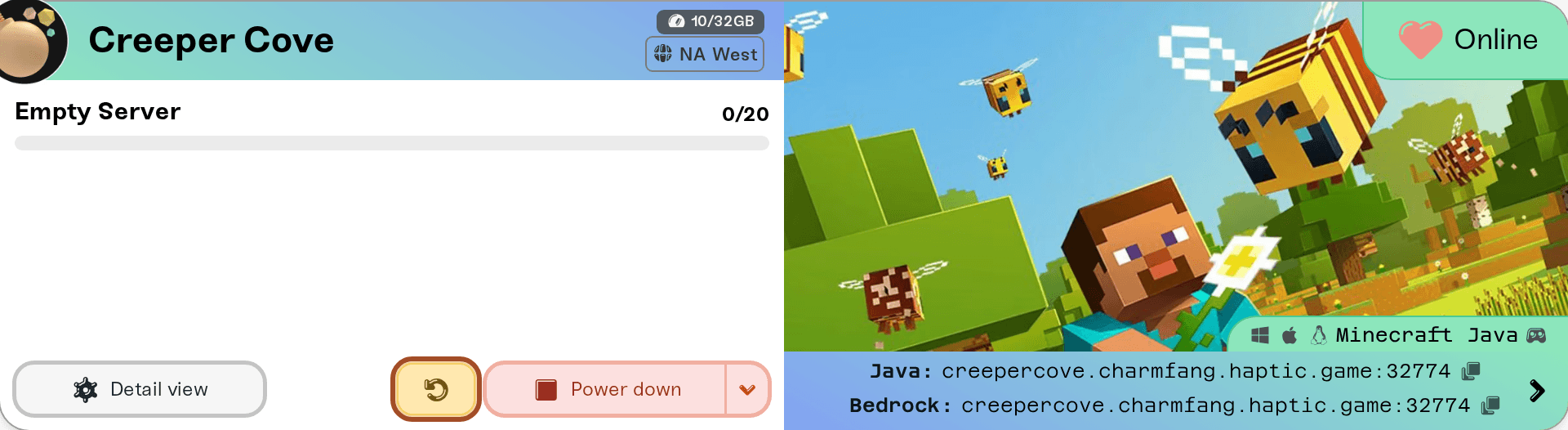
Open your dashboard, find the server under My Servers, and press Restart (any stop and start also works).
Have the Bedrock player rejoin and say something in chat.
That is the whole fix. If Bedrock players still cannot chat after a restart, something else is going on: reach out using the details in "Need help?" below and we will dig in.
Things that will NOT fix it (please don't)
Turning on Enable Offline Mode. This does stop the chat blocking, but only as a side effect of turning off account verification for everyone. Anyone can then join your server under any name, and Java players get a different identity: they spawn as a fresh character with an empty inventory, and operator status stops matching. It looks like your friends lost everything. They haven't, but don't go down this road for a chat problem.
Editing server files by hand. There is nothing you need to change; the chat setting is managed for you on crossplay servers.
Reinstalling Minecraft, relogging, or "try reconnecting." The game's own error message suggests reconnecting, but the block is on the server side until it restarts with the setting applied.
Turn Enable Offline Mode back off and restart. Everyone's original character, inventory, and operator status come right back. If someone built up items while it was on and you want those kept too, message us before you change anything and we will help you sort it out.

One honest trade-off
With this setting applied, chat on your server cannot be reported to Mojang, and Java players may see a small notice that chat messages "can't be verified." That is cosmetic. It is the standard trade-off on every crossplay server, no matter who hosts it: Bedrock players can never sign chat, so a crossplay server either relaxes this rule or Bedrock players cannot chat at all.
Need help?
If Bedrock players still cannot chat after a restart, reach us on Discord or email support@haptic.gg. Include your server name, the exact message the player sees (a screenshot is perfect), and whether the player is on phone, PC, or console.
Playing Together from Bedrock and Java (Crossplay): setup, console join steps, and what to do when a Bedrock player cannot connect at all (a different problem from chat).


