Keep Inventory Command for Minecraft Java: Turn It On Any Time
 Minecraft JavaGuide
Turn on keep inventory on a Minecraft Java server any time: make yourself an Operator, then type /gamerule keepInventory true in chat. No restart needed.
Yes, you can turn on keep inventory after the world already exists. Make yourself an Operator on your Haptic server (one dashboard step, takes about a minute), then type /gamerule keepInventory true in the game chat. It applies at once, no restart. The same steps unlock /setworldspawn and every other command below. On a dedicated server, being an Operator is what "turning cheats on" means. There is no separate cheats switch, and that is a Minecraft rule, not something we control.
Why commands don't work until you do this
In single player, Minecraft has an "Allow Cheats" toggle. Dedicated servers don't have that toggle. Instead, Minecraft servers keep a list of Operators: players who are allowed to use commands. Everyone else can play, chat, and build, but their commands are refused (the game shows a red "Unknown or incomplete command" error, or simply nothing happens). A brand-new server has an empty Operator list, including you, the owner. That is why typing /gamerule keepInventory true in chat does nothing until you have made yourself an Operator.
Make yourself an Operator
Open the Admins tab
Open My Servers, open your Minecraft server's settings, and go to the Admins tab.
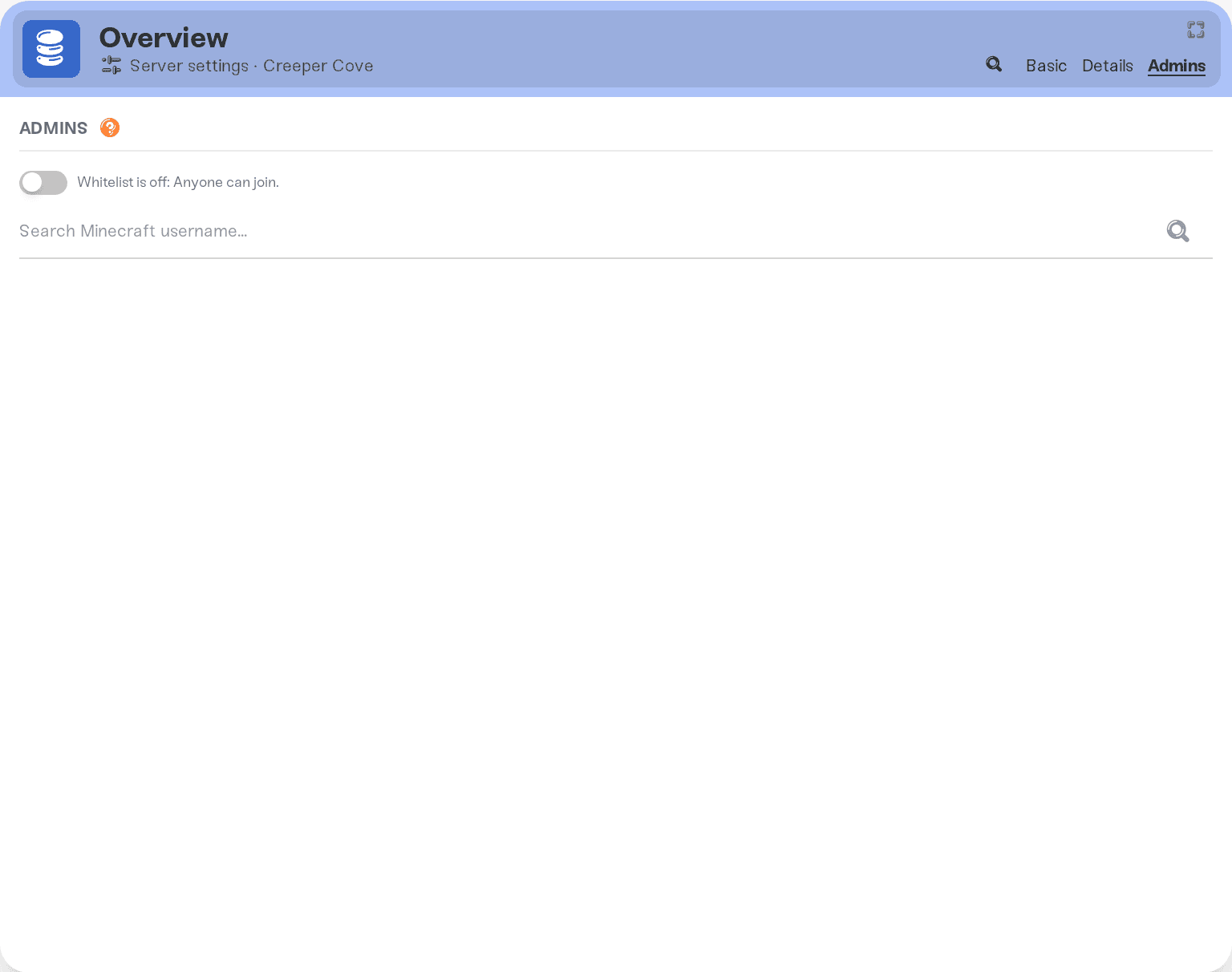
Search for your Minecraft username
Type the username you log in to the game with (exact spelling) into the search box and hit the search button. Your player profile appears.
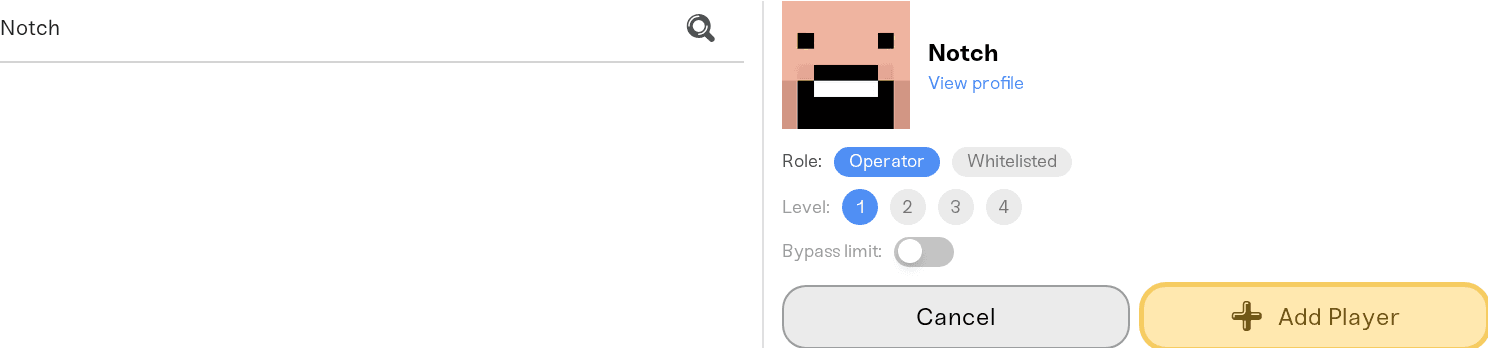
Add yourself as an Operator
Pick the Operator role and press Add Player.
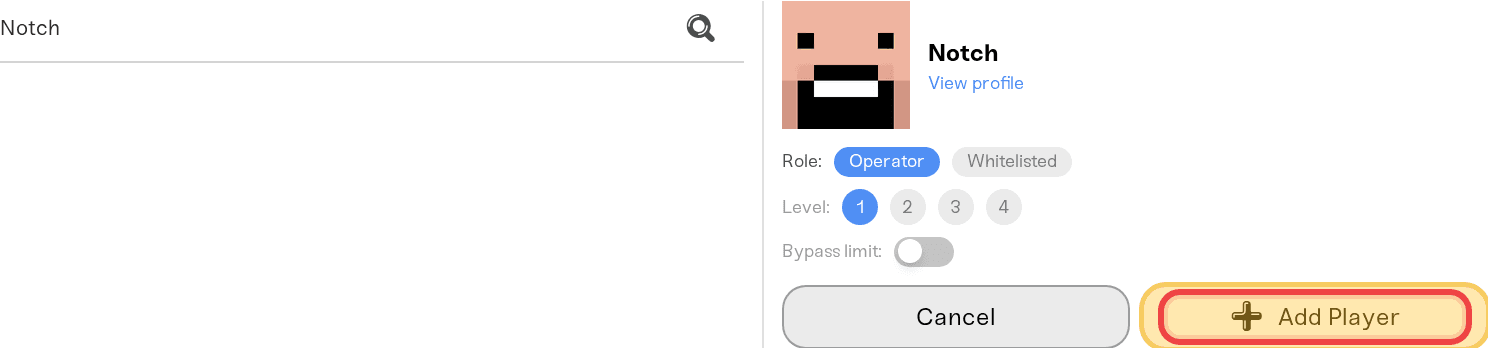
Save
Press Save changes. If your server is online, the change applies right away, no restart needed. If it is offline, it applies the next time the server starts.
Add any friends you trust the same way. To take it back later, remove the player from the Admins tab. That also applies right away while the server is online.
Operators get full power. They can give themselves items, change the world, teleport anyone, and remove blocks anywhere. Only add people you would hand the keys to.
Turn on keep inventory
Once you are an Operator, type this in the game chat: /gamerule keepInventory true
From then on, nobody drops their items or XP when they die. It applies to every player on the server, it takes effect instantly, and it is saved with your world, so it survives restarts. Type /gamerule keepInventory false to switch back.
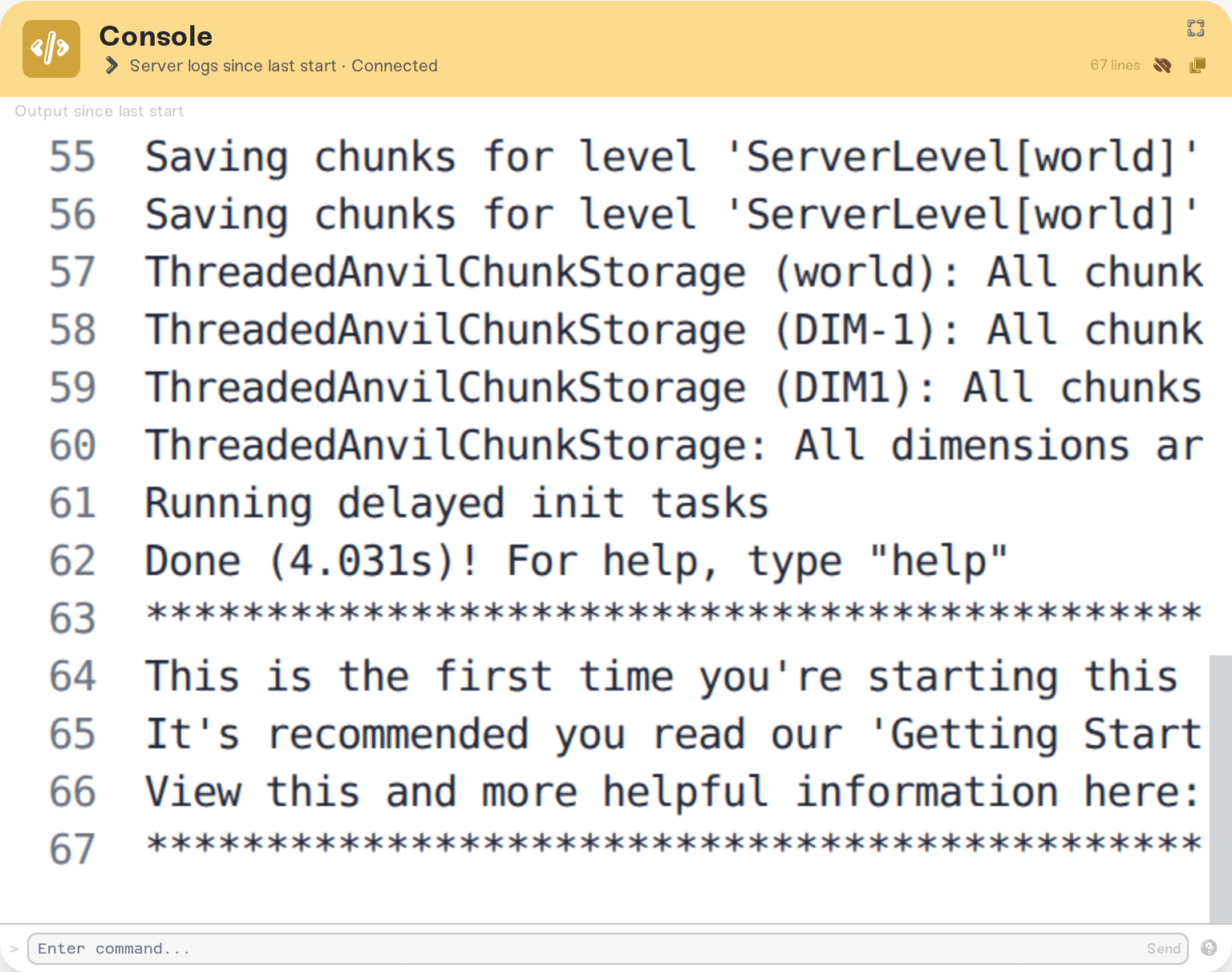
While your server is online, you can run the same commands from its Console card in the dashboard, no Operator status needed. Type them without the leading slash there: gamerule keepInventory true
Set the spawn point
Two different commands, depending on what you want:
/setworldspawn: sets the shared world spawn where new players first appear, and where players respawn if they don't have a bed. Run it while standing on the spot you want, or pass coordinates:/setworldspawn 100 64 -200./spawnpoint YourName: sets one player's personal respawn point (the same thing sleeping in a bed does). Run it while standing on the spot.
By default, only Operators can build in a small area around the world spawn once your server has at least one Operator. You can shrink or turn that off with the Spawn protection (blocks) setting in your server's dashboard settings (set it to 0 to disable it).
Other popular commands
All of these work in the game chat once you are an Operator:
/gamemode creative YourName(orsurvival,adventure,spectator)/give YourName minecraft:diamond 64/tp YourName FriendNameto teleport/time set dayand/weather clear/difficulty peaceful(also available as the Difficulty setting in your dashboard)
The full command list is on the Minecraft wiki.
Things that will NOT fix it
Typing commands without being an Operator: the server refuses them. Operator status first, then commands.
Looking for a "cheats" switch in the dashboard: there isn't one for Java servers, because Java Edition itself doesn't have one for dedicated servers. Operator status is the mechanism.
Re-creating the server or the world: game rules like keep inventory are set with a command after the world exists, not at creation time.
Need help?
If you have added yourself as an Operator and commands still don't respond, double-check that the username spelling matches your in-game name exactly. Still stuck? Reach us on Discord or email support@haptic.gg with your server name and the command you tried, and we will take a look.
On Minecraft Bedrock servers (the separate Bedrock game type, not Java crossplay), keep inventory is a direct dashboard toggle called Keep Inventory on Death, no command needed.
Command blocks (redstone that runs commands) are a separate setting: turn on Command Blocks in your server's dashboard settings.
Whitelist: the same Admins tab also manages your whitelist if you want to lock the server down to invited players only.
Playing Together from Bedrock and Java (Crossplay): let phone and console friends join your Java server.


