Terraria: Can't Join Your Server? Versions, Characters, and Join via IP
 TerrariaTroubleshooting
Terraria join failures are almost always one of four things: the address and port entered wrong (they go on separate screens in Terraria), a version…
Terraria join failures are almost always one of four things: the address and port entered wrong (they go on separate screens in Terraria), a version mismatch right after a Terraria patch (the new build is usually ready within the hour, and a Restart applies it), a Journey character trying to join a non-Journey world (or the reverse), or a vanilla Terraria client trying to join a tModLoader server. Working through this loses nothing; only the fresh-world options below replace your world, and your backups stay either way.
Join via IP, the right way
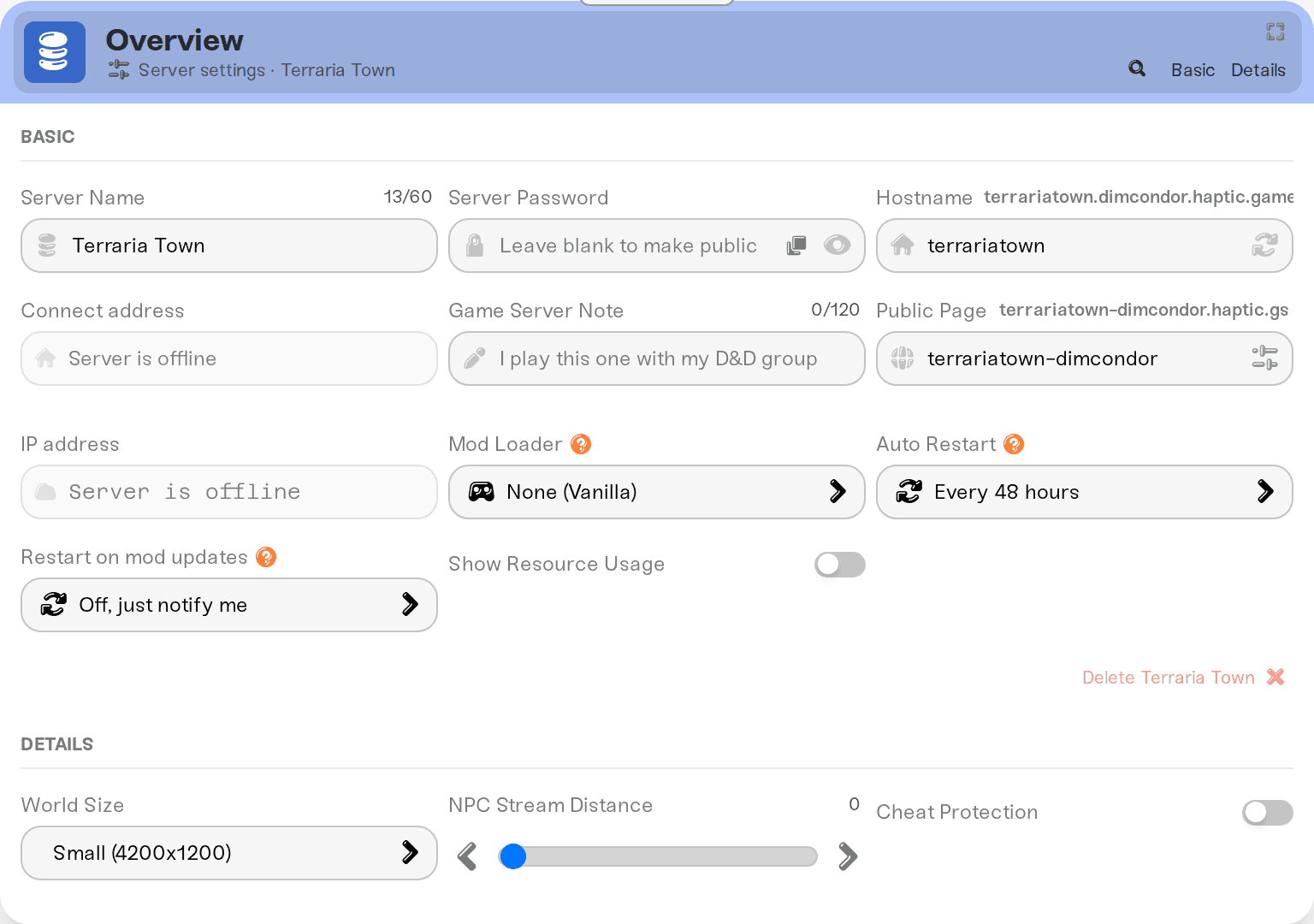
Your server address is on your server card on My Servers, in the form address:port. Everything before the colon is the address; the number after it is the port.
In Terraria:
From the title screen, choose Multiplayer, then Join via IP.
Pick or create a character.
Enter only the address (the part before the colon).
Terraria then asks for the port on a separate screen. Enter the number after the colon there.
The most common mistake is pasting the whole address:port into the IP field. That fails every time. There is no Steam "Join Game" option for our Terraria servers; Join via IP is the way in.
If your server uses Wake & Play, the first join attempt wakes it up. The first player may sit on "Connecting" while the server boots; a second try a minute or two later goes through.
"We're not on the same version"
Terraria requires your game and the server to run the exact same version. Right after a Terraria patch your server can be briefly behind; it tracks the official dedicated server builds, and the new one is usually available within the hour. Your server card then shows an orange update triangle reading "New update available".
A running server stays on its old build until you act. So on patch day: wait a bit, then Restart your server from the dashboard, which is what applies the new build. If a friend still can't join afterward, their own game probably hasn't updated yet; restarting Steam forces the update.
"World was saved by a newer Terraria server version"
You may see this on your server's status tile after a patch. It means the world file was last saved by a newer build than the one that just started. For a normal vanilla server the new build is usually there within the hour, so start the server again a little later. Your world is untouched.
The one case that does not clear on its own: switching an existing vanilla world to tModLoader (see the modded server section below). A world saved by up-to-date vanilla will not load under tModLoader until tModLoader catches up to that Terraria version. If you want a modded server now, start it on a fresh world or use Reset World, which replaces your current world; your existing backups stay.
Journey characters and Journey worlds don't mix with the rest
Terraria hard-rejects the wrong character type:
A Journey character can only join Journey worlds.
A Journey world only accepts Journey characters.
Classic, Expert, and Master worlds all take normal (non-Journey) characters.
That's a Terraria rule, not something we control. To see which world type you're running, open My Servers, press Detail view, and check Difficulty in the Details tab of the Overview card. Then have players pick a matching character. Changing Difficulty creates a fresh world, and the dashboard warns you before it does; your backups are safe either way.
Modded server? Everyone needs tModLoader
A tModLoader server only accepts tModLoader clients. Players must launch the free tModLoader app from Steam, not regular Terraria. tModLoader also runs an older Terraria version than current vanilla, so an up-to-date vanilla client cannot join a modded server, and a tModLoader client cannot join a vanilla one. Full details, including what your players need, are in Terraria mods with tModLoader.
Asked for a password?
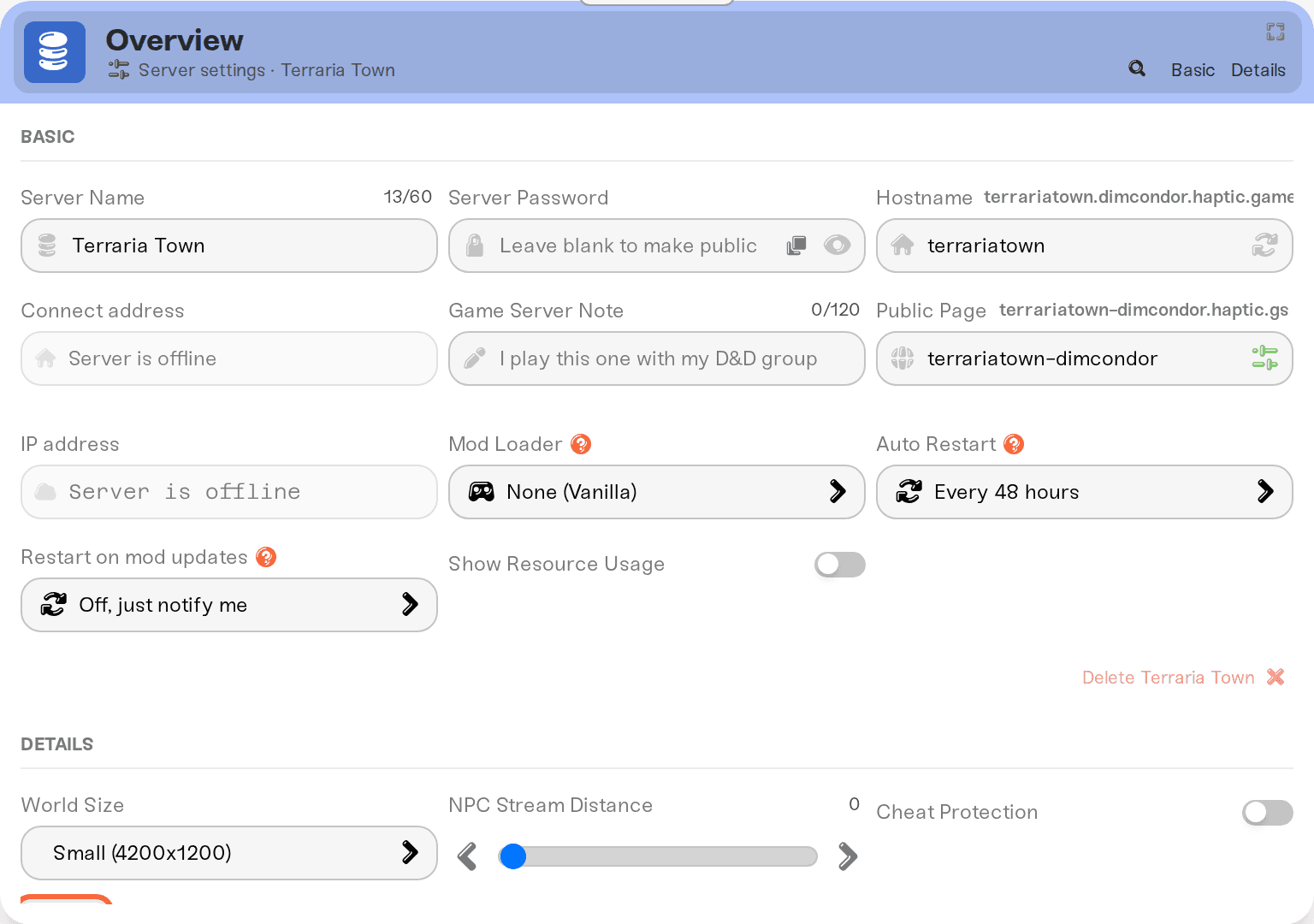
That's the Server Password field in the Basic tab of your server's Overview card. Players type exactly what's in it, and the Copy password pill on the server card hands it to friends. Clear the field and save to make the server open again. See Set or remove your server password.
Things that will NOT fix it
Getting a console friend in. Console Terraria (Switch, PlayStation, Xbox) has no way to connect to a dedicated server, at any host. Mobile can join, as long as the mobile app is on the same Terraria version as your server (mobile releases can trail a PC patch by a few days). Details in Terraria crossplay: console and mobile.
Reinstalling Terraria when the real issue is a version or character mismatch above.
Changing the port. The port on your server card is the only one the server listens on.
Still stuck after all of the above? Run the general checklist in I can't connect to my server.
Need help?
Reach us on Discord or at support@haptic.gg. Include your server name and the exact message the joining player sees.


