Valheim Backups and Restore on Haptic
 ValheimGuide
Your Valheim world is backed up automatically: daily on Always On, and on every shutdown, restart, and sleep on Wake & Play, plus before risky actions like…
Your Valheim world is backed up automatically: daily on Always On, and on every shutdown, restart, and sleep on Wake & Play, plus before risky actions like a restore or a world reset. You can also take a manual backup any time, and manual backups are kept for two years. Restoring is one click from your server's Backups, and a safety backup is taken before any restore, so even a restore can be undone.
How Valheim saves, and how we back it up
While your server runs, Valheim writes the world to disk every 20 minutes and again when the server shuts down. Since 1.0 each world is a folder named after it, and Valheim's own automatic backups sit next to it as folders named YourWorld_backup_auto-<date>-<time>. Haptic's backups capture all of it, so the in-game restore options stay intact too.
On top of that cadence:
Always On servers get a daily automatic backup.
Wake & Play servers are backed up when the server goes to sleep, shuts down, or restarts, which on a sleep-when-empty server means a backup at the end of every play session.
Risky actions are guarded. Restores, world resets, and similar actions take a backup first.
Manual backups are yours to take whenever it matters: before a boss fight, before a big update, before experimenting with mods.
How long backups are kept
Every backup is kept for the first 7 days.
After that, one per day is kept up to a month back, then one per week up to about a year.
Manual backups are never thinned and are kept for two years.
Your latest backup is always kept, no matter what.
The full policy lives in Backup retention on Haptic.
Restoring your world
Open Backups on your server
Every backup is listed with the date and time it was taken.
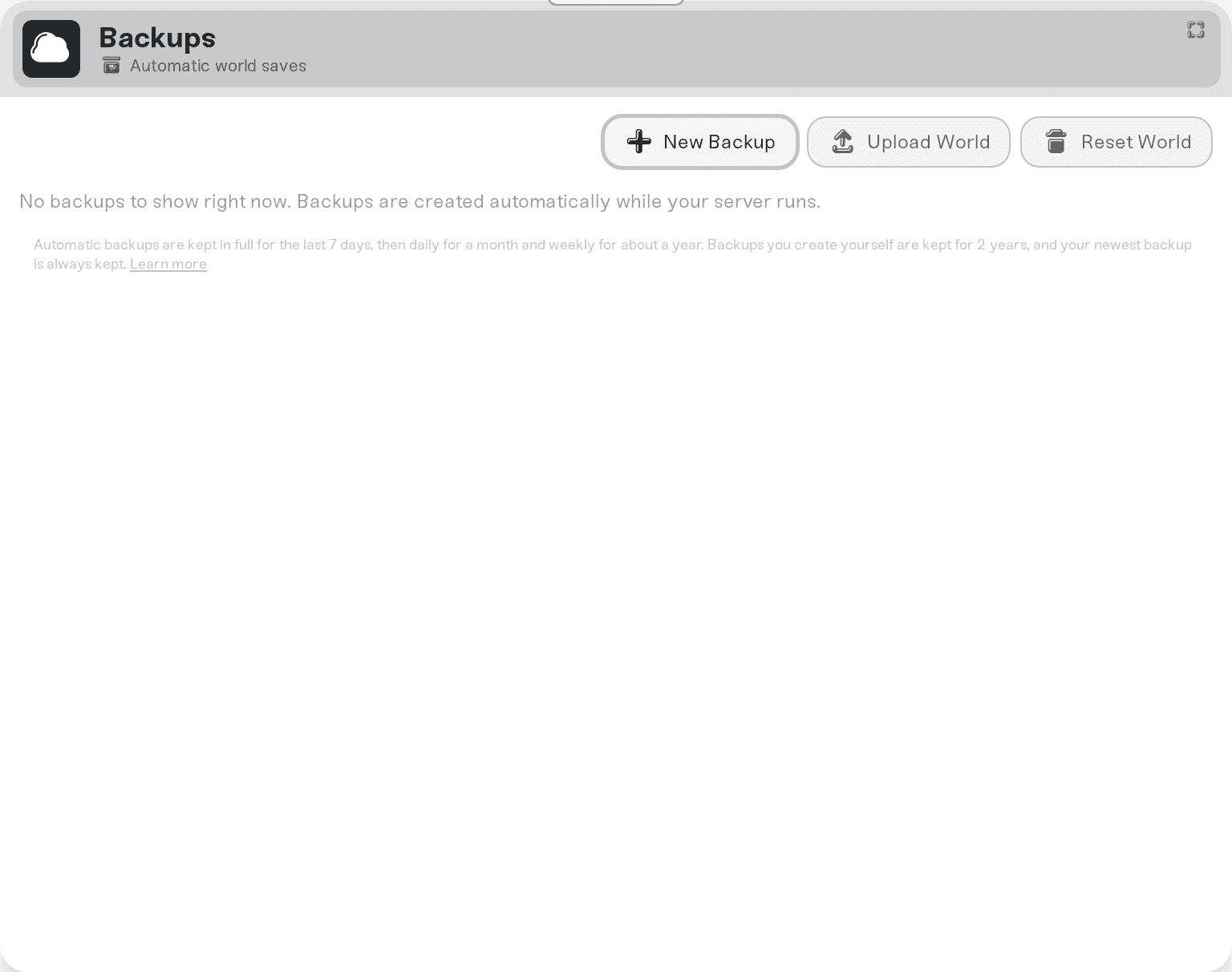
Pick the moment to return to
Choose the backup from before the thing you want to undo: the raid that flattened your base, the mod experiment, the accidental reset.
Restore
A fresh safety backup of the current state is taken first, then your world is rolled back. When the server starts again, everyone is back at that moment.
Characters are separate from the world. Valheim stores characters with each player, not in the server's world file. A world restore rewinds buildings, terrain, and chests, but nobody's skills or inventory are touched.
After the Valheim 1.0 update
Your world carried across the update automatically. The first start on 1.0 converted it to the new folder format and left the pre-1.0 copy next to it (YourWorld.db.old, YourWorld.fwl.old, and a YourWorld_backup_<date>-<time> pair). Backups taken before the update stay in your Backups list like any other.


