Palworld: difficulty presets and the world settings everyone changes
 PalworldGuide
Palworld's world and gameplay settings are on your dashboard: open your server on My Servers and go to the Overview card's Details tab. The Difficulty…
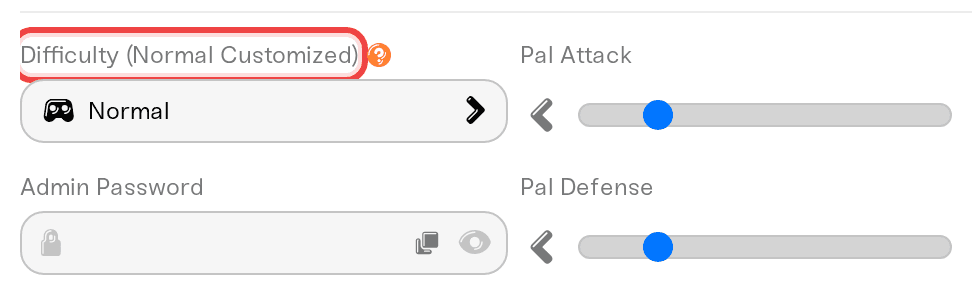
Palworld's world and gameplay settings are on your dashboard: open your server on My Servers and go to the Overview card's Details tab. The Difficulty dropdown at the top applies the same presets the game itself uses, and every individual setting stays visible and editable below it. Values apply on the next restart; the edit-and-save flow itself is covered in Changing your server settings. The field naming a preset plus the word Customized, like Difficulty (Normal Customized), is normal and not a problem.
The Difficulty presets
The Difficulty dropdown sits at the top of the Details tab with four options: Casual, Normal, Hard, and Hardcore. These are Palworld's own difficulty presets with exactly the values the game uses, so picking Hard here gives you the same world rules as picking Hard in-game.
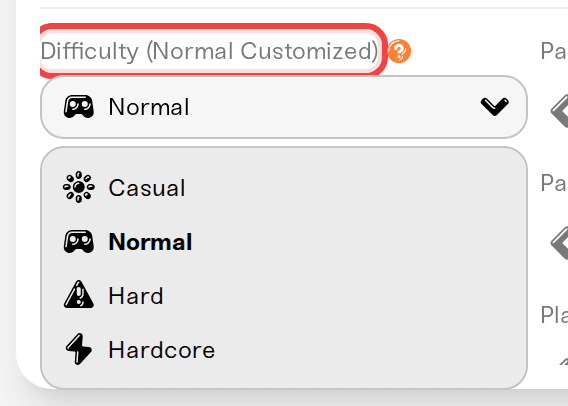
Picking a preset writes all of these at once:
| Setting | Casual | Normal | Hard | Hardcore |
|---|---|---|---|---|
| XP Rate | 1.3 | 1.0 | 0.8 | 0.8 |
| Capture Rate | 2.0 | 1.0 | 0.8 | 0.8 |
| Player Attack | 1.5 | 1.0 | 0.5 | 0.5 |
| Player Defense | 0.7 | 1.0 | 1.5 | 2.0 |
| Gather Drop Rate | 2.0 | 1.0 | 0.5 | 1.0 |
| Enemy Drop Rate | 2.0 | 1.0 | 0.5 | 1.0 |
| Death Penalty | None | Drop Items | Drop Everything + Pals | Drop Everything + Pals |
| Pal Egg Hatching Time | 0.5 h | 1 h | 2 h | 2 h |
| Hardcore + Pal Permadeath | off | off | off | on |
| Global Palbox Export + Import | on | on | on | off |
Everything else, like day and night speed, spawn rates, work speed, and raids, is not part of difficulty in Palworld, so the presets never touch those settings.
One quiet detail: a fresh Haptic server starts with Global Palbox Import off, matching Palworld's own dedicated-server default. The Casual, Normal, and Hard presets turn it on, because that is what the game's preset rows do. So picking a preset, even Normal, allows Pal imports until you switch that toggle back off. More on the toggle in Global Palbox transfers.
"Customized" is normal
The label is worked out live by comparing your current settings against the preset's values, so a brand-new Palworld server reads Difficulty (Normal Customized) before you have touched anything. That is the Global Palbox Import difference above: your server starts with the toggle off, Palworld's Normal preset row has it on, so the field reports one deviation from day one.
Editing any covered setting later does the same thing, for example Difficulty (Hard Customized). The presets lock nothing: your values are all kept, nothing is hidden, and the label just remembers which preset you started from. There is nothing to fix.
A caution about Hardcore
Palworld normally locks the Hardcore choice when a world is first created. We let you select it on an existing world, but the game may not treat it as a true hardcore world, and the dropdown warns you about this. If you want real Hardcore, pick Hardcore, save, then stop the server and use Reset World on the Backups card, which replaces your current world with a newly generated one (your existing world is saved first as a backup tagged Reset world). Your settings carry over, so the fresh world generates with Hardcore on from its first start. Full steps in Reset your world.
In Hardcore, death is permanent: the character, inventory, and pals are gone, and that player starts over with a new character. Backups can rewind the whole world, but a single character cannot be brought back without rewinding everyone. If a player who died gets stuck on Failed Join Game afterwards, that is a known Palworld quirk we repair automatically: see Failed Join Game with FailedInvalidLoginPlayerCharacterHandle.
Dying in Hardcore: the world goes on, the character does not
A Hardcore death ends one character, not the world. Palworld removes that character from the world; the server, the bases, and everyone else's progress are untouched.
The player can come back as a new character. Palworld leaves the dead character's file behind, and that stale file blocks every later join with FailedInvalidLoginPlayerCharacterHandle. Haptic sets the file aside automatically and shows a notice on your server's card on My Servers. The player leaves the death screen, waits for that notice, and joins again: the game then asks for a new character. If the join still fails, restart the server once and try again. The Details tab also has a Hardcore Character Recreate checkbox, off by default, which the game describes as letting a player who dies in Hardcore create a new character instead of being locked out.
Deleting your own character file ahead of time protects nothing. The world still lists a living character, so the server crashes while loading until the file is back, and Haptic puts it back automatically from the game's own snapshot copies. Deleting the file after a death does not stick either: Palworld restores it on the next join, which is why we set it aside instead. The file and its copies stay in .haptic/orphaned-players inside your server files.
Getting the dead character back means rewinding everyone. Stop the server, open the Backups card, pick a backup from before the death, and press and hold Restore Backup. Everyone loses the progress made after that backup, so agree on it with your group first. A Pre-restore snapshot is taken automatically, so a restore you regret can be undone: see Restore your server to an earlier backup.
Pals are on the line too: the Hardcore preset turns on Pal Permadeath, so a Pal that faints is gone for good.
The settings people change most
All on the same Details tab:
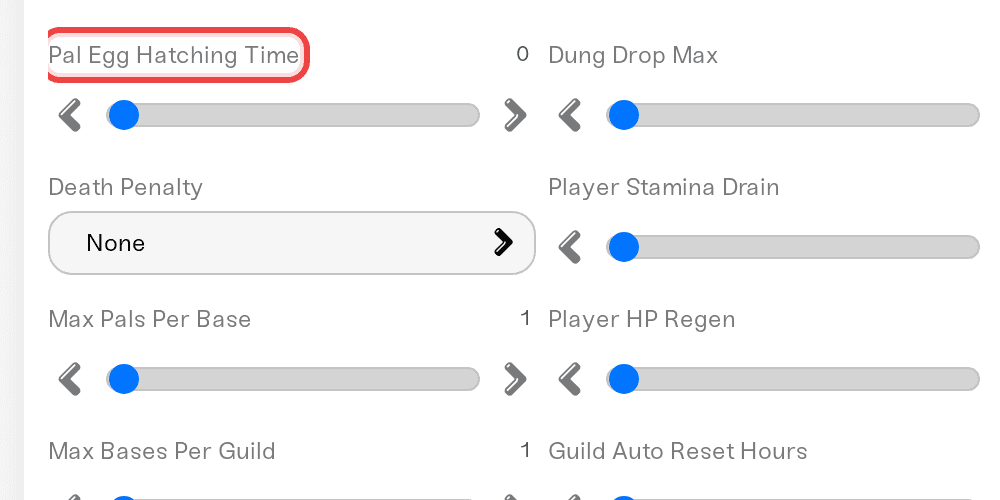
Pal Egg Hatching Time: hours for a Huge Egg to hatch, with smaller eggs scaling down from it. The default is 1 hour since Palworld 1.0 (it used to be 72), and 0 means instant hatching. Players report that eggs already sitting in an incubator keep their old timer until you pick them up and place them again.
XP Rate and Capture Rate: straightforward multipliers where 1.0 is normal. Capture Rate maxes out at 2.0, which is the game's own Casual value.
Death Penalty: set it to None to turn off item drops on death entirely, or pick exactly what drops (items, items plus equipment, or everything including your team).
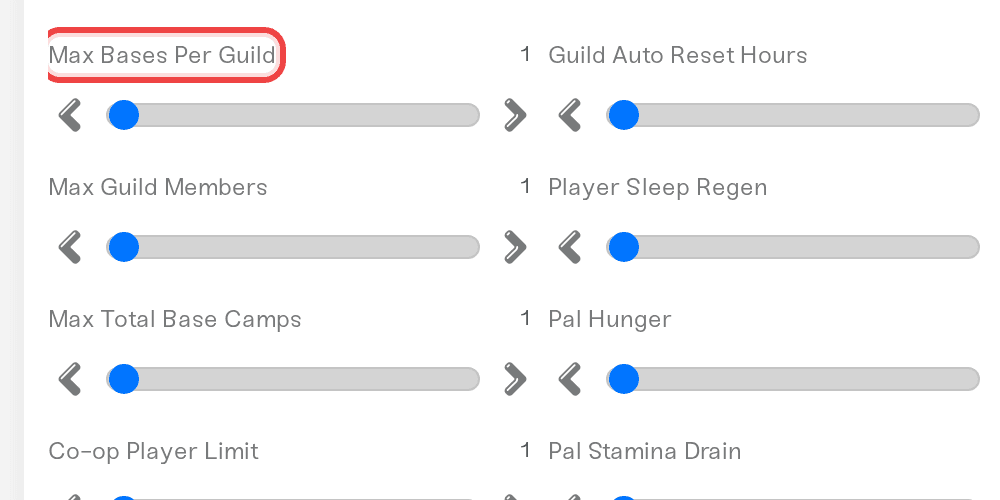
Max Bases Per Guild: default 4, and the game caps it at 10. This is a ceiling, not an instant unlock. Palworld opens base slots as your guild raises its Base Level through the Palbox base missions: with the default 4, the second base opens at Base Level 8, the third at 15, and the fourth at 25. Raising this number gives you more slots at each Base Level, but a new guild still starts with only a few, and the last slots need a high Base Level. If you raised it and still cannot place another base, check your Base Level at the Palbox and finish the base missions there.
Max Pals Per Base: default 30 on Haptic, higher than the vanilla world default of 15, so your worker slots can keep growing with your palbox level. You can raise it to 50, but more working Pals means more server load.
Max Guild Members: default 20.
Offline Hunger: on private servers that run overnight, turn this off so base Pals do not go hungry or get sick while nobody is logged in. Turning it off does not switch on offline base production; how that actually behaves is explained in Offline base production.
Need help?
Reach us on Discord or at support@haptic.gg. Include your server name and which setting you changed.


