How to completely delete my account
 HapticGuide
You can delete your Haptic account yourself from Account, Settings. Deletion is scheduled with a 30-day grace period: your subscription ends immediately,…
You can delete your Haptic account yourself from Account, Settings. Deletion is scheduled with a 30-day grace period: your subscription ends immediately, and if you change your mind you just log back in within 30 days to cancel it. After that, your account and servers are permanently deleted.
Before you delete
Deleting is forever, so make sure it is what you need:
Just want to stop paying? Cancel or pause your subscription instead. Your account and worlds stay safe, and you can come back any time.
Want your worlds? Download your backups first from your dashboard. After deletion, backups remain recoverable for 6 months and are then permanently removed.
Delete your account
Sign in and go to Account, then Settings.
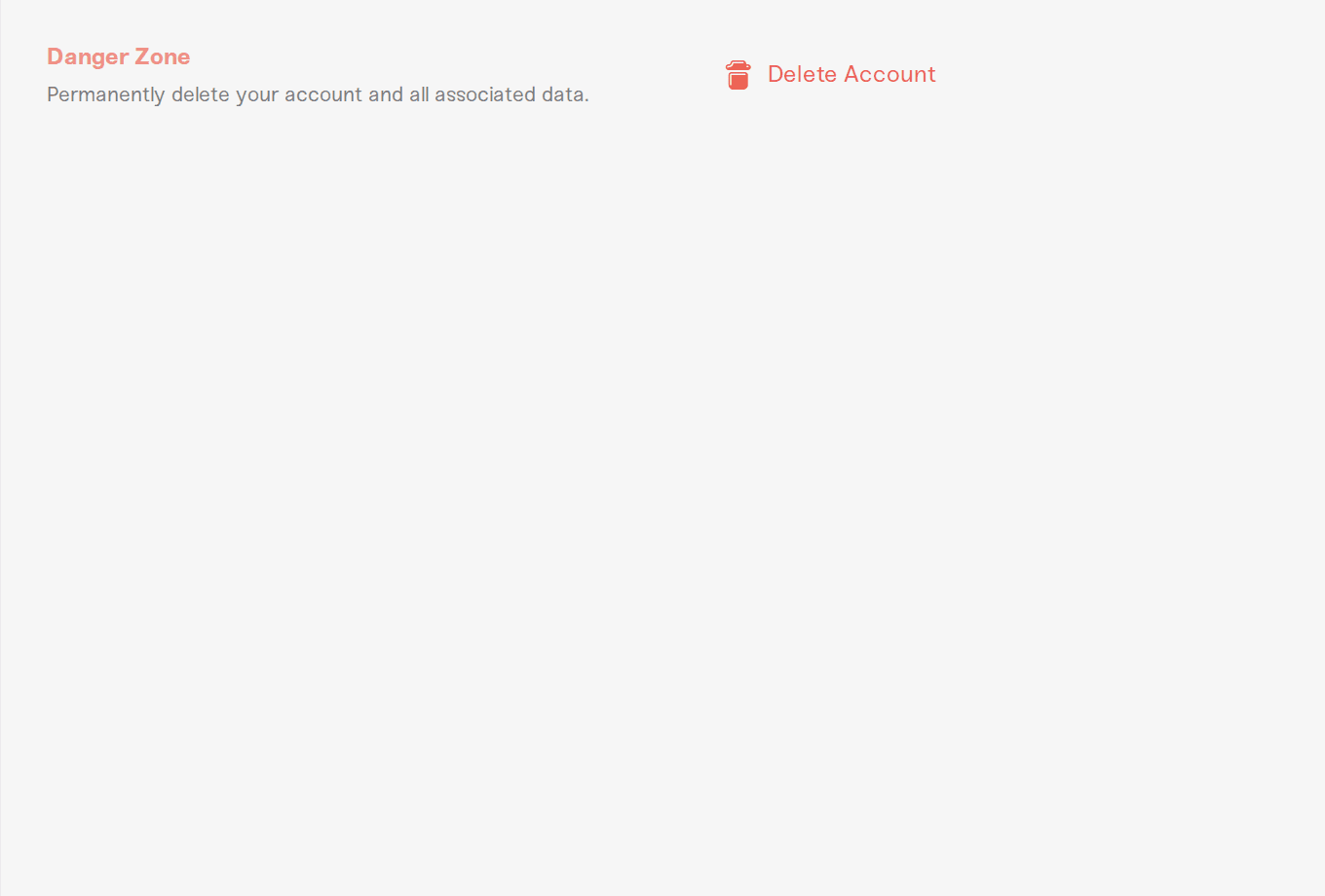
Scroll to the Danger Zone and press Delete Account.
Type your account email to confirm, then press Schedule Deletion.
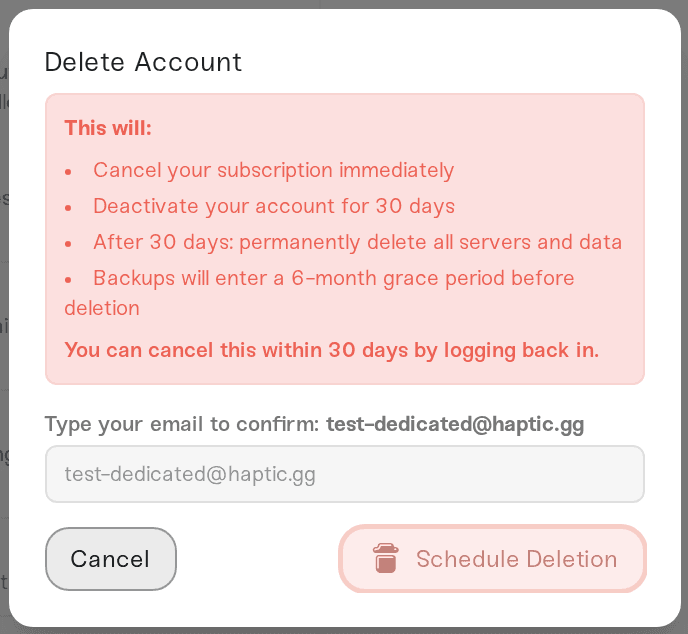
What happens next:
Your subscription is canceled immediately.
Your account is deactivated for 30 days. Logging back in within those 30 days lets you cancel the deletion, and everything is still there.
After 30 days, your account, servers, and data are permanently deleted. Backups enter a final 6-month grace period before they are removed too.
Privacy, plainly
We believe privacy is a fundamental human right, and we never sell your information to anyone. Deleting your account removes your personal data under our Privacy Policy. If you would rather have a human handle it, or you have any data question at all, email support@haptic.gg or reach us on Discord and we will take care of it.



