My server status is Offline
 HapticTroubleshooting
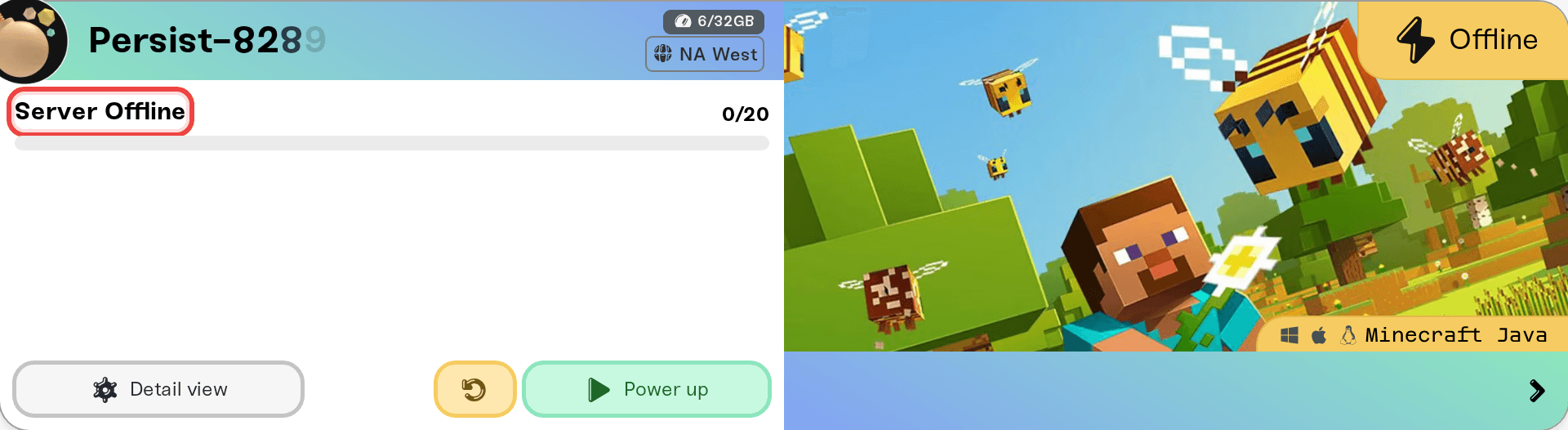
Offline just means your server is powered down; press the power button and it comes back with your world exactly as you left it. Nothing is deleted when a…
Offline just means your server is powered down; press the power button and it comes back with your world exactly as you left it. Nothing is deleted when a server is off. Here is what every status means and which ones actually need your attention.
What each status means
Offline: powered down and not using your plan's memory for gameplay. Start it whenever you like.
Starting: spinning up and loading your world. Usually well under a minute, a little longer on the very first start.
Online: live and ready to join.
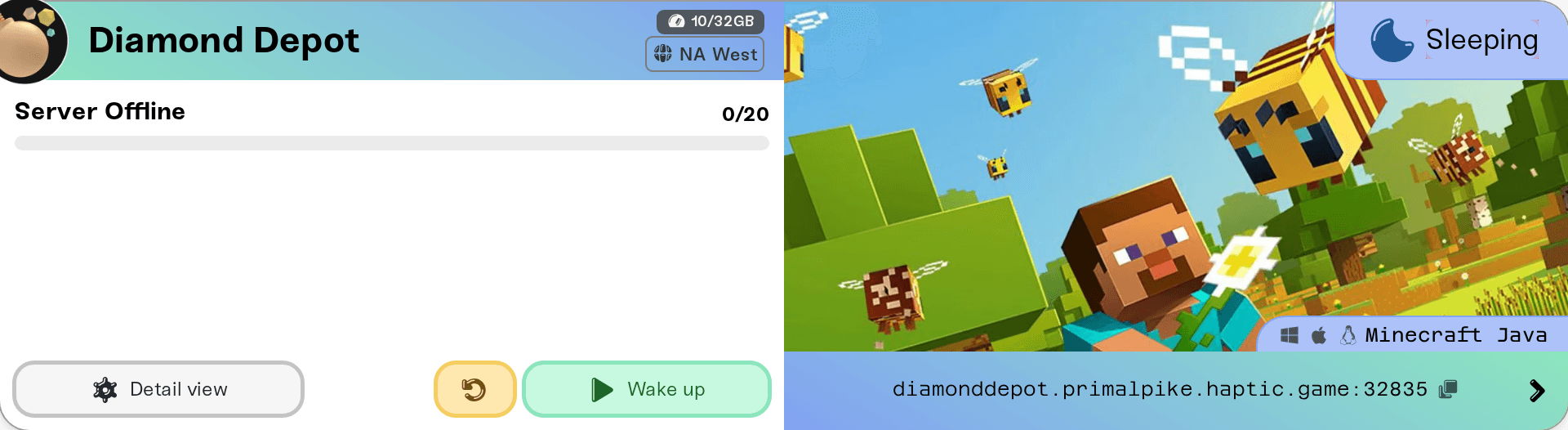
Sleeping: a Wake & Play server that dozed off because nobody was playing. This is normal and by design; press Wake up to bring it back. Your world was backed up when it went to sleep.
Powering up / Preparing: we are getting your server a spot to run. If it shows Preparing, no action is needed; it will start automatically.
Stopping / Restarting: shutting down or cycling. Worlds are always saved before a stop.
Recovering: the server stopped unexpectedly and is coming back online on its own. If a mod or setting keeps crashing it, it may land in this state repeatedly; the console usually says why.
Stashed: parked to free up your plan's memory. The world and settings are kept; activate it from Manage on My Servers.
Failed: something went wrong that we could not resolve automatically. Check the console for the reason, and message us if it is not obvious; this one is on us to help with.
If it went Offline and you didn't stop it
On Wake & Play, sleeping after idle time is expected behavior, and the status will say Sleeping rather than Offline.
If the server crashed, it normally shows Recovering and restarts on its own. Repeated crashes are nearly always a recently added mod or a setting change; the Console shows the error, and disabling the last thing you changed usually fixes it.
If your subscription lapsed or a payment failed, servers are powered down with worlds saved. Fix billing from Account, Your Haptic Plan and start the server again.
When to contact us
If a server will not leave Starting, sits in Failed, or crash-loops with a console error that means nothing to you, message us on Discord with the server name and a console screenshot. Also worth a glance: status.haptic.gg for anything platform-wide.



