Palworld: Failed Join Game with FailedInvalidLoginPlayerCharacterHandle
 PalworldTroubleshooting
This error means the world no longer has this player's character, but an old character file was still in the way. It usually happens after dying in…
This error means the world no longer has this player's character, but an old character file was still in the way. It usually happens after dying in Hardcore (death is permanent there), or when a character file was removed or edited by hand. In the examples below, Riley is the player who died. Your server and everyone else's progress are fine. Haptic detects the stale file and sets it aside automatically; after that, the player simply joins again and creates a new character. If you want the old character back instead, restore a backup from before it was lost (that rewinds the whole server).
The full error on the player's screen looks like this (the number and the long code differ per player; only the last line matters):
Failed Join Game.
[LocalPlayerId:286][7F0A2B90000000000000000000000000]
Result=FailedInvalidLoginPlayerCharacterHandle
Why this happens
Palworld stores your world's character list inside the world itself, and each player's character also has its own file in the Players folder. When a character dies in Hardcore, Palworld removes it from the world but leaves the player's file behind. On the next join, the game finds a file for a character the world does not know anymore, and the join fails with FailedInvalidLoginPlayerCharacterHandle, every single time.
Deleting that file yourself does not stick: Palworld keeps its own backup copies of the world and quietly puts the file back the next time that player tries to join. That is why this error feels impossible to fix by hand.
What to do
Leave the death screen. After a Hardcore death the game shows "DEFEAT: You have died in Hardcore mode. Revival is not possible." That screen never offers a new character; that is normal. Exit to the title screen.
Wait for the notice. Your server's card on My Servers shows a notice like "Riley's character is gone" once we have set the stale file aside. This happens automatically while the server runs, or at the next restart at the latest.
Have Riley join again. The join now works and the game asks Riley to create a new character. In Hardcore that is the intended outcome: death is permanent, the new character starts over.
Still blocked? Restart the server from your dashboard, then have Riley join once more. The cleanup finishes at startup, so one restart clears any leftover.
That's it. Nothing was deleted: the old file (and the game's own backup copies of it) are kept in a .haptic/orphaned-players folder inside your server files.
If the player lands on the DEFEAT screen on every join
Rarely, Palworld keeps the dead character in the world instead of removing it. Sam joins fine but lands straight on the DEFEAT screen every time, with no way to make a new character. That variant needs a manual cleanup from us: reach out with your server name and Sam's in-game name.
Bringing the old character back instead
The only way to get Riley's old character back is to rewind the whole world to before the death:
Stop your server.
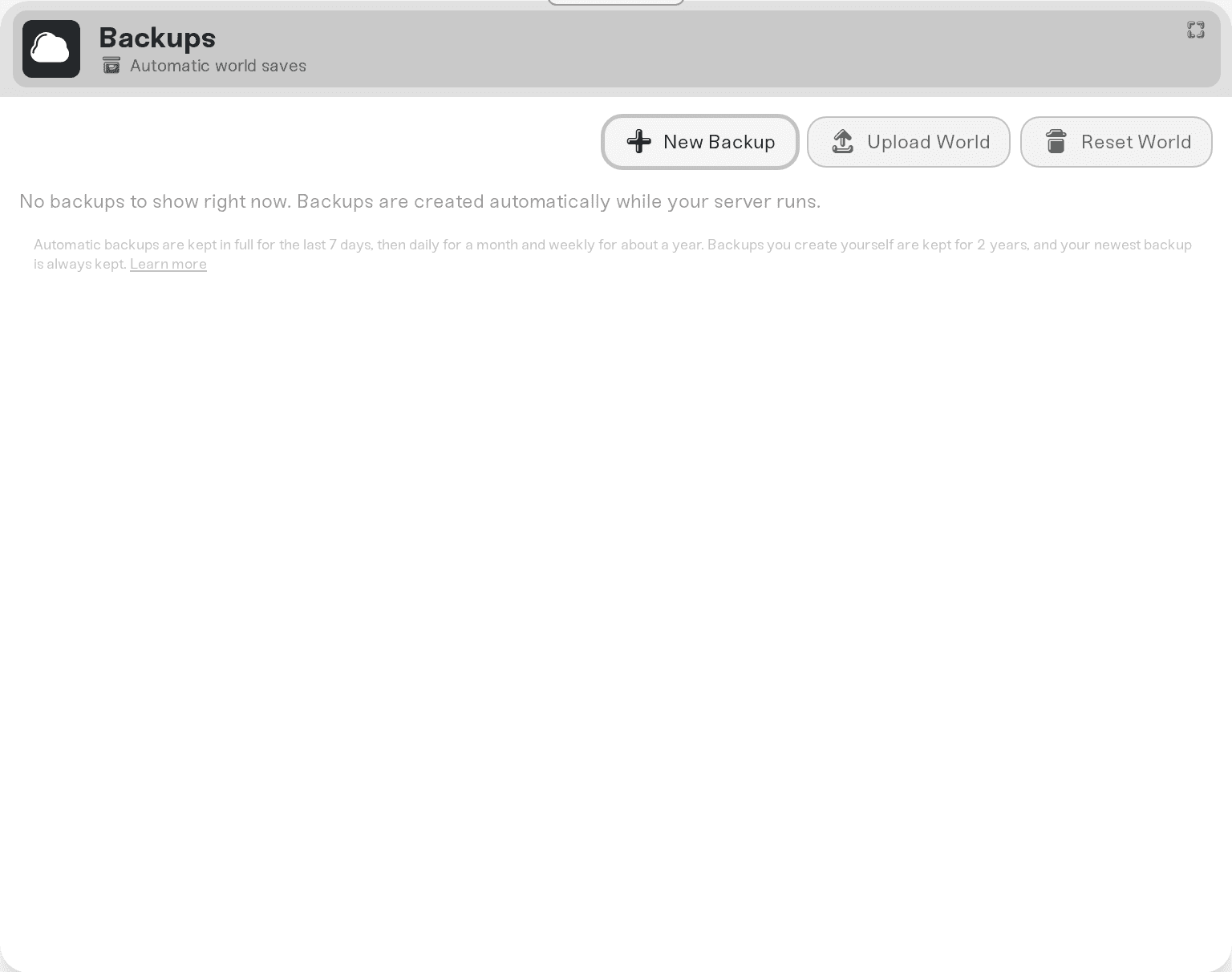
Open the Backups card and pick a backup from before the character was lost. The dashboard notice tells you the time to stay before.
Press and hold Restore Backup.
Everyone on the server loses all progress made after that backup, so agree on it with your group first. The full restore flow, including the automatic Pre-restore snapshot that makes it undoable, is in Restore your server to an earlier backup.
Things that will NOT fix it
Deleting Riley's .sav file in the Files tab. Palworld restores it from its own backup the next time Riley joins. Haptic already sets it aside the right way, backup copies included.
Deleting other players' character files. If Alex is alive and Alex's file goes missing, the server crashes while loading the world. If that happens anyway, we put Alex's file back automatically from the game's own backup.
Reinstalling or removing mods. The error is about the character file, not mods.
Resetting your server files. Config resets do not touch the world's character list.
Your safety net
Nothing in this repair deletes data. The stale character file and the game's backup copies of it are moved to .haptic/orphaned-players inside your server files, where they stay until you remove them yourself. And every backup restore starts with an automatic Pre-restore snapshot, so even a rollback you regret can be undone.
Need help?
Reach us on Discord or at support@haptic.gg. Include your server name and the in-game name of the player who cannot join.
A friend gets a brand new character on your server: the identity-mismatch cousin of this error, with a fix that keeps the character.
Difficulty presets and the world settings everyone changes: what Hardcore actually changes.


