HumanitZ: Saves and Backups
 HumanitZGuide
HumanitZ saves every 5 minutes on Haptic while players are on, unless you change Autosave Interval (seconds) (60 to 3600). Stopping or restarting the…
HumanitZ saves every 5 minutes on Haptic while players are on, unless you change Autosave Interval (seconds) (60 to 3600). Stopping or restarting the server from the dashboard, and going to sleep on Wake & Play, save the world first. Haptic backs the world up every time the server stops, and you can restore any backup from the Backups card.
How saving works
On a timer: every Autosave Interval (seconds) while players are on, 300 by default. With nobody on, the game pauses time and its autosaves.
On Stop, Restart and Wake & Play sleep: Haptic tells the game to save and waits for it before the server goes down.
Before a backup: Haptic tells the game to save first, so the backup holds the world as it is right then.
The world lives in the folder humanitz/Saved/SaveGames/SaveList/Default/<World Save Name>/: Save_<World Save Name>.sav, the game's own backups (Save_<World Save Name>_BK_.sav and the _Backup folder), the AI and foliage data, and one file per player's character. To move a world in from your PC or another host, follow HumanitZ: Move Your World to Your Server.
Restore a backup
Open your HumanitZ server and power it down.
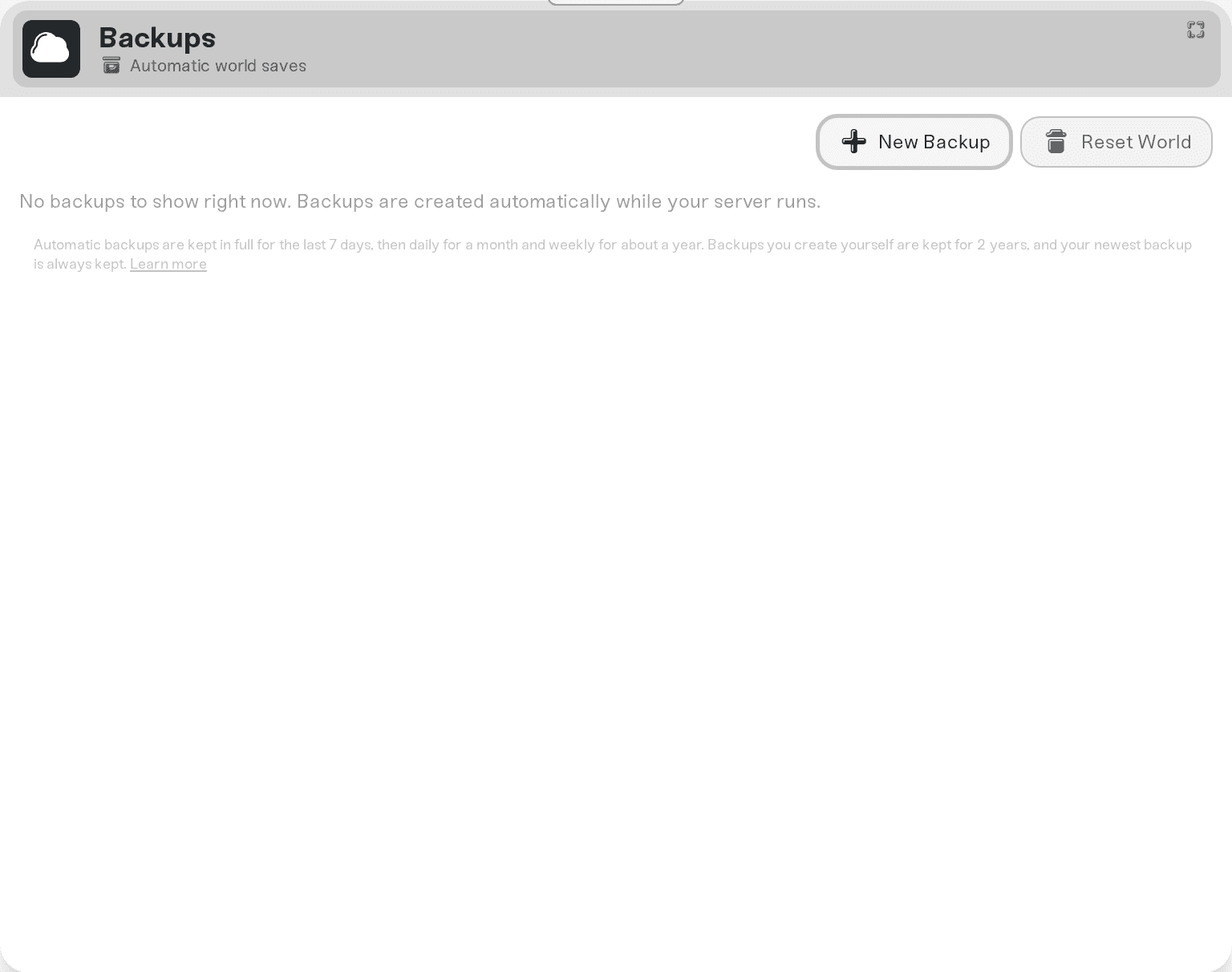
Open the Backups card, pick the backup you want and click Restore.
Start the server again.
Start a new world
Change World Save Name in your server settings and restart. The game starts a new world under the new name, and your old world stays on the server under its old name. Set the old name back to return to it, spelled exactly like the world's folder, capital letters included: a name that differs by one capital letter also starts a new world.
Need help?
Ask in Discord or email support@haptic.gg with your server's name and roughly when the progress went missing.


