SFTP stopped working after you recreated your server
 HapticTroubleshooting
Your SFTP username is two parts: your account name, a dot, then an 8-character code for one specific server, like yourname.a1b2c3d4. Deleting a server…
Your SFTP username is two parts: your account name, a dot, then an 8-character code for one specific server, like yourname.a1b2c3d4. Deleting a server retires its code for good, so a rebuilt server gets a new one and your saved session in FileZilla, WinSCP, or HeidiSQL is still asking for a server that no longer exists. Copy the new Username from the Connect via SFTP window and paste it over the old one. Your password is not the problem, and resetting it will not help. If your client has been retrying on its own, sign-ins from your home connection can also be blocked for an hour, so fix the username first and then connect once.
Copy the new username
Go to My Servers, select the rebuilt server, and open the Files card.
Click the SFTP chip in the card's title bar to open the Connect via SFTP window.
Use the Copy button on the Username row and paste that value into your client, replacing the whole thing (the part before the dot usually looks unchanged, the part after it is what moved).
While you are there, check the Host row too. A rebuilt server can land in a different region, and each region has its own address, like
sftp-eu-west.haptic.gg. The Port is still 2022.
To undo this, nothing is destroyed: your old saved session is just a text entry in your client, and you can keep a copy of it until the new one connects.
If you connect a database tool through the SSH tunnel, the same username lives in the tunnel half of the connection, not the database half. The haptic_cfx database login is unaffected by a rebuild. See Connect to your server's database.
Why resetting your SFTP password did not help
Because your password was never wrong. We check your password first and only then look up the server code, so a correct password with a retired code still ends in a refusal, and it looks identical to a bad password from inside your client.
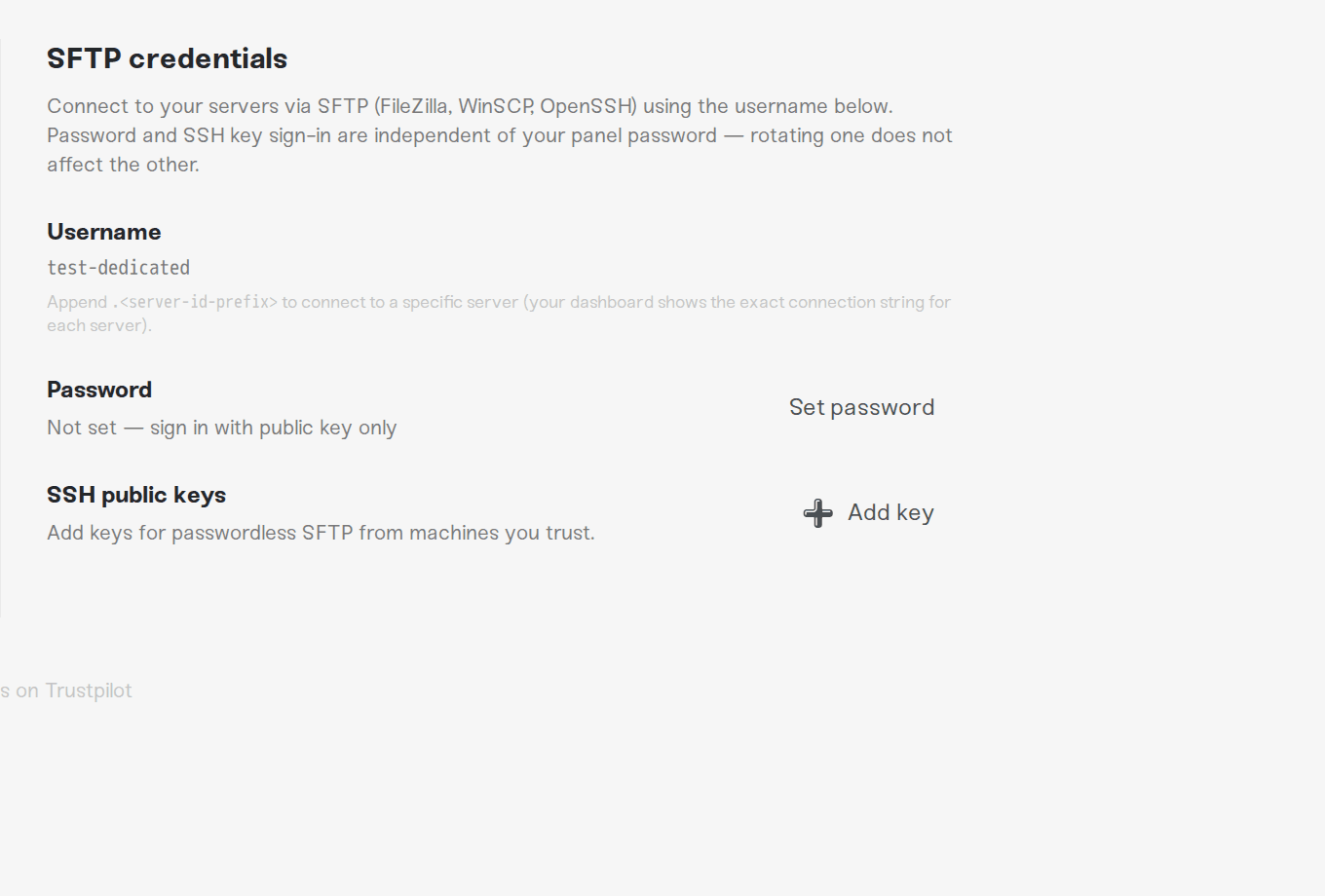
Rotating your SFTP password under Account > Settings > SFTP credentials does do one real thing: it clears an account lockout. It cannot clear the per-address block described below.
If it now fails instantly, or stops asking for a password at all
We count refused sign-ins per internet connection, because that is how we keep password-guessing bots off the file service. Six refused sign-ins from the same address within 15 minutes block that address for one hour. A saved session reaches six fast: one connection is allowed six sign-in attempts before we close it, and a client that offers an SSH key before your password spends two of them in a single connect.
While the block is on, we close the connection before the login even starts, so your client stops complaining about the password and starts reporting that it cannot connect or that the connection closed. Three honest details:
Only time clears it. There is no button for this one. The hour starts at the sixth refusal, and retries during the hour do not push it further out, because those connections never reach a sign-in.
A client left on a fast retry loop can earn a second hour. More than 60 connection attempts a minute trips the same one-hour block on its own, so switch auto-reconnect off while you wait instead of letting the client keep knocking.
It follows the address, not the account. Everyone on your home connection is refused for that hour, and a different network (a phone hotspot, for example) is not blocked. The dashboard itself is untouched, so the file browser on the Files card keeps working the whole time.
A separate amber SFTP locked out banner can appear under Account > Settings > SFTP credentials after a much larger run of failures. That one has a Reset lockout button and clears immediately.
Fix the username first, then connect once. One clean sign-in clears your address's score.
Things that will NOT fix it
Resetting or rotating your SFTP password. The password was fine, and the reset does not lift the hour.
Changing your Haptic account password. It is a separate credential from SFTP entirely.
Retrying with the old username. Every retry before the block lands is another refusal on your score.
Adding an SSH key instead. A key resolves the same username, so the retired server code still fails.
Restoring a backup onto the new server. It brings your world back, not the old server's code.
Need help?
If a freshly copied Username still fails after the hour has passed, ask us on Discord or email support@haptic.gg. Include the part of the username after the dot, your server's region, and the exact message your client shows.
Connect to your server with SFTP: host, port, username, and first-connection host key checks.
Manage your server's files: the in-dashboard file browser, which keeps working while SFTP is blocked.
How to delete a server: what a delete keeps and what it retires.
FiveM: Connect to your server's database (HeidiSQL and friends): the SSH tunnel that uses the same username.



