RedM: Install resources and scripts (and why they don't load)
 RedMGuide
RedM mods are resources: a folder with an fxmanifest.lua inside. Upload the folder into server-data/resources/ and restart. Haptic starts every resource it…
RedM mods are resources: a folder with an fxmanifest.lua inside. Upload the folder into server-data/resources/ and restart. Haptic starts every resource it finds there in dependency order, on every framework, so nothing needs an ensure line. Players download resources automatically when they join.
Install a resource
Open
server-data/resources/on the Files card. The picture card in the mods spot of your dashboard (RedM has no mod catalog) flips to an Open the mods folder button that jumps straight there. Large packs are easier over SFTP.Upload the resource folder itself, for example
weathersync, withfxmanifest.luadirectly inside it. A zip works too: select it, use Unzip, then delete the zip.A
.sqlfile in the download goes inserver-data/sql/and imports automatically.Restart the server. The start list is built during boot, so an upload goes live on the next start.
The folder shape
fxmanifest.lua must sit directly inside the folder you place in resources/.
Right: resources/weathersync/fxmanifest.lua
Right: resources/[scripts]/weathersync/fxmanifest.lua (folders in square brackets are categories)
Wrong: resources/my-pack/weathersync/fxmanifest.lua
RedM never looks inside a folder without brackets, so a resource one level too deep never starts. A wrapper with the resource's own name (resources/weathersync/weathersync/) is fixed for you at the next start. A folder named like GitHub's download, such as weathersync-main, starts under that name, so rename it to weathersync: other resources and server.cfg refer to it by its real name.
Made for RedM, not FiveM
RedM refuses two kinds of resource, and the Files card warns you when you upload one:
A FiveM resource. Its
fxmanifest.luasaysgame 'gta5'. Use the resource's RedM version. Resources that list both games (games { 'gta5', 'rdr3' }) are fine.A resource without RedM's warning line. Every RedM resource has this line in its
fxmanifest.lua, and RedM refuses one without it:
rdr3_warning 'I acknowledge that this is a prerelease build of RedM, and I am aware my resources *will* become incompatible once RedM ships.'Your framework
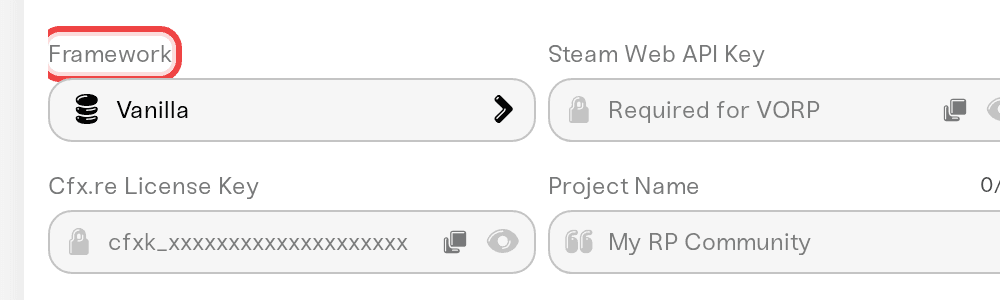
Most RedM scripts are written for one framework. A VORP script calls into vorp_core and does nothing on an RSGCore server, and the other way round. Standalone resources run on any server. Check which framework your server runs in the Framework setting on the Overview card's Details tab.
VORP and RSGCore come with their own set of resources, such as vorp_inventory, rsg-inventory, weathersync and PolyZone. They are already on your server, so do not upload a second copy.
Start order
Haptic starts your resources in dependency order: a resource starts after the ones it names in its fxmanifest.lua, so vorp_core or rsg-core comes up before the scripts that call into it, wherever they sit in your folders.
server.cfg in server-data/ is your file, and any resource you start there with ensure is one Haptic stops starting automatically, so your lines set the order. After a restart, the console line beginning server.cfg starts names everything Haptic handed over to your file.
Paid (escrowed) resources
Paid scripts from Tebex or the Cfx.re store are usually escrowed: part of the code is in a .fxap file locked to the Cfx.re account that bought it. They work on Haptic, because your server runs on your own license key. Upload the .fxap with everything else, and use a key from the account that bought the script. A script bought on someone else's account will not run under yours.
When a resource still will not start
The Needs attention panel on the Console card names the common failures: a resource missing RedM's warning line, a FiveM resource, a paid resource on the wrong key, a resource RedM can't find, a missing dependency, or an error inside the script.
Things that will not fix it
Adding an
ensureline for a resource that is not found. It decides when a resource starts, not whether it exists.Reinstalling the framework. If one script fails, the framework is fine.
Leaving it zipped. RedM reads folders, not archives. Use Unzip on the Files card.
Waiting. The start list is built during boot, so a restart is part of every fix.
Need help?
Reach us on Discord or at support@haptic.gg. Include the resource name, a screenshot of its folder, and the console output from the failed start.


