Astroneer: Become the Owner or an Admin
 AstroneerGuide
Put your Steam profile name in Owner Name in your server settings and restart: that makes you the server's owner. Give other players Full Admin, Whitelist…
Put your Steam profile name in Owner Name in your server settings and restart: that makes you the server's owner. Give other players Full Admin, Whitelist or Ban on the Admins tab by their in-game name. While the server is online a change reaches the game within seconds.
Make yourself the owner
Open My Servers and expand your Astroneer server.
In the server settings, set Owner Name to your Steam profile name exactly as Steam shows it (PlayStation players use their PSN Online ID).
Restart the server.
The owner is never listed on the Admins tab; Owner Name is the only place it is set.
Give other players a role
Open the Admins tab on your server's Overview card. Type the player's in-game name (their Steam profile name, or PSN Online ID on PlayStation) and choose a role:
Full Admin: the game's Admin category, which lets them manage players from the in-game server menu.
Whitelist: lets them in when Whitelist Only is on.
Ban: the game refuses them. Banning someone who is online also kicks them.
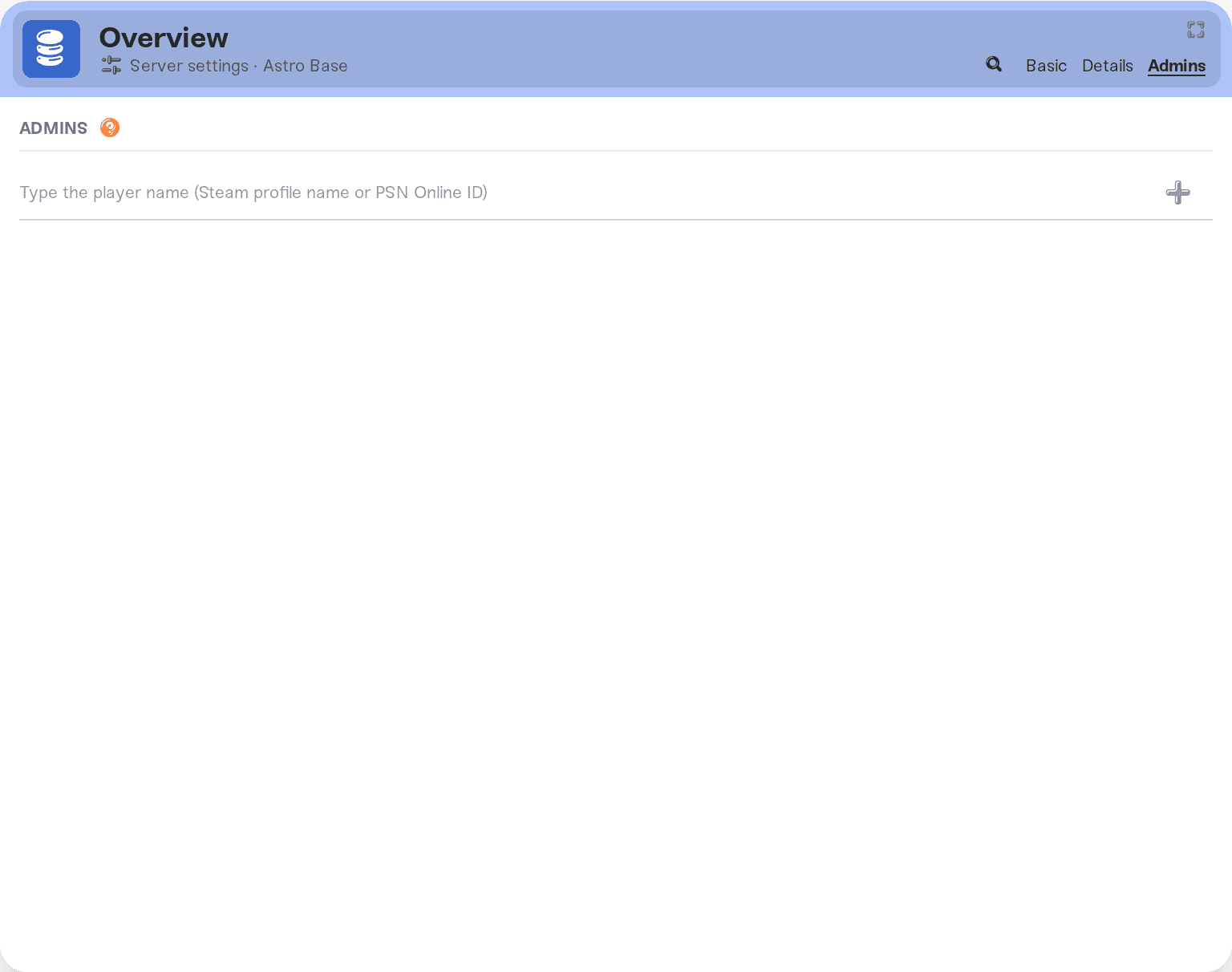
While the server is online a change reaches the game within seconds; otherwise it applies at the next start. Roles changed in the game, or in AstroServerSettings.ini in Files, show up on the tab after the next start.
Keep the server to your crew
Turn on Whitelist Only in the server settings. Then only the owner and the players you set to Whitelist or Full Admin can join; everyone else is refused. Add your players on the Admins tab first, so nobody is locked out.
Things that will not work
A Steam ID instead of a name. Astroneer roles go by in-game name.
A name with a typo. The name must match the player's in-game name; check the dashboard's player list while they are on.
Need help?
Ask in Discord or email support@haptic.gg with a screenshot of your Admins tab.


