V Rising: Saves and Backups
 V RisingGuide
V Rising saves on a timer, every 20 minutes on Haptic unless you change Autosave Interval (min) (1 to 60). Stopping or restarting the server from the…
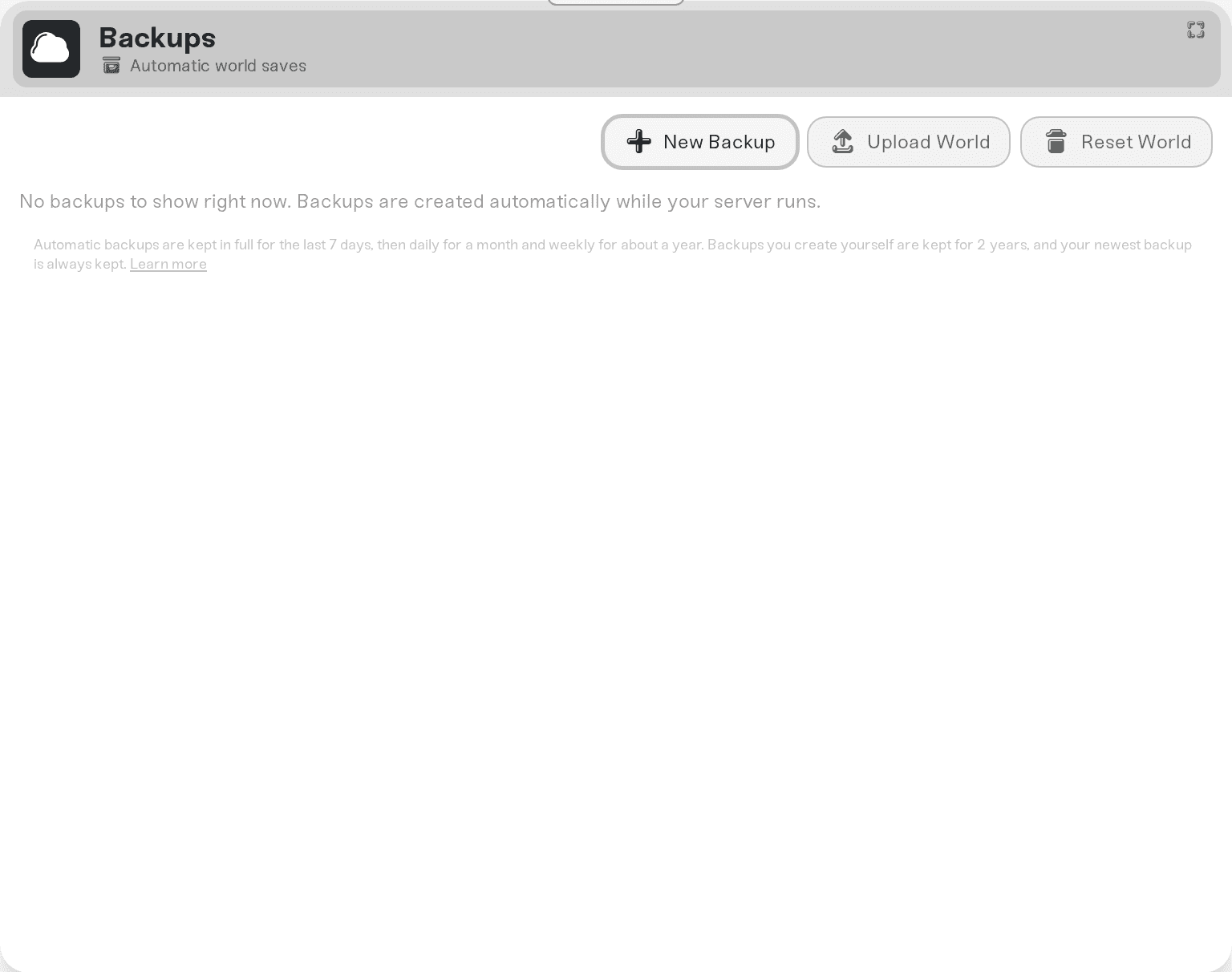
V Rising saves on a timer, every 20 minutes on Haptic unless you change Autosave Interval (min) (1 to 60). Stopping or restarting the server from the dashboard, and going to sleep on Wake & Play, stop the game the way that makes it save as it exits. We back the world up every time the server stops and once a day, and you can restore any backup from the Backups card. A crash loses only what happened since the last autosave.
How saving works
The game writes the world to save-data/Saves/v4/<Save Name>/ as numbered files, AutoSave_1.save.gz, AutoSave_2.save.gz and so on. At every start it loads the newest one. Autosaves Kept sets how many of those files the game keeps.
On a timer. The game's own default is every 2 minutes; Haptic sets 20 so players see fewer save pauses. Set anything from 1 to 60 minutes in Autosave Interval (min).
On Stop, Restart and sleep. V Rising has no save command, so Haptic stops it the way that makes it save as it exits. That save takes a few seconds and is done before the server shuts down.
Not on a crash. If the server process dies, whatever happened after the last autosave is gone. A shorter interval loses less.
What we back up, and when
Every time the server stops, including restarts and Wake & Play sleeps.
Once a day while the server is running.
On demand. Take one yourself from the Backups card before a risky change, such as a new mod or a big settings change.
Each backup holds your world's save files as they were at that moment, so a restore brings the world back to that point. Backups live in cloud storage, outside the server.
Restore an earlier version
Stop the server.
Open the Backups card and pick the backup from before the change you want to undo.
Restore it. A backup of the world as it is now is taken first, so the restore can be undone too.
Start the server. Friends join exactly as before.
Run several worlds, or start fresh
Save Name picks the folder the server loads from save-data/Saves/v4/. Change it to a new name and the next start creates a fresh world under that name; change it back and the old world loads again where you left it. Nothing is deleted.
Scheduled Wipe (days) and Wipe Day use the game's own wipe: on the chosen schedule the server starts a new world when it starts, and keeps the old one in a folder next to it and in your backups. Reset World deletes the saves only; settings, admins, bans and mods stay.
Things that will not fix it
Hoping the daily backup caught the last hour. For the recent past, use the backup taken when the server last stopped, or take one now.
Copying a world from before V Rising 1.1. Older saves (folders named
v1,v2orv3) are a different format and the current game will not load them.
Need help?
Ask in Discord or email support@haptic.gg with your Save Name and roughly when the missing progress happened.


