Astroneer: install mods on your server
 AstroneerGuide
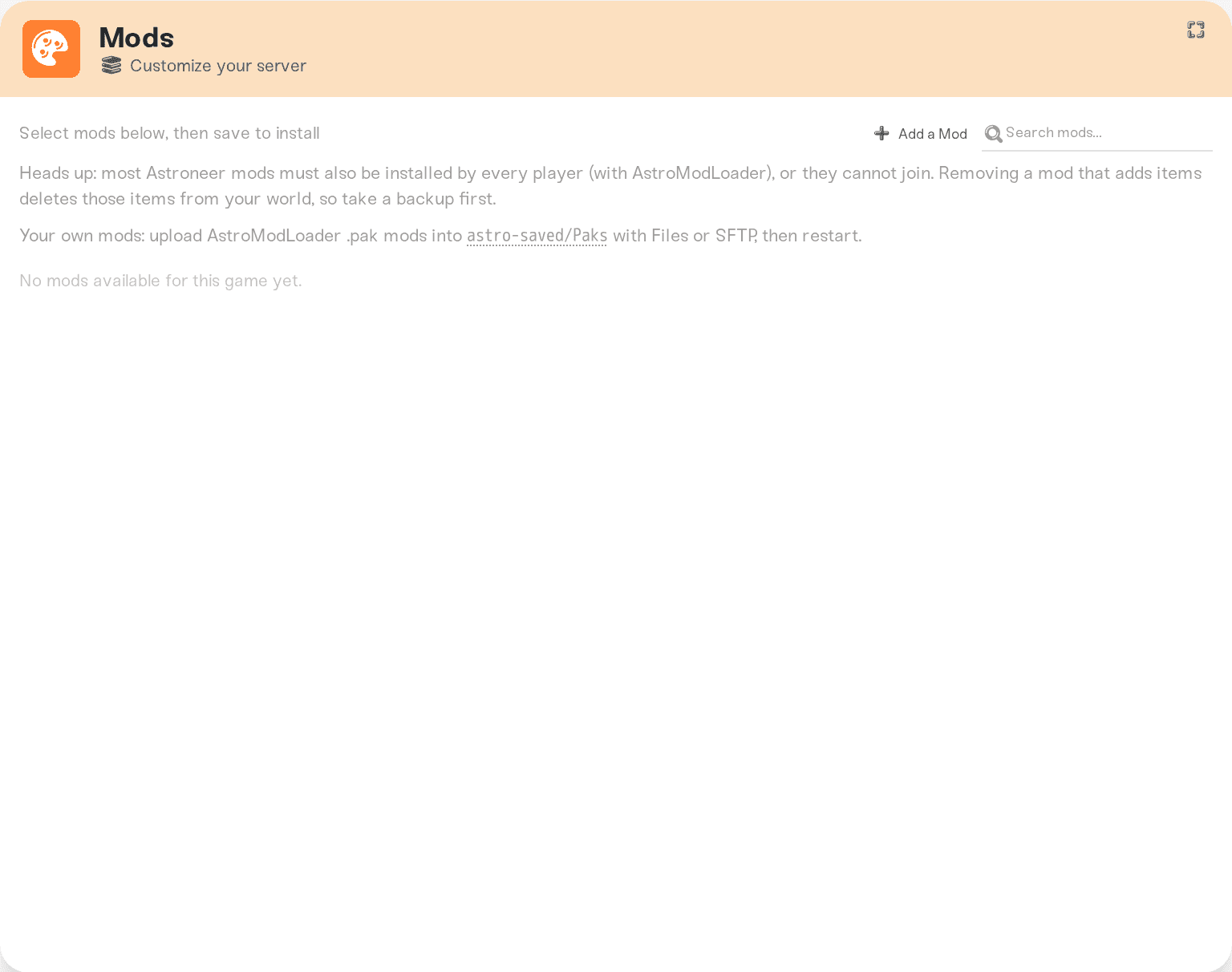
Press Add a Mod on the Mods card to add a mod from Thunderstore, or upload the mod's _P.pak file to astro-saved/Paks/ with the Files card or SFTP, then…
Press Add a Mod on the Mods card to add a mod from Thunderstore, or upload the mod's _P.pak file to astro-saved/Paks/ with the Files card or SFTP, then restart. Haptic runs the AstroModLoader integrator for you on every start. Most mods must also be installed by every player with AstroModLoader on their own PC. Removing a mod that adds items deletes those items from your world, so take a backup first.
What an Astroneer mod looks like
An Astroneer mod is one .pak file named like 000-ModName-1.0.0_P.pak. That is the AstroModLoader format, used by the mods on Thunderstore and the astroneermods.space archive.
UE4SS (Lua) mods do not work on Haptic Astroneer servers. Only .pak mods do.
Install one from the Mods card
Open your server's Mods card and search for the mod. If it is not in the list yet, press Add a Mod to add it from Thunderstore. We test each new mod on a real Astroneer server before it can be installed. Once it shows as available, install it and restart your server.
Upload your own .pak
Open the folder
Expand the Files card and browse to astro-saved > Paks. Or connect over SFTP (Connect with SFTP) and go to /astro-saved/Paks/.
Upload the .pak
Drag the mod's _P.pak file in, one file per mod. Keep the file name as the mod author made it.
You will also see 999-AstroModIntegrator_P.pak in this folder once mods are installed. Haptic rebuilds it from your mods on every start, so you cannot edit or delete it.
Restart
Restart your server from the dashboard. On every start Haptic runs the integrator over the folder, and the mods load with the world. Your own paks survive restarts and server moves, and they are included in your backups.
If a pak in the folder is broken or is not an Astroneer mod, the server does not start, and the error shows the integrator's message. Your world is not touched. Remove the pak you added last and start again.
The same goes for a mod from the Mods card that cannot be installed: the server does not start rather than start without it, because a world that loads without a mod loses that mod's items at its next save. Start the server again in a few minutes. If it keeps failing, remove the mod on the Mods card (take a backup first).
Your players need the same mods
Most Astroneer mods change the game for everyone, so every player must install the same mods on their own PC with AstroModLoader. A player without them cannot join the modded server. A few mods only change the server and need nothing on the player's side; the mod's page says which.
PlayStation players cannot install mods, so before you add a mod every player needs, check whether anyone in your group plays on PlayStation.
Removing a mod
Removing a mod that adds items (buildings, decorations, new resources) deletes those items from your world the next time the server saves. Take a backup on the Backups card before you remove one, so you can go back.
Things that will NOT work
Putting the pak in the game install. The install files are locked and shared between servers. Mods go in
astro-saved/Paks.UE4SS (Lua) mods. The server runs without UE4SS.
Mod managers. r2modman, Gale and AutoIntegrator are tools for your own PC. Haptic does their job on the server already.
Need help?
Ask on Discord or email support@haptic.gg with the mod's name and a screenshot of your astro-saved/Paks folder.
Moving files to and from your server: Connect with SFTP.


