V Rising: Become an Admin on Your Server
 V RisingGuide
Add your SteamID64 (or your Steam profile link) on the Admins tab of your server settings as Full Admin and save. In V Rising, turn on the console in the…
Add your SteamID64 (or your Steam profile link) on the Admins tab of your server settings as Full Admin and save. In V Rising, turn on the console in the game's options, open it while connected to your server and type adminauth. A running server picks up a new admin within about a minute, and a restart always does. Bans go on the same tab.
Add yourself (and your friends) as admin
Open My Servers, open your V Rising server, and go to the Admins tab of its settings.
Paste a Steam profile link or a SteamID64 (17 digits, starting
7656119). Haptic looks the player up and shows who it is.Pick Full Admin and save.
Repeat for each friend who should help run the server.
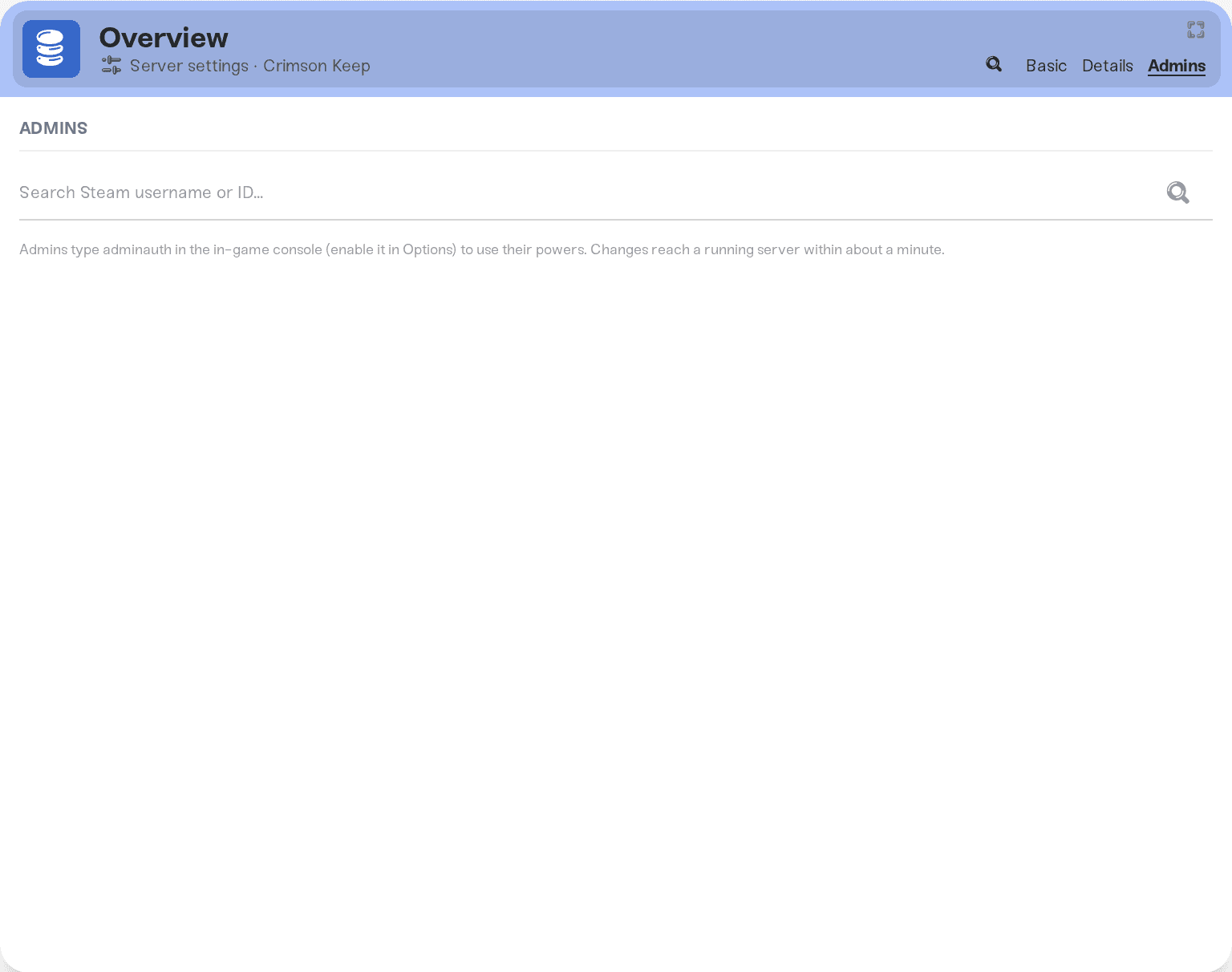
There is no admin password in V Rising and nothing else to set. Each Steam ID can have one role, so a player is either an admin or banned, never both.
Turn on your admin powers in game
In V Rising, open the game's options and turn on the console. It is off by default.
Join your server.
Open the console and type
adminauth, then press Enter.
From then on you can use the game's admin commands in that console. If adminauth says you are not an admin, the server has not picked up the change yet: wait a minute and try again, or restart the server from the dashboard.
Ban a player
Add their Steam ID on the Admins tab with the Ban role and save. It goes into the game's ban list, on a running server within about a minute. To lift a ban, remove the entry and save.
Bans you make in game with the game's own admin commands are kept too. After the next start they show up on the Admins tab next to the ones you added there.
The list files
The tab and two plain files on the server are kept in step: save-data/Settings/adminlist.txt and save-data/Settings/banlist.txt, one SteamID64 per line, reachable in Files or over SFTP. At every start Haptic merges the files with the tab, so a change made in either place counts, including changes made while the server was stopped. A Steam ID that ends up on both lists stays banned.
Things that will not fix it
Looking for an admin password. V Rising has none; admins are Steam IDs.
Typing your character name or Steam display name. The list needs the SteamID64 or a Steam profile link.
Skipping
adminauth. Being on the list is not enough; the game wantsadminauthin its console.Typing admin commands into the dashboard's Console. That console runs the server's remote commands (announcements, version, time), not the in-game admin commands. Kick and ban in game or on the Admins tab.
Need help?
Ask in Discord or email support@haptic.gg with a screenshot of your Admins tab and the exact reply adminauth gave you.


