V Rising: Install Mods on Your Server
 V RisingGuide
V Rising mods are BepInEx plugins. Add them from Thunderstore on your server's Mods card, or upload your own plugin .dll files into BepInEx/plugins with…
V Rising mods are BepInEx plugins. Add them from Thunderstore on your server's Mods card, or upload your own plugin .dll files into BepInEx/plugins with Files or SFTP, then restart. Haptic installs BepInEx for you. Mods made only for players' own PCs cannot be added; whether players also need a server mod on their own PC depends on the mod.
Add a mod from the Mods card
Open My Servers, open your V Rising server, and go to the Mods card.
Search for the mod (the list is Thunderstore's V Rising section) and add it.
Every mod is tested on a real V Rising server before it can reach yours. Once it is available, it is installed together with the mods it depends on.
Restart the server. Adding a mod switches Mod Loader to BepInEx for you.
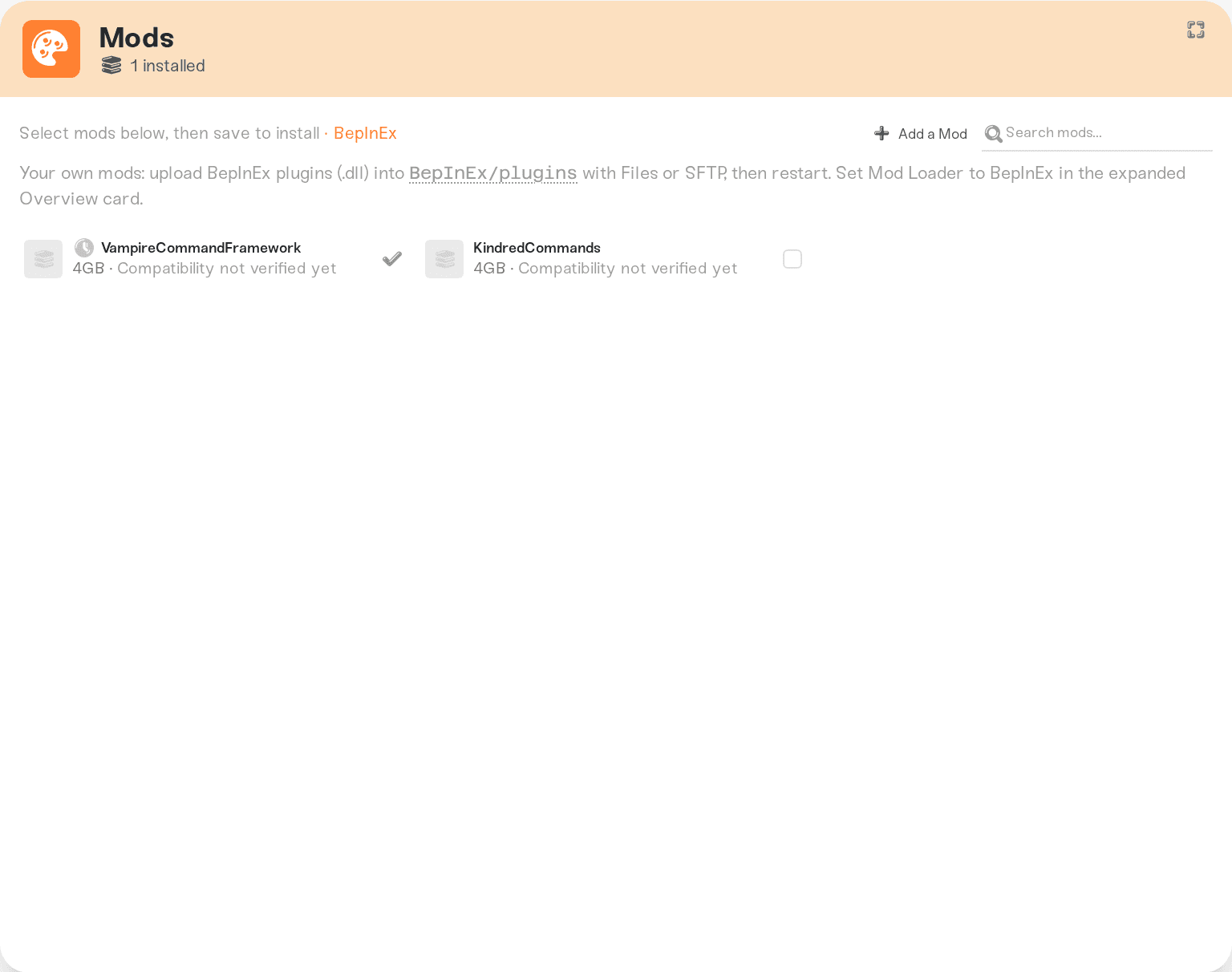
The BepInEx pack itself, mods made only for players' own PCs, and deprecated mods are listed but cannot be requested; the card says why.
Upload your own plugin
Download the mod and unzip it until you see its
.dllfile (and any config files that came with it).Open your server's Files card and browse to
BepInEx>plugins, or connect over SFTP (Connect with SFTP). A folder per plugin is fine.Drop the files in.
Make sure Mod Loader is BepInEx (in the expanded Overview card of your server settings), then restart.
BepInEx's own folders are managed by Haptic and locked, so you cannot break the loader by accident. A plugin dropped in the wrong folder gets a note in Files saying where plugins go. Plugin settings live in BepInEx/config and are kept across restarts.
Server-side and client-side mods
A Thunderstore mod can be tagged Server, Client, or both.
A mod tagged Client and not Server runs only on players' own PCs and does nothing on a server, so the card refuses it and says to install it on your own PC with r2modman.
A mod tagged Server runs on your server and changes what it does, such as commands, rules, rates or castle limits. Whether each player also needs it on their own PC depends on the mod, so check its Thunderstore page. If they do, every player installs the same mod themselves, the same way they would for any V Rising server.
After a V Rising update
Mods are built for one game version. When V Rising updates, Haptic prepares BepInEx for the new version, usually within the hour. A modded server waits for that before moving to the new version. If it starts before the preparation is ready, it runs without its mods and the Console says so; restart it once the update is ready and the mods load again. Mods whose authors have not caught up with a big patch may stay broken until they update; check the mod's page.
Things that will not fix it
Uploading BepInEx yourself. Haptic installs and updates it; your own copy is refused.
Leaving Mod Loader on Vanilla. Plugins in
BepInEx/pluginsonly load while the loader is BepInEx; the Console tells you when one is waiting.Putting the
.dllin the top folder or a save folder. OnlyBepInEx/pluginsis read.Asking console players to install mods. Haptic V Rising servers are PC only.
Need help?
Ask in Discord or email support@haptic.gg with the mod's name, where you got it, and a screenshot of your BepInEx/plugins folder.


