40% OFFOur winter sale is on! We're giving everyone 40% off their new server at checkout!
 NecesseGuide
Necesse saves your world on its own while the server runs. Stopping or restarting the server from the dashboard, and going to sleep on Wake & Play, save…
Necesse saves your world on its own while the server runs. Stopping or restarting the server from the dashboard, and going to sleep on Wake & Play, save the world first. Haptic backs the world up every time the server stops, and you can restore any backup from the Backups card.
While it runs: the game saves the world by itself, the first time about a minute after the server starts.
On Stop, Restart and Wake & Play sleep: Haptic tells the game to save and stop, and waits for it before the server goes down.
Before a backup: Haptic tells the game to save first, so the backup holds the world as it is right then.
Your world lives in the folder necesse/saves/worlds/<World Name>/, one folder per world, with its settings and a file for each player inside. To move a world in from your PC or another host, follow Necesse: Move Your World to Your Server.
Open your Necesse server and power it down.
Open the Backups card, pick the backup you want and click Restore.
Start the server again.
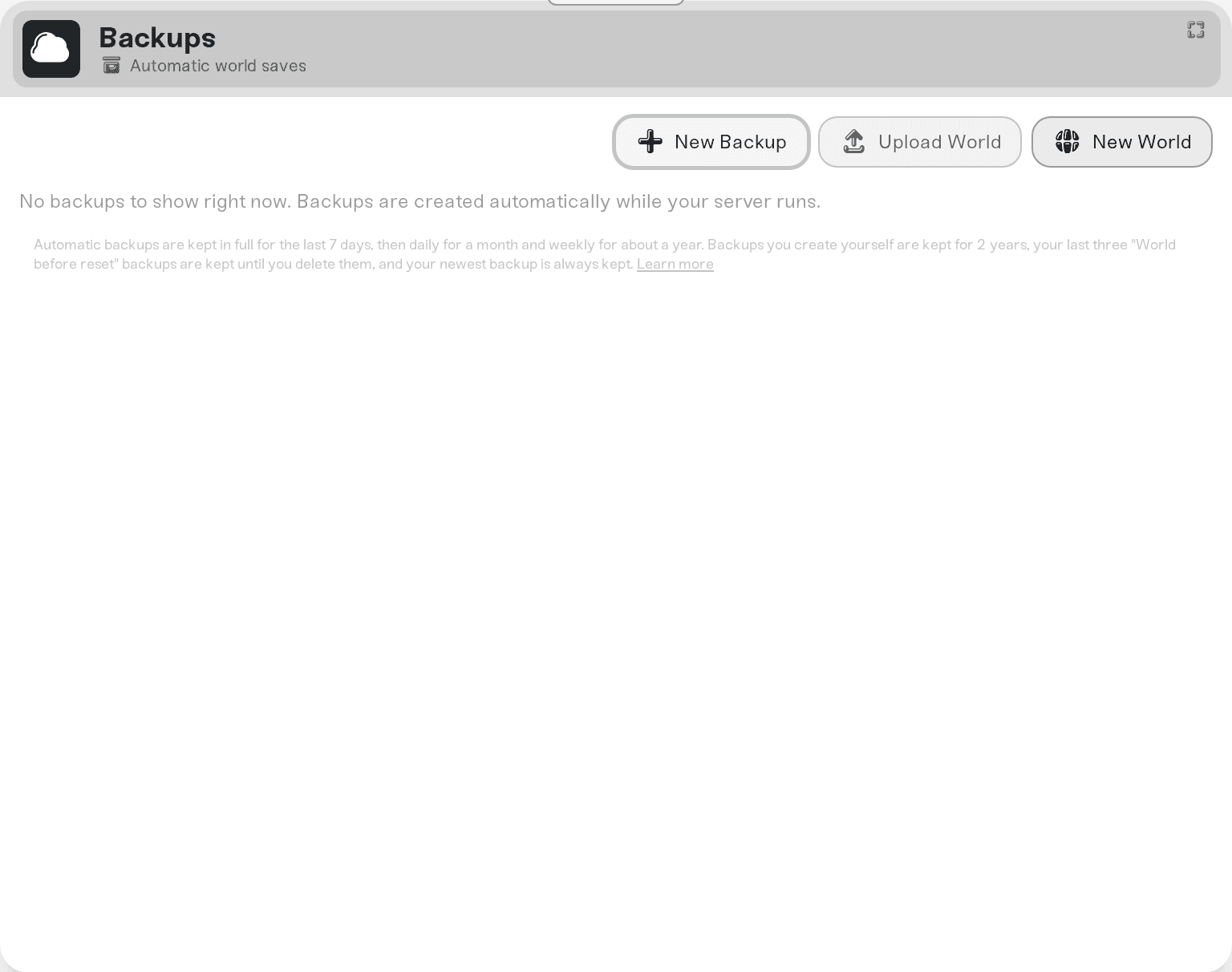
Press New World on the Backups card. Necesse can keep several worlds on one server, so the window first offers Start a new world beside this one: type a name for the new world, and Haptic switches the server to it while your current world stays on the server. Replace every world saves every world in one backup and then clears them all.
To go back to another world, expand the Overview card: the Basic tab shows World with Switch World beside it. Pick a world from the list and press Switch to its name.
Ask in Discord or email support@haptic.gg with your server's name and roughly when the progress went missing.
 © Haptic, LLC
*40% off applies automatically at checkout for your first month. Ends November 22, 2026.


