40% OFFOur winter sale is on! We're giving everyone 40% off their new server at checkout!
 Sons Of The ForestGuide
Your world saves on the server by itself: every 20 minutes on Haptic unless you change Autosave Interval (min) (1 to 60), and before every stop, restart…
Your world saves on the server by itself: every 20 minutes on Haptic unless you change Autosave Interval (min) (1 to 60), and before every stop, restart and Wake & Play sleep. Each player's own character is kept when that player saves at a shelter or bed in the game (hold E, then Save). Haptic backs the world up every time the server stops, and you can restore any backup from the Backups card.
On a timer: every Autosave Interval (min), 20 by default.
On Stop, Restart and Wake & Play sleep: Haptic tells the game to shut down, the game saves, and only then does the server go down.
There is no save command. A backup taken while the server runs holds the world as of the last autosave. To back up the world exactly as it is now, stop the server first: the stop saves, and the backup taken at the stop has it.
The server saves the world, meaning the island and everything built on it. Each player's own character, with their inventory, position and stats, is kept only when that player saves in the game:
Go to a shelter or bed you built.
Hold E, then choose Save.
A player who leaves without saving starts again with the helicopter intro the next time they join, even though the world and your base are still there. Ask everyone to save at a shelter before they leave.
Each Save Slot (1 to 10) is its own world. The world of slot 1 lives in sotf-userdata/Saves/DedicatedServer/Multiplayer/0000000001, as SaveData.zip and a few small files the game writes beside it. The game also keeps the 3 newest copies of each slot itself, in that same Multiplayer folder, as files named like 0000000001_backup_<date>.zip.
Open your Sons of the Forest server and power it down.
Open the Backups card, pick the backup you want and click Restore.
Start the server again.
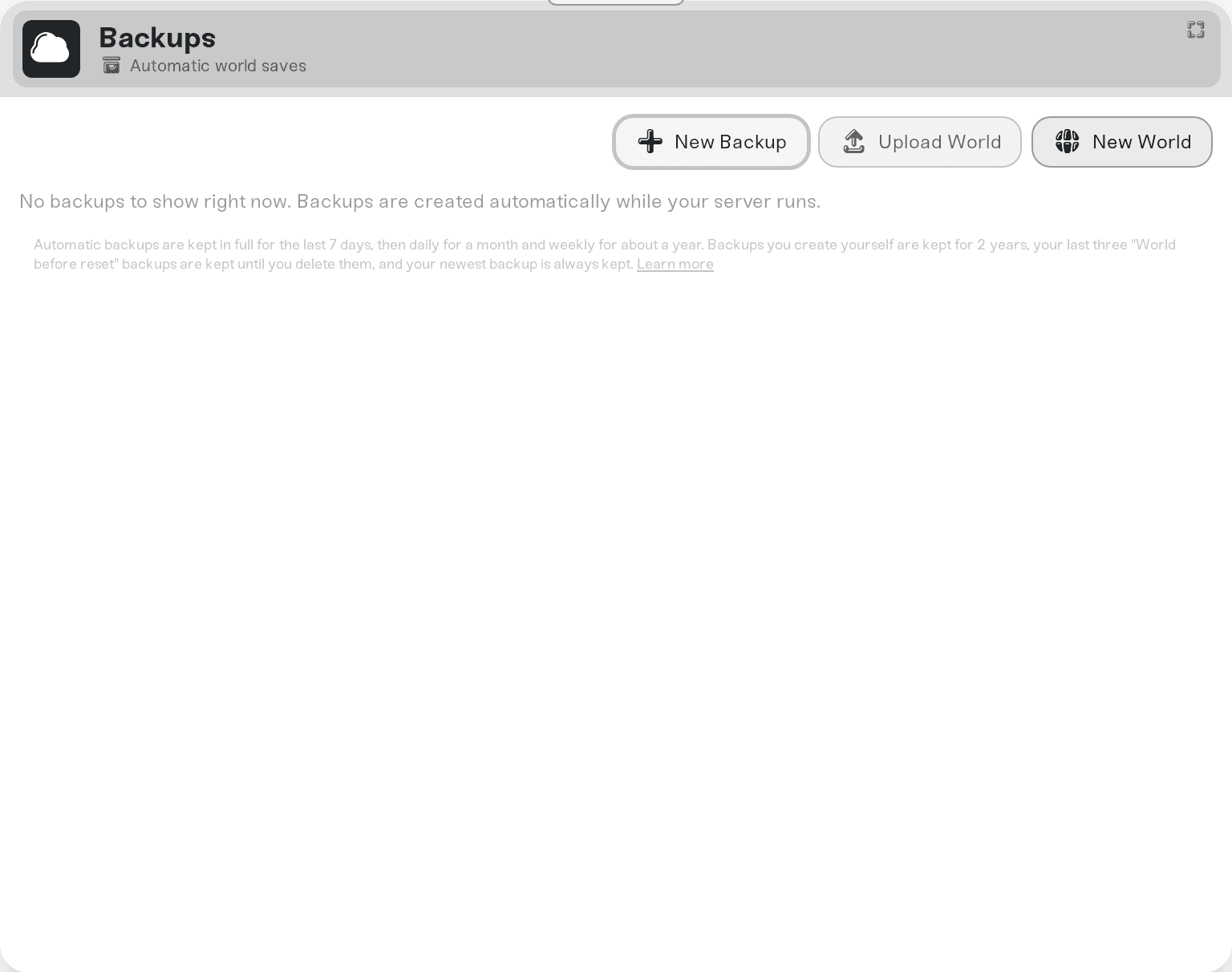
Game Mode and every Custom difficulty setting are stored in the world when it is created, so changing them needs a new world. Use New World on the Backups card, or save a new Game Mode and pick a choice when the dashboard asks:
Start a new world beside this one puts the new world in an empty Save Slot. Your current world stays on the server.
Replace every world clears every save slot after one backup.
To go back to a world you kept, the Overview card's Basic tab shows the world with Switch World, which lists the server's worlds and restarts the server on the one you pick.
Editing SaveData.zip with Files while the server runs. The game's next save writes over it. Stop the server first.
Expecting a backup from a running server to hold the last few minutes. It holds the last autosave. Stop the server, or lower Autosave Interval (min).
Ask in Discord or email support@haptic.gg with your server's name and roughly when the progress went missing.
 © Haptic, LLC
*40% off applies automatically at checkout for your first month. Ends November 22, 2026.


