40% OFFOur winter sale is on! We're giving everyone 40% off their new server at checkout!
 Garry's ModGuide
Open the Admins tab on your server's Overview card and add your Steam ID as Superadmin. While the server is online the change reaches it at once. Use…
Open the Admins tab on your server's Overview card and add your Steam ID as Superadmin. While the server is online the change reaches it at once. Use Admin, Operator, Whitelist and Ban for other players the same way. With ULX on your server, Haptic keeps ULX's groups in step with the tab.
The Admins tab takes SteamID64s, which are 17 digits long and start with 7656119. You can also paste the player's Steam profile link, and the tab finds the number for you.
Open the Admins tab on your server's Overview card, find the player and choose a role:
Superadmin: the game's superadmin group, with every admin right in the game and full rights in admin mods such as ULX.
Admin: the game's admin group, with the game's admin-only items and the rights an admin mod gives admins.
Operator: the game's operator group. Admin mods such as ULX give it a few moderation commands; without one it changes nothing.
Whitelist: the player can join while the Whitelist setting is on.
Ban: the server refuses the player until you remove the ban.
A player holds one group at most (Superadmin, Admin or Operator), and can also be on the whitelist or banned.
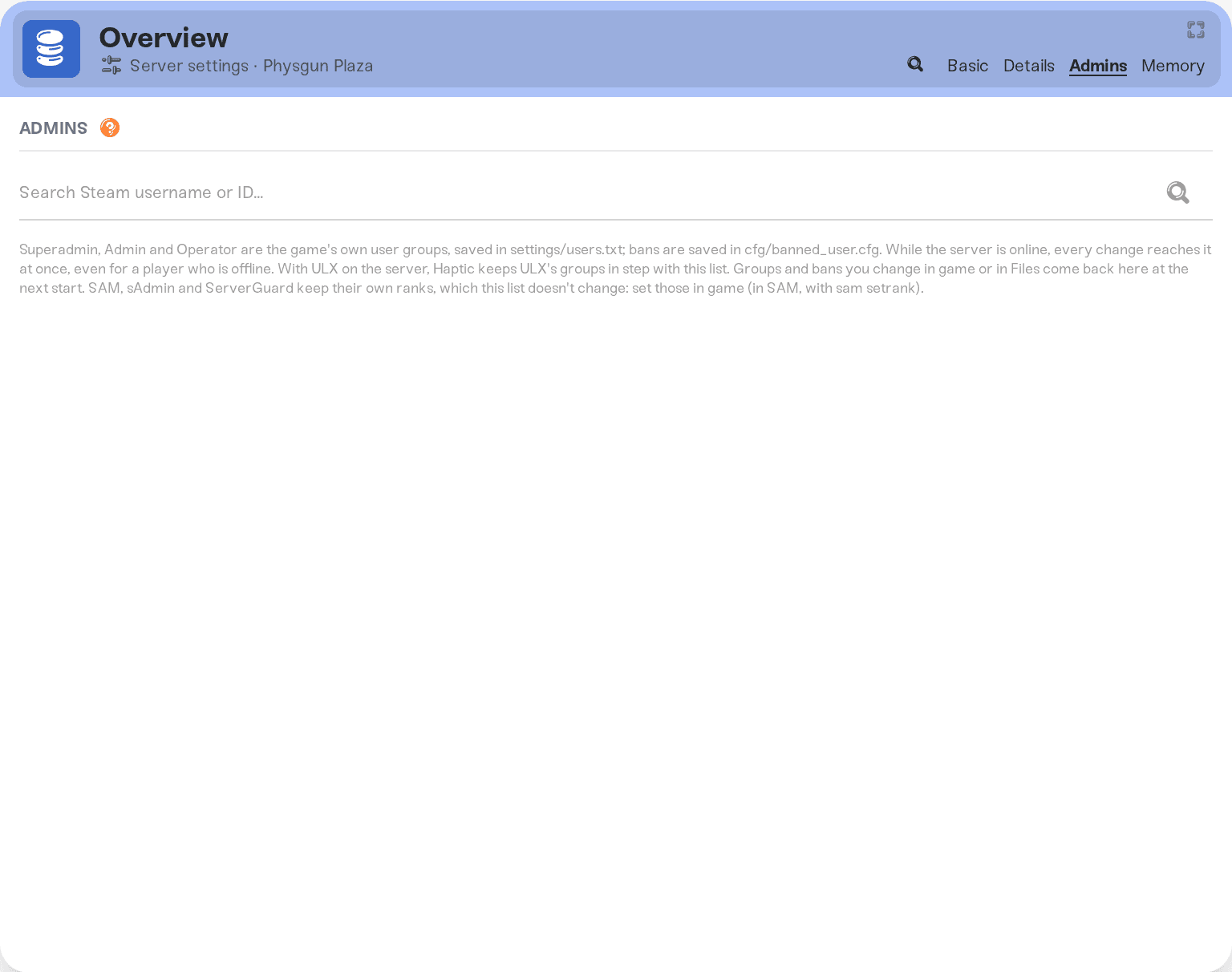
While the server is online, every change reaches it at once, even for a player who is offline: they get their group the next time they join. Groups and bans changed in the game or in Files show up on the tab after the next start.
ULX: add ULib and ULX on the Mods card. Haptic keeps ULX's groups in step with the Admins tab, so a Superadmin on the tab is a superadmin in ULX too, and groups you change with ULX in the game come back to the tab.
SAM, sAdmin and ServerGuard keep their own ranks, which the Admins tab does not change. Set those ranks in the game, for example with sam setrank in SAM. Bans on the tab still apply.
Turn on Whitelist in your server settings. Then only players on the tab's whitelist can join, along with your superadmins, admins and operators. The join password and bans still apply to everyone. Add your players on the Admins tab first, so nobody is locked out.
Ask in Discord or email support@haptic.gg with a screenshot of your Admins tab.
 © Haptic, LLC
*40% off applies automatically at checkout for your first month. Ends November 22, 2026.


