Valheim: Console Commands
 ValheimGuide
Valheim's admin commands are typed inside the game, not in your server's Console card. Put yourself on the admins list on your server's Admins tab and…
Valheim's admin commands are typed inside the game, not in your server's Console card. Put yourself on the admins list on your server's Admins tab and restart, turn on Enable Console in Valheim's settings, then join and press F5. From there you can kick, ban and unban players and save the world.
Get ready (once)
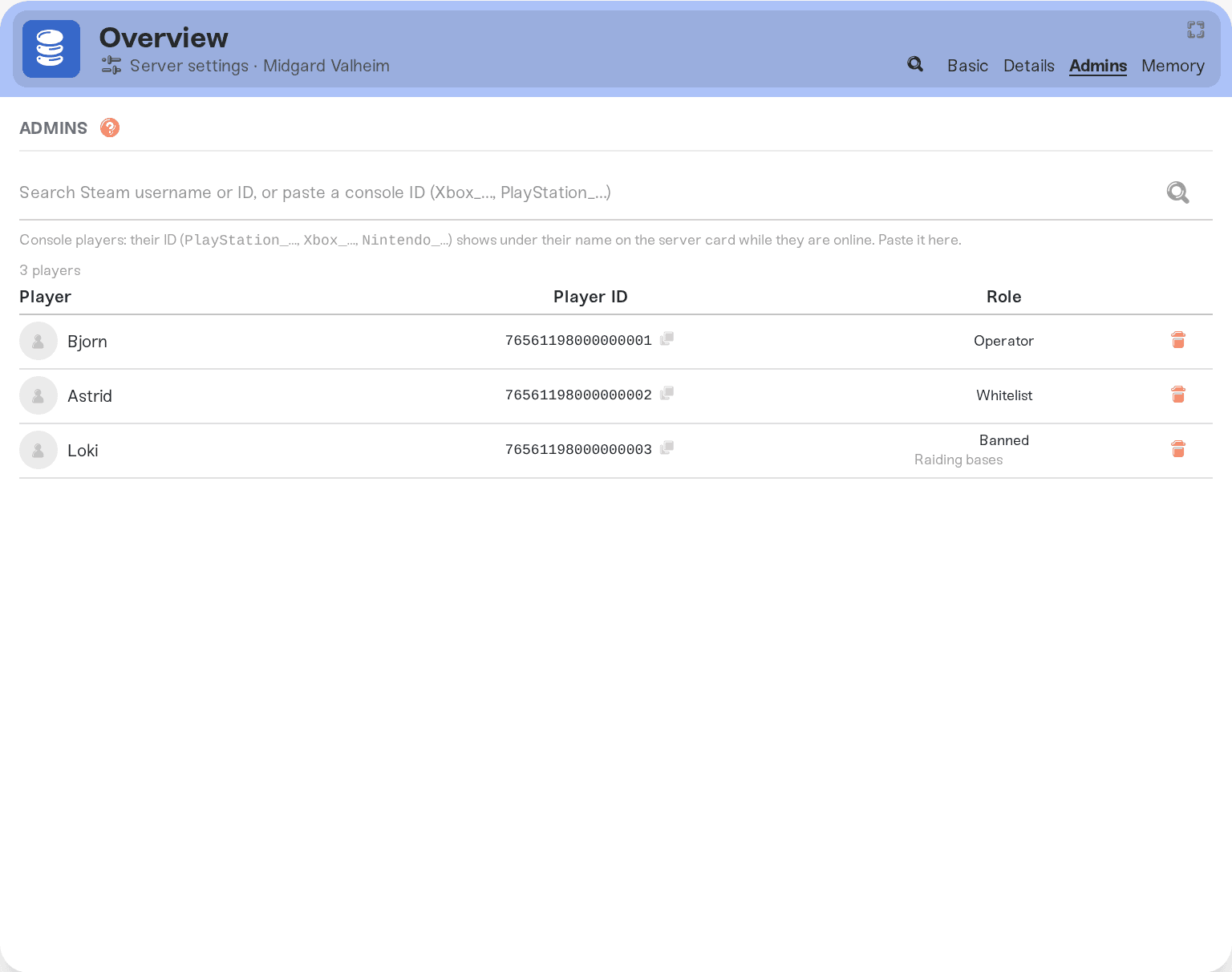
Open your server's Admins tab, add your ID to the admins list, save, and restart your server. Admin changes apply on the next start.
In Valheim, open Settings, then Gameplay, and turn on Enable Console. The older way works too: add
-consoleto Valheim's launch options in Steam.Join your server and press F5 to open the console.
Type the commands below in the F5 console and press Enter. The game's chat takes them too with a / in front, such as /kick Stoutbeard; the answer then shows in the F5 console. Swap the made-up names and IDs in the examples for your own.
Kick and ban players
kick removes a player who is online right away. They can join again. Use their character name exactly as it is spelled, capital letters included.
kick StoutbeardOr use their ID:
kick 76561190000000001ban removes a player and keeps them out. With the name of someone who is online, Valheim saves their ID to your ban list and answers Banning user followed by that ID.
ban StoutbeardA player who isn't online can be banned by ID:
ban 76561190000000001See and lift bans
banned lists your ban list with a number in front of each line, then who is allowed to join (All when anyone with the password can).
bannedunban takes one line off the ban list. Type it exactly as banned shows it, without the number.
unban 76561190000000001Banned someone on the Admins tab? Then banned lists them up to three times (76561190000000001, Steam_76561190000000001 and V_76561190000000001), and each line keeps them out. Lift that ban on the Admins tab instead: remove them from the banned list, save and restart.
Save your world
save saves the world now. The console answers Saving...
saveThings that will NOT work
Typing these in the Console card on your dashboard. Valheim's server doesn't read it. They only work in the game.
Commands before you are an admin. Valheim answers
You are not admin. Add yourself on the Admins tab and restart first.A name with different capitals, or more than one word. Names must match exactly, and the command reads only one word. Use the player's ID instead: Valheim admins, allowlist and bans shows how to find it.
F5 doing nothing. The console is off until you turn on Enable Console in Valheim's Gameplay settings.
Cheats such as god mode, flying or spawning items. Valheim allows them only in a world you host from your own game, so on a dedicated server it answers that the command "is not valid in the current context".
Need help?
Send us the command and what the F5 console answered, on Discord or at support@haptic.gg.


