40% OFFOur winter sale is on! We're giving everyone 40% off their new server at checkout!
 NecesseGuide
Open the Admins tab on your server's Overview card and add your Steam ID as Owner. Use Full Admin, Moderator and Ban for other players the same way.…
Open the Admins tab on your server's Overview card and add your Steam ID as Owner. Use Full Admin, Moderator and Ban for other players the same way. Necesse has no whitelist, so set a Server Password to keep the server to your group.
The Admins tab takes SteamID64s, which are 17 digits long and start with 7656119. You can also paste the player's Steam profile link, and the tab finds the number for you.
Open the Admins tab on your server's Overview card, find the player and choose a role:
Owner: every command, including setting other players' permissions.
Full Admin: the game's Admin level, with kick, ban, teleport and the other admin commands.
Moderator: the moderation commands.
Ban: the server refuses the player until you remove the ban.
A player holds one role at most (Owner, Full Admin or Moderator), and can also be banned.
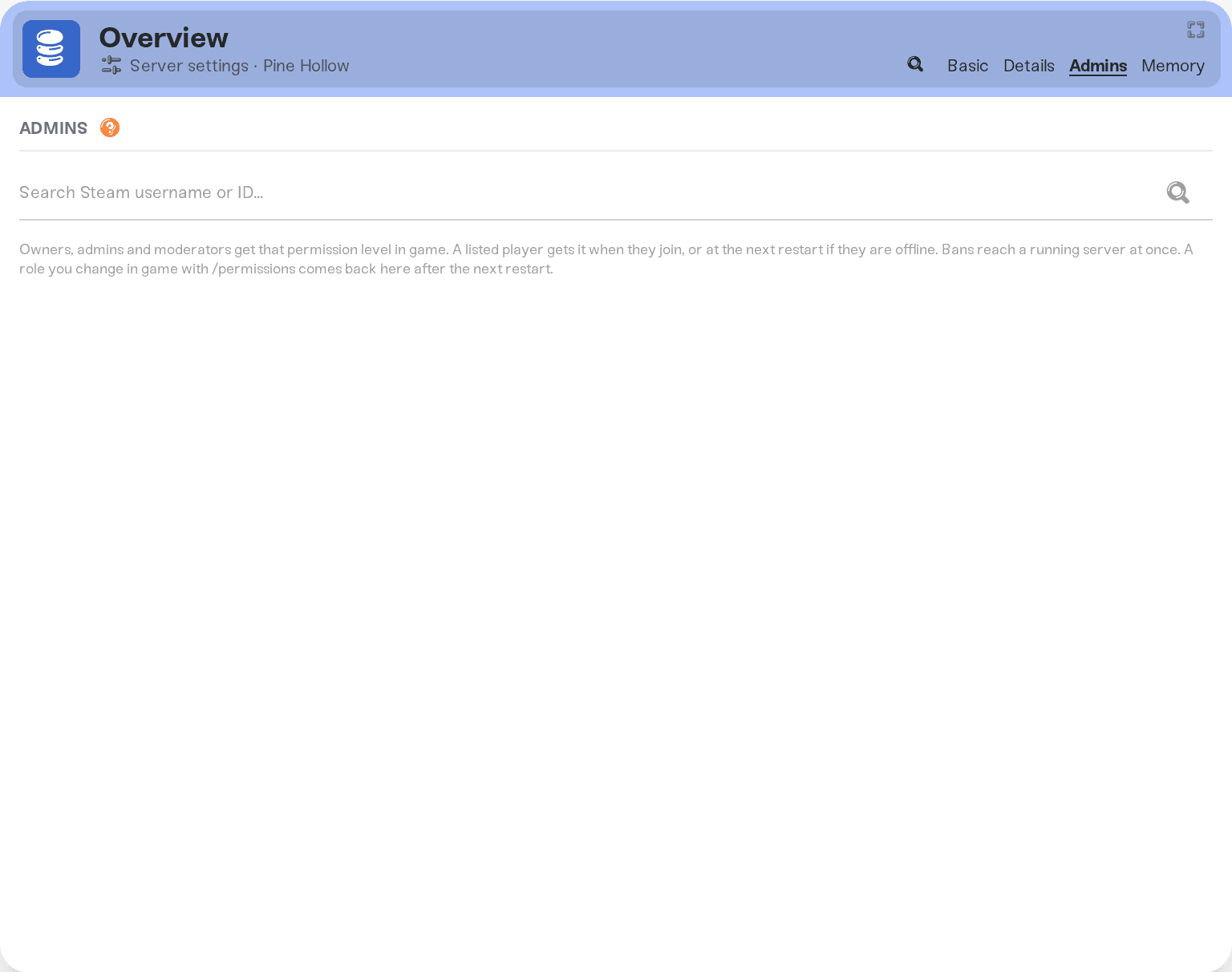
A listed player gets their role when they join, or at the next restart if they are offline. Bans reach a running server at once. A role you change in the game with /permissions comes back to the tab after the next restart, and so does a ban you set in the Console.
Necesse has no whitelist. Set Server Password in your server settings and share it only with your group. Bans on the Admins tab still apply to everyone.
Ask in Discord or email support@haptic.gg with a screenshot of your Admins tab.
 © Haptic, LLC
*40% off applies automatically at checkout for your first month. Ends November 22, 2026.


