40% OFFOur winter sale is on! We're giving everyone 40% off their new server at checkout!
 Sons Of The ForestGuide
Sons of the Forest has no server console commands. Give players their roles on your server's Admins tab, and kick or ban in game as an Owner from Pause…
Sons of the Forest has no server console commands. Give players their roles on your server's Admins tab, and kick or ban in game as an Owner from Pause menu > Players.
The Console card shows your server's log as usual. Where other games have a command box, it shows one line instead: Owners kick and ban in game: Pause menu > Players. The Sons of the Forest server doesn't read commands, on any host.
Open your server in My Servers and go to the Admins tab of its settings. Add the player's SteamID64 (or their Steam profile link), pick a role and save.
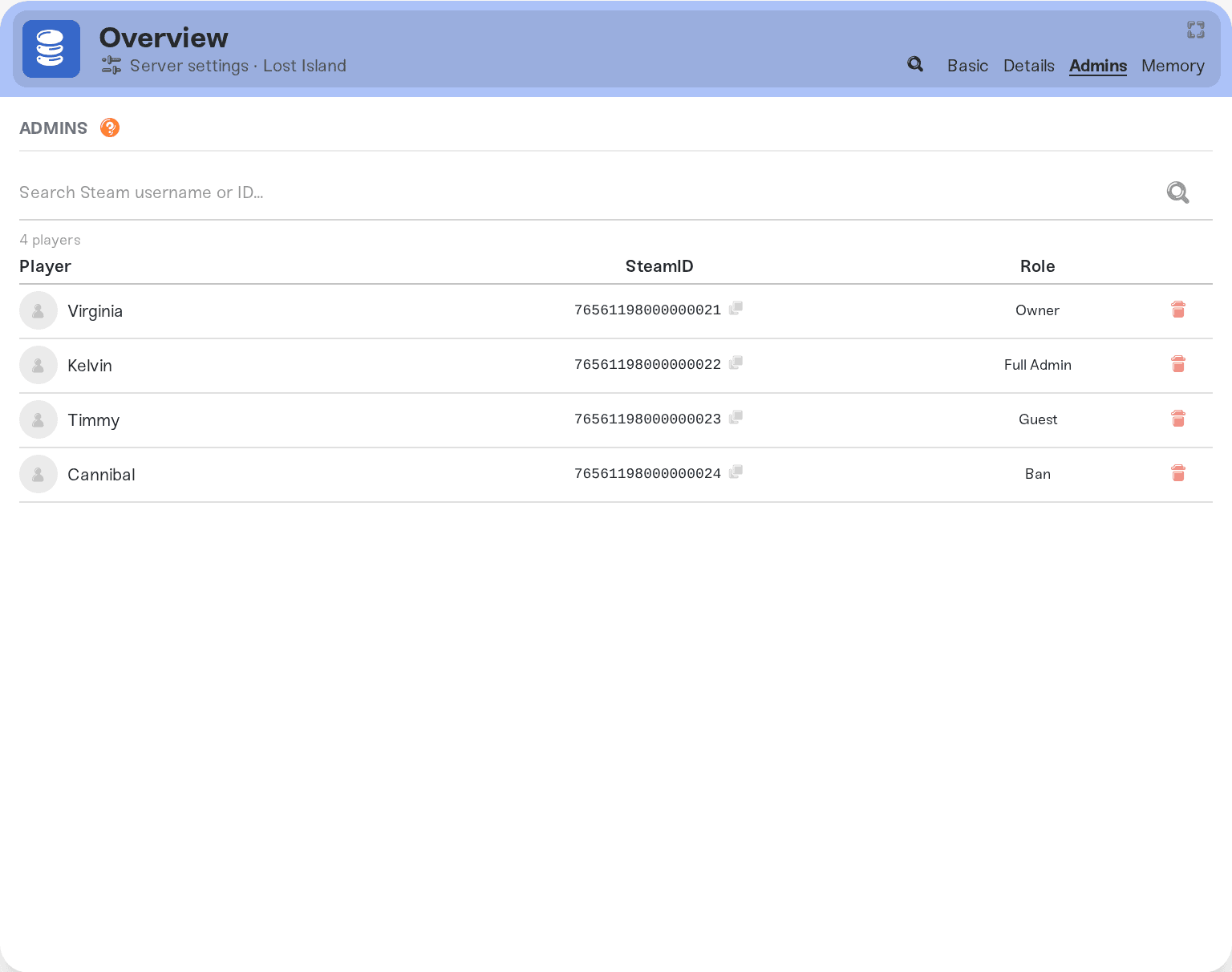
| Role | What it does |
|---|---|
| Owner | Manages the server from inside the game, kicks and bans included. |
| Full Admin | The admin role in your world's player list. |
| Guest | A lower role than a normal player. |
| Ban | Can't join your server. |
Changes apply on the next start.
On a brand-new world, admins, guests and bans need the world's first save, so Haptic restarts your server once right after it (or, if players are on, once it has been empty for 15 minutes).
To unban someone, remove their Ban row and save. It takes effect on the next start.
Join your server as a player who is an Owner on the Admins tab.
Open the Pause menu, then Players.
Pick the player and kick or ban them.
Bans and roles you change in game come back to the Admins tab after the next start.
Typing commands in the Console. The server has no command interface, so nothing typed there would reach the game.
Editing roles in SaveData.zip with Files while the server runs. The game's next save writes over your change. Use the Admins tab.
Tell us who you want to kick, ban or promote and what you tried, on Discord or at support@haptic.gg.
 © Haptic, LLC
*40% off applies automatically at checkout for your first month. Ends November 22, 2026.


